
Knowledge Center
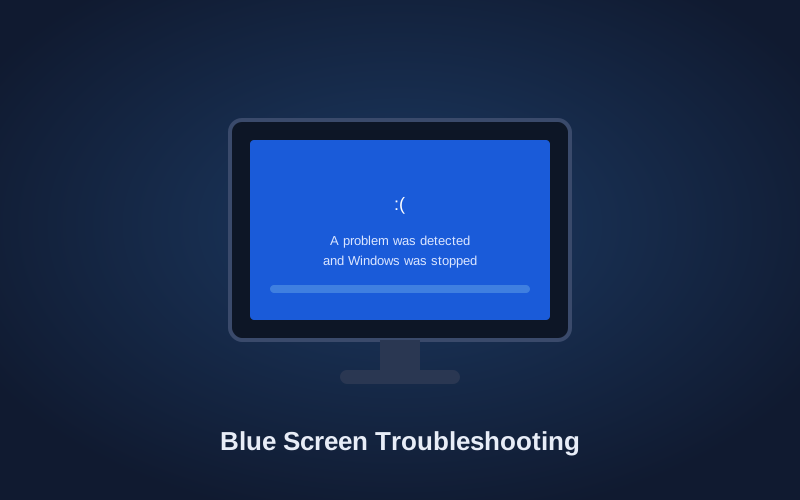
Blue Screen Troubleshooting:
What BSOD Errors Actually Mean
Blue Screen Troubleshooting: What Is Actually Causing the Problem?
A Windows blue screen is a symptom, not a diagnosis. In my experience, repeated blue screens are most often caused by a failing storage drive, a corrupted NTFS partition, or damaged Windows files needed to start the computer. Defective memory and other hardware can also cause blue screens, but I encounter those less frequently.
The important thing is determining whether the problem is damaged software or failing hardware before attempting to repair or reinstall Windows.
Are Blue-Screen Error Codes Helpful?
Windows displays a stop code when it encounters a serious error. Although these codes may provide a general direction, they are often too vague to identify the actual cause reliably.
I do not base a repair on the error code alone. The same code can appear because of a failing drive, corrupted files, defective memory, or another hardware problem. Physical testing provides a much more dependable answer than replacing parts or attempting repairs based on a vague code.
Does Windows’ Built-In Troubleshooting Work?
In my experience, Windows’ automatic repair, recovery, and troubleshooting utilities rarely resolve a persistent blue-screen problem. I have not had a successful outcome from repeatedly running the built-in troubleshooting process on a computer that cannot boot properly.
If Windows has already attempted automatic repair and returned to the same blue screen, repeatedly running it is usually a waste of time. Continued attempts may also place additional demand on a failing drive while the customer’s data remains at risk.
At that point, stop troubleshooting and call us.
Protect the Customer’s Data First
The first thing I do is remove the storage drive and connect it to a dedicated diagnostic system. Before attempting extensive testing or reinstalling Windows, I try to recover and back up the customer’s important files.
This is especially important when a failing drive may be causing the blue screen. Testing, restarting, and repeatedly attempting Windows repairs can place additional stress on the drive and make data recovery more difficult.
Test the Drive Before Reinstalling Windows
Once the customer’s data has been protected, I use professional diagnostic software to test the physical condition of the drive.
If the drive reports block or sector errors, it must be replaced. I do not reinstall Windows onto a failing drive, and I do not clone a damaged Windows partition onto a new drive. Cloning can transfer corrupted files and partition damage directly to the replacement drive.
If the drive tests correctly, I perform a clean Windows installation using a USB installation drive. When the blue screen was caused by a corrupted NTFS partition or damaged Windows boot files, a clean installation will generally resolve the problem.
What If Windows Will Not Reinstall?
A Windows installation places sustained demand on the storage drive and memory. If the installation repeatedly freezes, crashes, or produces another blue screen, that strongly suggests an underlying hardware problem.
At that point, I begin isolating and testing the other components. Memory is one of the first areas I check. I remove the memory and use professional bootable diagnostic software to detect it and perform extensive testing.
If the memory passes, I continue testing the remaining hardware until the failed component is identified. The goal is to prove what is working and isolate what is not, rather than replacing parts based on an error code or assumption.
When Should You Call a Professional?
If the computer repeatedly blue-screens, cannot complete automatic repair, or will not reinstall Windows, stop restarting it if the files are important. The longer a failing drive is used, the greater the chance of losing recoverable data.
Home Net Computers has diagnosed Windows boot failures, blue screens, failing drives, corrupted partitions, and defective computer hardware throughout the Greater Seattle area since 2003. Richard personally evaluates every system and identifies the actual cause before recommending a repair.
Call 206-478-5001 or use our contact form to have the computer properly diagnosed.
Written by Richard Mallory, Home Net Computers. Professional IT experience since 1993.
CONTACT OUR TEAM TODAY
Fill out the form below to contact Home Net Computers. We look forward to speaking with you.
