5 Simple Ways to Tell If a News Story Is Real or Fake

Navigating today’s fast-paced digital world can sometimes feel like walking through a maze blindfolded. Every time you open your tablet, smartphone, or desktop computer, you are greeted by a flurry of breaking news alerts, viral social media posts, and shocking headlines. While staying informed is wonderful, the sheer volume of information can quickly become overwhelming: and frankly, a bit stressful. How often have you stared at a sensational post and wondered, Is this actually true, or is someone just trying to trick me?
At Home Net Computer Repair, we believe that technology should empower your life rather than cause anxiety. Whether we are building a bespoke custom gaming rig, optimizing a slow laptop, or providing patient, in-person tech tutoring for seniors, our mission is always the same: making tech less stressful and more accessible for everyone.
To help you navigate your daily news feed with total confidence, we’ve put together this comprehensive, stress-free guide. Read on to discover five proven, straightforward ways to separate genuine reporting from digital fiction.
Utilize Our Expertise: Check the Source and URL Integrity
The very first line of defense against misinformation starts with the website or social media account publishing the story. When a headline crosses your screen, don't just take it at face value. Take a quick moment to investigate where it came from.
- Examine the Domain Name: Fake news sites and sensational blogs often mimic legitimate news outlets by using tricky variations in their web addresses. Watch out for strange endings like .co attached to familiar names, or bizarre personal blog domains.

- Look for an "About Us" Page: Reputable publications are proud of who they are. They provide clear contact information, editorial standards, and background details about their organization. If a site lacks basic transparency, treat its claims with a healthy dose of skepticism.
- Assess the Visual Design: Authentic journalistic organizations invest in clean, professional layouts. If a page is drowning in aggressive pop-up ads, flashing banners, and alarmist ALL-CAPS text, it’s usually designed to generate quick clicks rather than accurate reporting.
By taking a transparent, honest look at the source, you can instantly filter out a vast majority of unverified claims before they ever stress you out.
Investigate the Author and Editorial Standards
Have you ever noticed how many viral social media posts come from anonymous profiles or newly created accounts with zero history? Credible reporting always stands on the shoulders of accountable professionals.
When evaluating a news story, ask yourself:
1. Is there a named author? Look for a clear byline attached to the piece.
2. Does the author have expertise? A quick search should reveal whether they are an established journalist or researcher who regularly covers the subject.
3. Are there verifiable sources? Reliable articles reference named experts, official data, and verifiable documents rather than vague phrases like "many people are saying" or "unnamed insiders."
We know that sorting through online clutter can feel daunting, especially if you are still building your digital confidence. That is why our family-owned business is dedicated to providing personalized tech tutoring and support right in your home. If you ever feel stuck, our friendly team is always here to guide you step-by-step.
Craft Your Experience: Look Beyond the Sensational Headline
Clickbait is one of the oldest tricks in the digital playbook. Writers and content creators often craft wildly exaggerated headlines specifically to trigger an emotional response: whether that is sudden anger, fear, or excitement.
- Read the Full Article: Never judge a story by its title alone. Often, when you actually read the body of the article, you will find that the headline was vastly exaggerated or completely misrepresented the actual facts.
- Identify the Content Type: Is the piece genuinely reported news, an opinion piece, a sponsored advertisement, or satire? Recognizing the difference prevents you from mistaking someone's personal commentary for objective reality
When you take a breath and read beyond the hype, you regain total control over your digital experience.

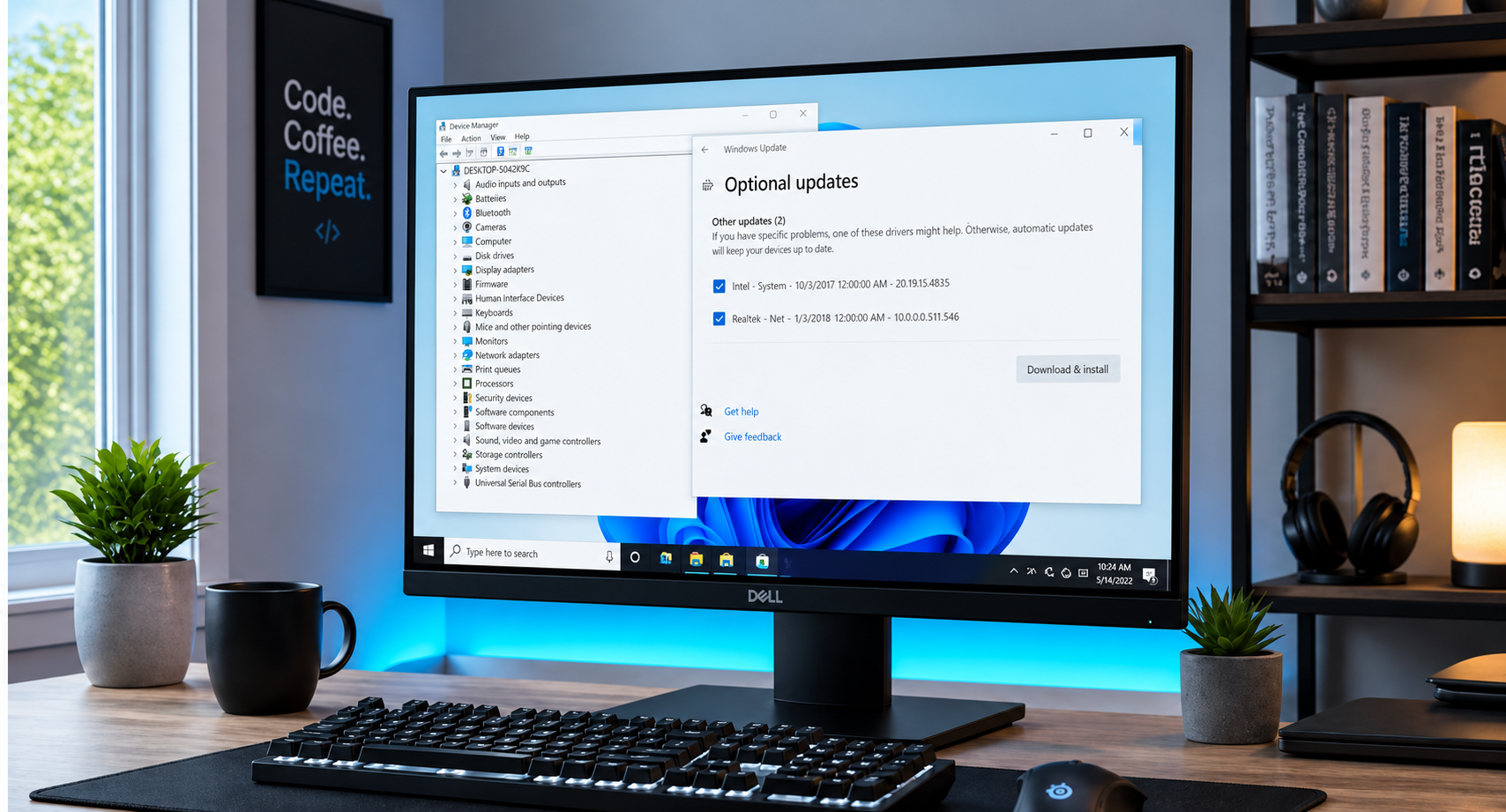
3. A Recently Installed Bad Driver
Did a recent graphics or peripheral driver update trigger weird screen flickers or audio stuttering? Utilize Windows' built-in Driver Rollback feature or a System Restore point to step back in time by a few days. You will bypass hours of reconfiguration and keep your system intact.
Uncover Authentic Insights: Cross-Reference with Independent Outlets

If a breaking news story is genuinely significant, it won't be exclusive to one obscure website with a sensational headline. True major events are covered by multiple reputable, independent news organizations.
- Check Trusted Outlets: Search for the same story on news sources you already know and trust. If major broadcasters or established newspapers aren't reporting on it, proceed with extreme caution.
- Consult Fact-Checking Resources: When in doubt, leverage dedicated fact-checking platforms like FactCheck.org, Snopes, or PolitiFact. These trusted archives specialize in investigating viral rumors and breaking down what is real versus what is fabricated.
At Home Net Computer Repair, we pride ourselves on clear, upfront pricing and honest service with no hidden fees. Applying that same transparency to how you evaluate online information ensures you never get misled by deceptive claims.
Safeguard Your Digital Journey: Inspect Images and Context Carefully
In the era of advanced digital editing and AI-generated imagery, seeing is no longer always believing. Misinformation campaigns frequently recycle old photographs from past decades or unrelated events and paste them into new, fabricated stories to create a false sense of authenticity.
- Look Closely at Visual Details: Check for unnatural lighting, warped background lines, strange hand shapes, or blurry edges that might indicate an altered or artificially generated image.
- Perform a Reverse Image Search: If an image looks suspicious or particularly shocking, you can easily upload it to a search engine to discover where it originally appeared. Often, you'll find it dates back years or belongs to a completely different context.
- Check the Date: Ensure that the story you are reading is actually current. Outdated news stories are frequently reshared during fast-moving events simply to create panic.

Experience Stress-Free Tech with Home Net Computer Repair
Spotting fake news is just one part of building a secure, enjoyable digital life. Whether your computer is running sluggishly, your home network needs an upgrade, or you want patient, in-person tutoring to feel more confident online, you don't have to navigate it alone.
As a family-owned local business, we come straight to you with our convenient pick-up and return service, using only top-quality parts for reliable, long-lasting results. We are committed to making technology less stressful and more accessible for everyone in our community.
Ready to upgrade your tech experience or need help with a repair?
Get in touch with us today and let our dedicated team take the hassle out of your digital world!