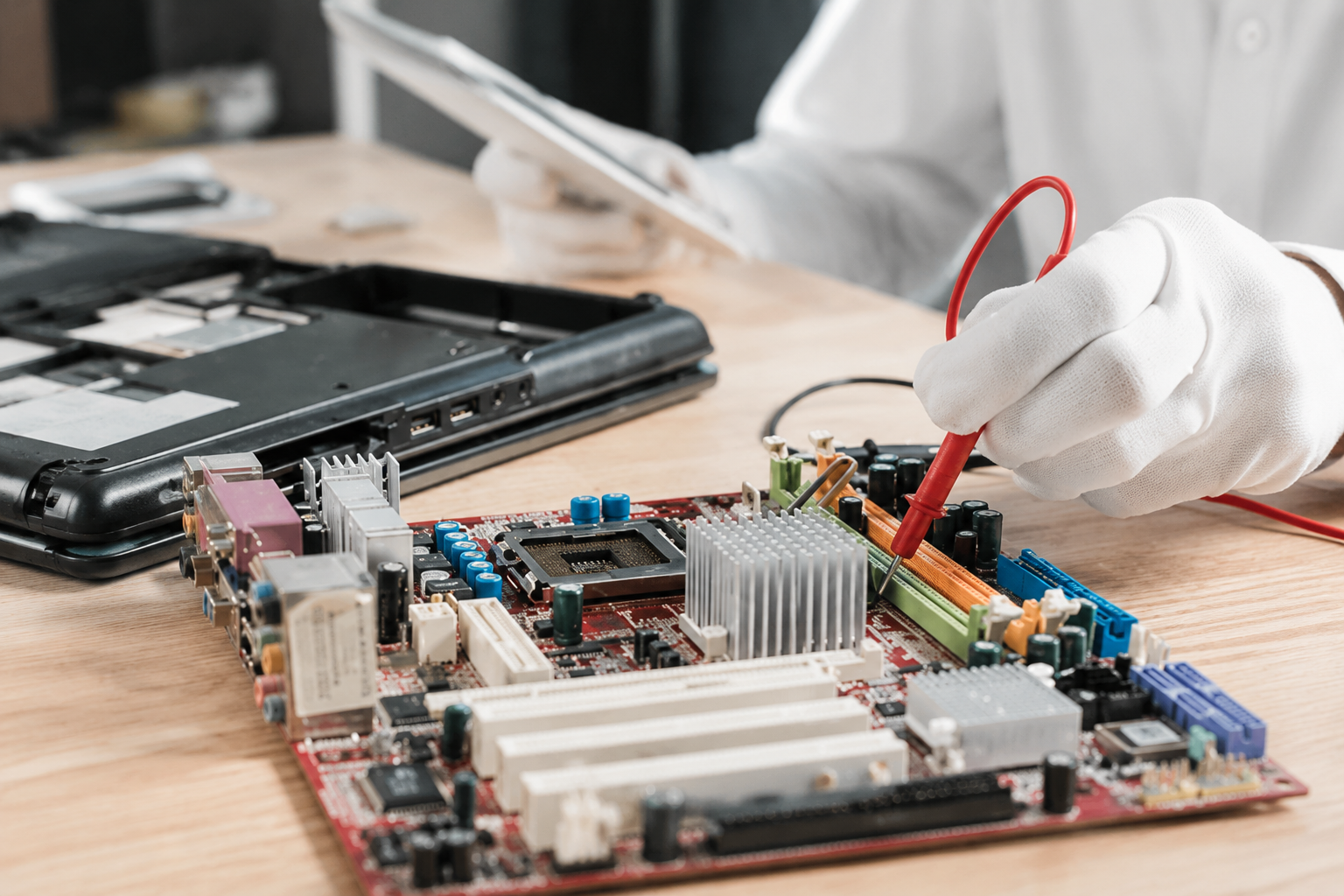
Why Is My CPU Overheating? Common Causes and How to Cool It Down
September 11, 2026

Have you ever settled in for a relaxing evening of high-end gaming or opened your video editing suite to finish a premier project, only for your computer to suddenly sound like a roaring jet engine before crashing to a black screen? That sinking feeling of frustration is all too familiar. When your machine unexpectedly shuts down or stutters during peak performance, you are likely dealing with a classic and stressful culprit: CPU overheating.


At Home Net Computer Repair, we believe that technology should empower your daily life, not add anxiety to it. As your friendly, family-owned neighborhood tech experts, we are committed to making your digital experience completely seamless and stress-free. Whether you are running a bespoke gaming rig, a high-performance content creation workstation, or a reliable family desktop, keeping your processor at peak performance is essential for long-lasting durability.


Let's dive into why your CPU might be running dangerously hot, how you can diagnose the issue, and what proven, transparent steps you can take to bring temperatures back down to earth.

Examine Your System and Recognize the Warning Signs

Before you can solve a heating problem, you need to understand what your machine is telling you. Processors generate immense amounts of electrical energy, and when heat cannot escape efficiently, thermal throttling kicks in: slowing down your clock speeds to prevent catastrophic hardware failure.

Are you noticing sudden stutters during gaming sessions? Do your applications freeze without warning, or do your cooling fans sound like they are working overtime even when you are just browsing the web? These are telltale distress signals. Modern CPUs are engineered to handle demanding workloads, but thermal limits around 80°C to 90°C should never be ignored or routinely exceeded. 

When you notice these symptoms, don't panic. Our dedicated team is always here to provide honest guidance and robust solutions tailored to your specific needs and budget. If you want to explore professional upgrades or custom configurations designed with unrivaled precision, take a look at our custom PC building services in Seattle or our custom builds in Bellevue. 
Smiling man in a blue shirt outdoors with a blurred green background

Explore Our Core Culprits: Why Your Processor Runs Hot

Why does a once-stellar computer suddenly start baking itself? The root causes generally fall into two categories: internal workloads and external cooling breakdowns. Recognizing these factors helps you address the issue right the first time.

1. Dust Buildup and Blocked Airflow

Over time, desktop cases and laptop vents act like miniature vacuum cleaners, pulling in dust, pet hair, and household debris. When this accumulation blankets your heatsinks and clogs your fan blades, airflow grinds to a halt. The trapped heat has nowhere to go, causing temperatures to skyrocket within minutes. 

2. Degraded or Dried-Out Thermal Paste

Thermal paste is the microscopic bridge between your CPU’s integrated spreader and your cooler’s copper base. Over years of thermal expansion and contraction, this paste can dry out, crack, or lose its effectiveness. Without fresh thermal paste, even the most expensive cooler will struggle to transfer heat away from the processor. 

3. Inadequate Cooling Hardware or Fan Failures 

Sometimes, stock coolers or aging fans simply cannot keep up with modern workloads. If a fan bearing fails, your liquid cooling pump stops circulating coolant, or your cooler's Thermal Design Power (TDP) rating is too low for your upgraded processor, overheating is practically guaranteed.

4. Aggressive Overloading and Overclocking

Pushing your hardware past factory specifications through overclocking delivers thrilling performance boosts, but it exponentially increases heat output. Coupled with background malware, rogue applications, or endless browser tabs, your CPU may be running at 100% capacity longer than it was ever designed to sustain.

Utilize Our Expertise: Practical Steps to Cool Down Your PC 

When your system starts running too hot, taking immediate action protects your investment and restores peace of mind. Here is a comprehensive, step-by-step approach to chilling your machine back to optimal temperatures:

  • Stop Heavy Workloads Immediately: Exit resource-heavy games, rendering software, or benchmark tools the moment you suspect thermal distress. If the case feels intensely hot to the touch, power down completely and let the machine rest.
  • Clear Out the Dust: Grab a can of compressed air and carefully blow out dust from your case fans, radiator fins, and power supply vents. Make sure no stray internal cables are obstructing vital airflow channels
Glowing microchip on a blue circuit board with electric light effects
  • Inspect Your Coolers and Fans: Listen closely and visually inspect every fan to ensure they are spinning freely and efficiently. If you use an All-In-One (AIO) liquid cooler, verify that the pump header is powered correctly and that tubes aren't kinked.
  • Refresh Your Thermal Paste: For those comfortable with hands-on hardware maintenance, carefully remove the CPU cooler, clean away the old residue with isopropyl alcohol, and apply a fresh, pea-sized drop of high-quality thermal paste before remounting.
  • Optimize Your Environment: Keep your desktop in a well-ventilated space away from direct sunlight and enclosed cabinets. If you are using a laptop, always rest it on a hard, flat surface rather than soft blankets or couches that smother intake vents. 

We know that diving into computer hardware can feel daunting. If you prefer a hassle-free experience where our family-owned business takes care of everything with our convenient pick-up and return service, we are just a phone call away. Discover more about our community-focused support across the region, including our custom PC building services in Bellevue and surrounding areas.

Discover Our Dedicated Approach: When to Call the Professionals

What happens when you have cleaned every speck of dust, replaced your thermal paste, and optimized your airflow, yet your CPU stubbornly refuses to stay cool? Sometimes, underlying hardware failures: such as a faulty motherboard sensor, a dead liquid cooling pump, or a failing power delivery system: require expert diagnostic equipment and years of specialized expertise.

This is where our commitment to quality craftsmanship truly shines. At Home Net Computer Repair, we pride ourselves on clear, upfront pricing with zero hidden fees and honest, transparent recommendations. We never upsell you on components you don't need. Instead, we diagnose your exact bottleneck and provide enduring, reliable solutions designed for maximum longevity. 

We treat every computer as if it were our own, ensuring your treasured memories, important work files, and high-performance gaming rigs remain safe and sound.
Smiling man in a blue shirt outdoors with a blurred green background

Experience Seamless, Hassle-Free Support Today

Smiling man in a blue shirt outdoors with a blurred green background

Dealing with a scorching hot processor and sudden system crashes doesn't have to ruin your week. With our prompt, efficient service and convenient pick-up and return options, achieving a cool, quiet, and lightning-fast computer has never been easier.


Let us take the stress out of your technology so you can get back to what matters most: whether that means gaming with friends, editing unforgettable home videos, or running your small business with absolute confidence.


Ready to give your computer the stellar care it deserves? Visit our website to explore our full range of services or get in touch with our friendly team today! We are always excited to help our neighbors achieve peak digital performance.


September 10, 2026
It happens when you least expect it. You click a suspicious link in an email, download a file from an unverified source, or browse to a site that looks just a little too good to be true. Suddenly, your screen freezes, warning pop-ups flood your display, and a cold wave of dread washes over you: Did a virus just completely destroy my computer? If you are currently holding your breath wondering whether your machine is toast, take a deep breath. At Home Net Computer Repair , our family-owned team has seen it all. As your knowledgeable neighborhood tech experts, we are here to clear away the fear, separate internet myths from engineering facts, and provide you with a stress-free, crystal-clear understanding of what malware can: and cannot: do to your precious hardware.
September 9, 2026
Is your trusty computer feeling sluggish, bogged down by mysterious errors, or freezing up when you need it most? We’ve all been there. There comes a time in every machine's lifecycle when a fresh start is the premier solution to restore that lightning-fast, day-one performance you fell in love with. But the thought of a factory reset often triggers an instant wave of anxiety: What will happen to my family photos, my vital tax documents, and my favorite playlists? Take a deep breath. You don’t have to sacrifice your treasured memories or important work to give your PC a new lease on life. At Home Net Computer Repair, we believe that optimizing your technology should be a stress-free, seamless experience rather than a digital catastrophe. Whether you are prepping your machine for peak gaming performance or simply clearing out years of accumulated digital clutter, we are here to walk you through how to execute a pristine factory reset while keeping your personal universe completely intact.
September 8, 2026
Have you ever found yourself staring at your computer screen, wondering just what is ticking away under the hood? Perhaps a new game requires a beefier processor, a video editing suite is crawling at a snail's pace, or you are simply curious whether your trusty machine is ready for tomorrow's software updates. Whatever the reason, checking your computer's specifications doesn't have to require an engineering degree or hours of digging through cryptic menus. At Home Net Computer Repair , we believe that technology should empower you, not stress you out. Whether you are looking for custom PC building in Seattle or professional data recovery services in Bellevue , demystifying your hardware is the first step toward peak performance. In this comprehensive, hassle-free guide, we will show you how to check your PC's specs in under 60 seconds using built-in Windows shortcuts. Let's dive in!
September 7, 2026
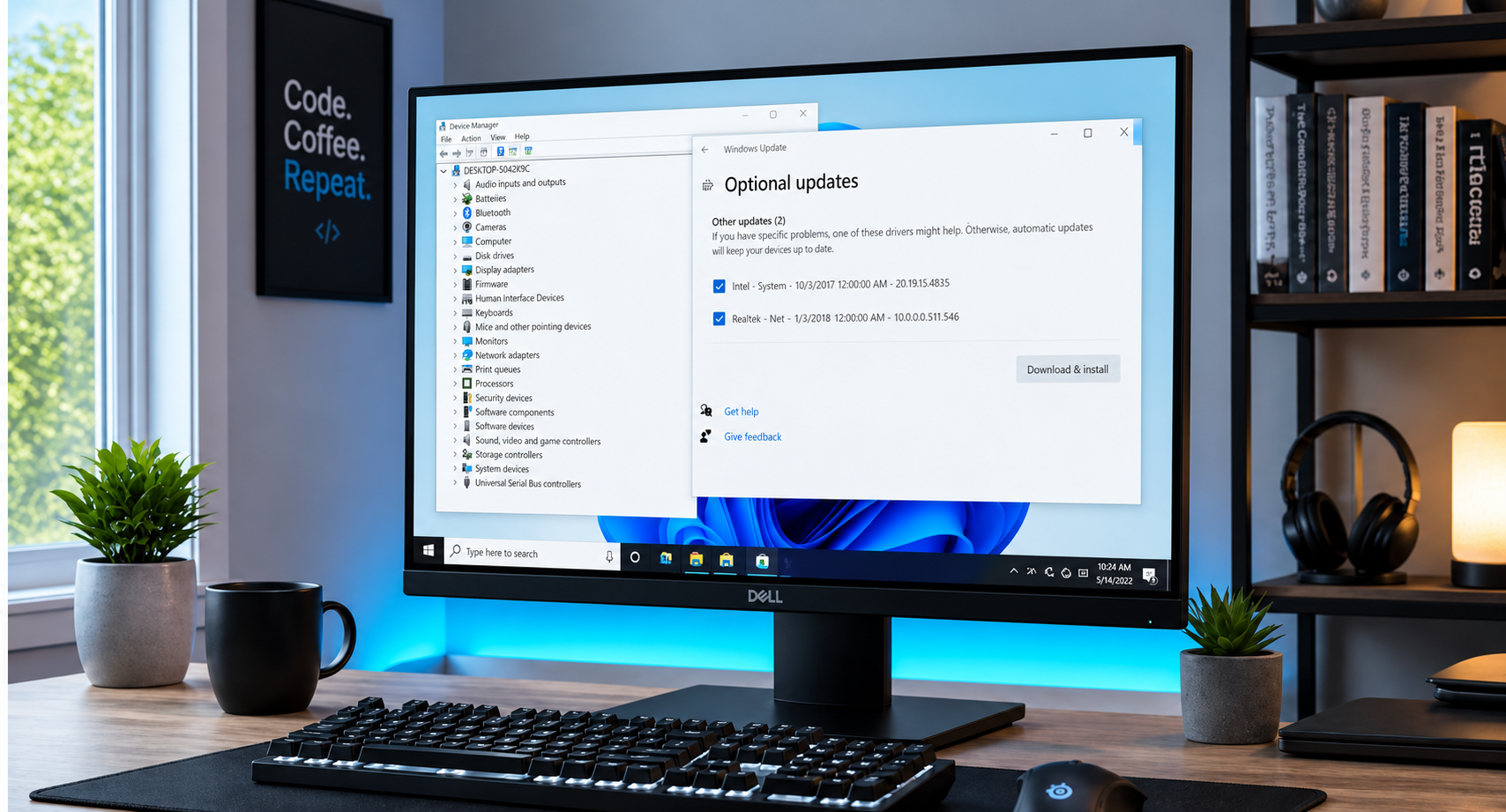
Have you ever stared at your computer screen, wondering why your favorite game stutters or why your audio suddenly cuts out right in the middle of an important video call? When your system starts acting sluggish or peripherals refuse to cooperate, the culprit is often hiding in plain sight: outdated or corrupted device drivers. For many home users, gamers, and small business professionals, the very word "drivers" evokes images of endless pop-ups, confusing third-party software scams, and the lingering fear of breaking a perfectly good machine. But keeping your system running at peak performance doesn’t have to be a stressful ordeal. At Home Net Computer Repair, we believe in making technology accessible, transparent, and completely hassle-free. Whether you are powering a bespoke gaming rig with a high-end ASUS TUF Gaming GeForce RTX 4090 or maintaining a dependable home laptop, understanding how to update your drivers the right way is the secret to enduring hardware longevity. Let’s demystify the process together.
September 4, 2026
There is nothing quite like the rush of powering on a brand-new gaming rig for the first time. The fans spin up to life, vibrant RGB glows through tempered glass, and your favorite titles load in the blink of an eye. But if you peer behind that gorgeous glass side panel: or look down at the tangle of wires pooling beneath your desk: does the magic fade a little? We completely understand. A messy web of cables isn't just an eyesore; it chokes vital airflow, traps frustrating dust bunnies, and turns routine component upgrades into an absolute headache. At Home Net Computer Repair , we believe that building or owning a premier gaming rig should be a seamless, stress-free experience from start to finish. Whether you're assembling a dream machine from scratch or looking to revitalize your current battle station, mastering cable management is the ultimate secret to achieving peak performance, enduring reliability, and a truly professional aesthetic. Let’s dive into our comprehensive guide on how to cable manage your gaming PC like an industry expert.
September 3, 2026
Are you tired of constantly alt-tabbing between spreadsheets, reference documents, and communication apps on a cramped single screen? Upgrading to a dual-monitor workspace is one of the premier ways to supercharge your productivity, elevate your gaming experience, and bring an unrivaled sense of calm and organization to your daily workflow. Yet, for many home users, remote professionals, and passionate gamers, the thought of untangling a rat's nest of wires, dealing with flickering displays, or figuring out mysterious graphics card ports can feel entirely overwhelming. At Home Net Computer Repair , we believe that technology should empower you, never stress you out. Whether you are building a custom gaming and video editing rig or simply trying to streamline your home office for maximum efficiency, we are here to make the process completely seamless and hassle-free. In this comprehensive guide, we’ll walk you through our proven, step-by-step approach to setting up a breathtaking dual-monitor workspace: without the headache.
September 2, 2026
There is a very specific kind of panic that sets in when your computer screen suddenly turns into an unmoving digital statue. You click frantically, you tap the spacebar, you whisper sweet nothings to the monitor: and nothing happens. The cursor mocks you by staying frozen in place, or worse, the dreaded spinning wheel of doom takes over your desktop. If you are currently staring at a locked-up screen wondering, "Why is my computer frozen, and what on earth do I do now?" take a deep breath. You are in good company, and more importantly, you are in safe hands. Here at Home Net Computer Repair , we believe that technology should empower your day, not stall it. Whether you are working on an important presentation, managing your household budget, or settling in for a relaxing evening of gaming, a sudden freeze can feel like a major roadblock. In this comprehensive guide, we are going to walk you through our proven, stress-free methods to safely unstick your computer, restore peak performance, and get you back to what matters most.
September 1, 2026
There is nothing quite as frustrating as lining up the ultimate shot, executing a flawless combo, or making a game-winning push in your favorite competitive multiplayer game, only for a sudden lag spike to freeze your screen. In a split second, your character is eliminated, your team is defeated, and you are left staring at your monitor wondering what went wrong. If you have ever experienced this heart-sinking moment, you know that your gaming experience relies on more than just high-end hardware and lightning-fast reflexes, it depends entirely on the quality and stability of your network connection. Here at Home Net Computer Repair , we spend our days building custom rigs, optimizing systems, and helping local gamers across our community achieve peak performance. One of the most common questions we hear from passionate players is: Should I plug in an Ethernet cable, or is modern Wi-Fi good enough for gaming? To help you make the best decision for your setup, we are breaking down the technical realities of Ethernet versus Wi-Fi, examining how latency, jitter, and packet loss affect your gameplay, and sharing our professional recommendations for a seamless, stress-free gaming experience.
August 30, 2026
Have you ever experienced that heart-dropping moment when your screen freezes, your computer refuses to boot, or an essential document vanishes into the digital ether? We have all been there, staring blankly at a monitor and wondering if years of family photos, critical tax documents, and cherished projects are gone forever. It is an unnerving feeling that no home user, gamer, or small business owner should ever have to endure. At Home Net Computer Repair, we believe that safeguarding your digital life should feel effortless, dependable, and completely stress-free. While data disasters can strike without warning: whether from unexpected hardware failure, a stealthy malware infection, or simply an accidental click: you don't have to live in fear of losing your memories. By establishing a robust, automated backup routine, you can truly "set it and forget it," ensuring your precious files are protected around the clock with unrivaled peace of mind. In this comprehensive guide, we will walk you through the premier methods for automating your backups on both Windows and macOS, share industry-proven best practices, and explain how our family-owned team can help you build an impenetrable safety net for your technology.
August 28, 2026
Have you ever pressed your power button, only to be met with absolute, eerie silence: or worse, a chaotic loop of random reboots that leaves you staring at a blank screen in disbelief? When your computer starts acting up in mysterious ways, it’s easy to point the finger at a failing hard drive or a glitchy Windows update. But what happens when the heart of your system: the motherboard: begins to give out? At Home Net Computer Repair , we know how stressful and disruptive tech trouble can be when you rely on your PC for work, gaming, or staying connected with loved ones. As your knowledgeable neighborhood tech experts, we believe in taking the mystery out of computer hardware. Today, we are exploring the top indicators of motherboard failure, how to diagnose them, and why you don't have to face technical headaches alone.