Trust Nothing, Verify Everything: A Senior's Guide to Online News

September 14, 2026

Navigating the modern digital landscape can sometimes feel like walking through a bustling marketplace filled with shouting vendors, each trying to grab your attention. Whether you are scrolling through social media over your morning coffee or catching up on the latest headlines, you might find yourself asking: Can I actually trust what I am reading right now?


Here at Home Net Computer Repair, we believe that feeling confident and secure online is just as important as having a lightning-fast computer. As a family-owned business deeply rooted in our community, we are dedicated to making technology less stressful and infinitely more accessible for everyone: especially our cherished seniors who value clarity, patience, and peace of mind.


If you have ever felt overwhelmed by sensational headlines, confusing social media forwards, or digital rumors, you are certainly not alone. Let’s explore how you can cultivate absolute digital literacy with our comprehensive, stress-free guide to fact-checking online news and social media posts.

Pause Before You React: The Power of the Gut Check

Have you ever read a headline that made your heart race or sparked an instant wave of anger, only to discover later that it was completely fabricated? Creators of misleading content: often called "clickbait": know precisely how to push our emotional buttons.

When you encounter a shocking story, practice our proven gut-check method: 

  • Take a deep breath: Pause before you hit "share" or "like." Ask yourself, Does this claim sound too extreme or miraculous to be true?


  •  Check your emotions: If a post is designed to make you furious, terrified, or overly triumphant, treat it with immediate skepticism.


  • Look at the date: Outdated stories from years ago are frequently recirculated online as if they happened yesterday. 


By taking a momentary pause, you reclaim control over your digital experience and protect yourself from unnecessary frustration

Smiling man in a blue shirt outdoors with a blurred green background

Utilize Our Expertise: The SIFT Method for Clear Verification

When you want to dig deeper into a claim, you don’t need a degree in journalism. Educators and digital experts recommend a wonderfully simple, four-step routine known as the SIFT method. It is your premier tool for separating fact from fiction.

1. Stop and Evaluate

Before reacting, stop and ask yourself if you truly know the source of the information. If you cannot verify its origin, refuse to let it ruin your day. 

2. Investigate the Source

Who is behind the website, blog, or social media profile sharing this news? Take a quick moment to click over to their "About Us" page. Look for transparent contact details, clear ownership, and a proven track record of honesty. If an account was created yesterday and has no verifiable history, approach its claims with extreme caution.

3. Find Better Coverage

Do trusted, mainstream news organizations or established fact-checking sites (such as Snopes or FactCheck.org) report the same story? If a monumental event is happening, reputable outlets will cover it thoroughly. If only obscure, fringe websites are talking about it, that is a glaring warning sign.

4. Trace Back to the Original 

Whenever possible, trace quotes, photos, and videos back to their original context. Often, an authentic photo from ten years ago in a different country gets repurposed with a completely fabricated caption today.


If you ever need personalized guidance setting up your browser bookmarks for trusted news sources, remember that we are always here to help you navigate your digital life with our custom computer solutions. 

Explore Our Services: Protecting Your Digital Environment
Glowing microchip on a blue circuit board with electric light effects

Spotting fake news is a vital skill, but keeping your physical devices secure is equally essential for a hassle-free experience. Sluggish speeds, mysterious pop-ups, and malware can make browsing the web stressful and leave you vulnerable to online scams.

At Home Net Computer Repair, we provide top-tier, reliable maintenance to ensure your system runs at peak performance. Whether you need a comprehensive system tune-up, robust virus protection, or patient, in-person tech tutoring tailored specifically for seniors, our dedicated family team delivers seamless results every single time.

We pride ourselves on clear upfront pricing with zero hidden fees. You deserve honest answers, quality craftsmanship, and equipment you can depend on for years to come.

Craft Your Experience: Safe Sharing Habits for a Connected Community

Being part of a vibrant online community means sharing heartwarming moments, family updates, and interesting articles with friends. To keep our digital neighborhoods safe and supportive, adopt these easy daily habits:

  • Verify before you forward: If a family member sends you a dramatic news story via email or messaging apps, treat it as unverified gossip until you cross-check it.
  • Rely on official sources: For health, finance, and local community updates, stick to official government portals, established libraries, and trusted local news outlets.
  • Correct and move forward gently: If you ever realize you shared something incorrect, don't worry: simply delete it or post a polite correction. We are all learning together!

Technology should enrich your life, not cause anxiety. If you ever feel stuck, or if your computer is slowing down your ability to explore the web safely, don't hesitate to reach out to our friendly team.

Get in Touch With Us Today

Smiling man in a blue shirt outdoors with a blurred green background

Are you ready to make your computer experience effortless, secure, and stress-free? Whether you are looking for a reliable PC upgrade, expert troubleshooting, or personalized tech tutoring right in your living room, we are here for you with our convenient pick-up and return service.


Get in touch with Home Net Computer Repair today, and let us help you enjoy a seamless, trustworthy digital journey!


September 15, 2026
Have you ever stared at your monitor while your computer freezes mid-task, wondering if the only cure is to wipe the slate completely clean? It’s a familiar frustration for many home users, gamers, and local business owners across our Pacific Northwest communities. When your machine starts acting up: throwing mysterious error codes, lagging during crucial video rendering, or taking an eternity to boot: the age-old recommendation often echoes through online forums: "Just reinstall Windows!" But is a full operating system wipe truly necessary every time your PC hits a snag? At Home Net Computer Repair, we believe in transparent, honest diagnostics rather than reaching for drastic measures right away. As your knowledgeable neighbor down the road, our goal is to deliver a stress-free, seamless experience that saves you time and protects your cherished files. Let’s explore when hitting refresh on your operating system is an absolute game-changer, and when you can safely skip the hassle entirely.
September 11, 2026
Have you ever settled in for a relaxing evening of high-end gaming or opened your video editing suite to finish a premier project, only for your computer to suddenly sound like a roaring jet engine before crashing to a black screen? That sinking feeling of frustration is all too familiar. When your machine unexpectedly shuts down or stutters during peak performance, you are likely dealing with a classic and stressful culprit: CPU overheating. At Home Net Computer Repair, we believe that technology should empower your daily life, not add anxiety to it. As your friendly, family-owned neighborhood tech experts, we are committed to making your digital experience completely seamless and stress-free. Whether you are running a bespoke gaming rig, a high-performance content creation workstation, or a reliable family desktop, keeping your processor at peak performance is essential for long-lasting durability. Let's dive into why your CPU might be running dangerously hot, how you can diagnose the issue, and what proven, transparent steps you can take to bring temperatures back down to earth.
September 10, 2026
It happens when you least expect it. You click a suspicious link in an email, download a file from an unverified source, or browse to a site that looks just a little too good to be true. Suddenly, your screen freezes, warning pop-ups flood your display, and a cold wave of dread washes over you: Did a virus just completely destroy my computer? If you are currently holding your breath wondering whether your machine is toast, take a deep breath. At Home Net Computer Repair , our family-owned team has seen it all. As your knowledgeable neighborhood tech experts, we are here to clear away the fear, separate internet myths from engineering facts, and provide you with a stress-free, crystal-clear understanding of what malware can: and cannot: do to your precious hardware.
September 9, 2026
Is your trusty computer feeling sluggish, bogged down by mysterious errors, or freezing up when you need it most? We’ve all been there. There comes a time in every machine's lifecycle when a fresh start is the premier solution to restore that lightning-fast, day-one performance you fell in love with. But the thought of a factory reset often triggers an instant wave of anxiety: What will happen to my family photos, my vital tax documents, and my favorite playlists? Take a deep breath. You don’t have to sacrifice your treasured memories or important work to give your PC a new lease on life. At Home Net Computer Repair, we believe that optimizing your technology should be a stress-free, seamless experience rather than a digital catastrophe. Whether you are prepping your machine for peak gaming performance or simply clearing out years of accumulated digital clutter, we are here to walk you through how to execute a pristine factory reset while keeping your personal universe completely intact.
September 8, 2026
Have you ever found yourself staring at your computer screen, wondering just what is ticking away under the hood? Perhaps a new game requires a beefier processor, a video editing suite is crawling at a snail's pace, or you are simply curious whether your trusty machine is ready for tomorrow's software updates. Whatever the reason, checking your computer's specifications doesn't have to require an engineering degree or hours of digging through cryptic menus. At Home Net Computer Repair , we believe that technology should empower you, not stress you out. Whether you are looking for custom PC building in Seattle or professional data recovery services in Bellevue , demystifying your hardware is the first step toward peak performance. In this comprehensive, hassle-free guide, we will show you how to check your PC's specs in under 60 seconds using built-in Windows shortcuts. Let's dive in!
September 7, 2026
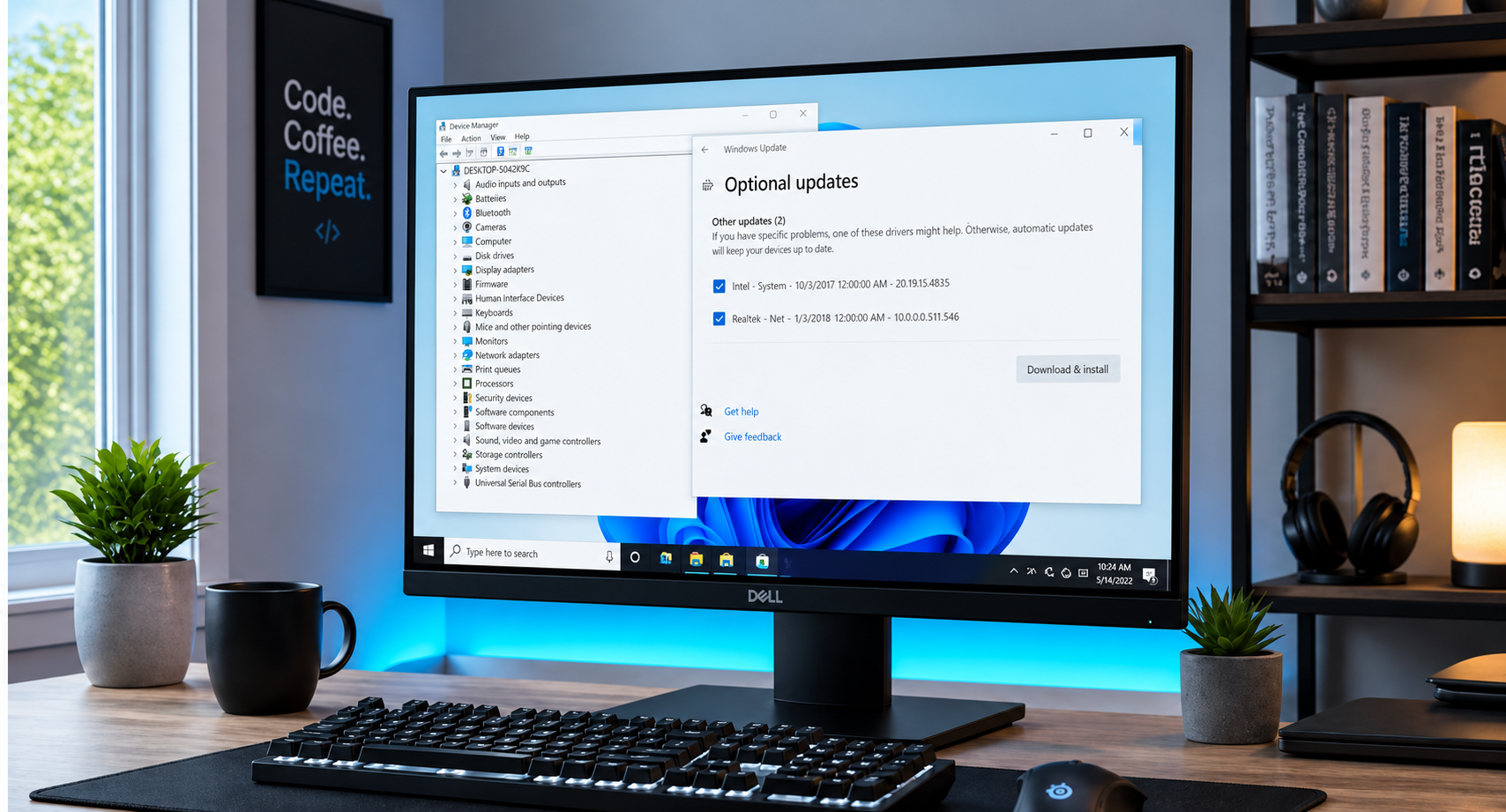
Have you ever stared at your computer screen, wondering why your favorite game stutters or why your audio suddenly cuts out right in the middle of an important video call? When your system starts acting sluggish or peripherals refuse to cooperate, the culprit is often hiding in plain sight: outdated or corrupted device drivers. For many home users, gamers, and small business professionals, the very word "drivers" evokes images of endless pop-ups, confusing third-party software scams, and the lingering fear of breaking a perfectly good machine. But keeping your system running at peak performance doesn’t have to be a stressful ordeal. At Home Net Computer Repair, we believe in making technology accessible, transparent, and completely hassle-free. Whether you are powering a bespoke gaming rig with a high-end ASUS TUF Gaming GeForce RTX 4090 or maintaining a dependable home laptop, understanding how to update your drivers the right way is the secret to enduring hardware longevity. Let’s demystify the process together.
September 4, 2026
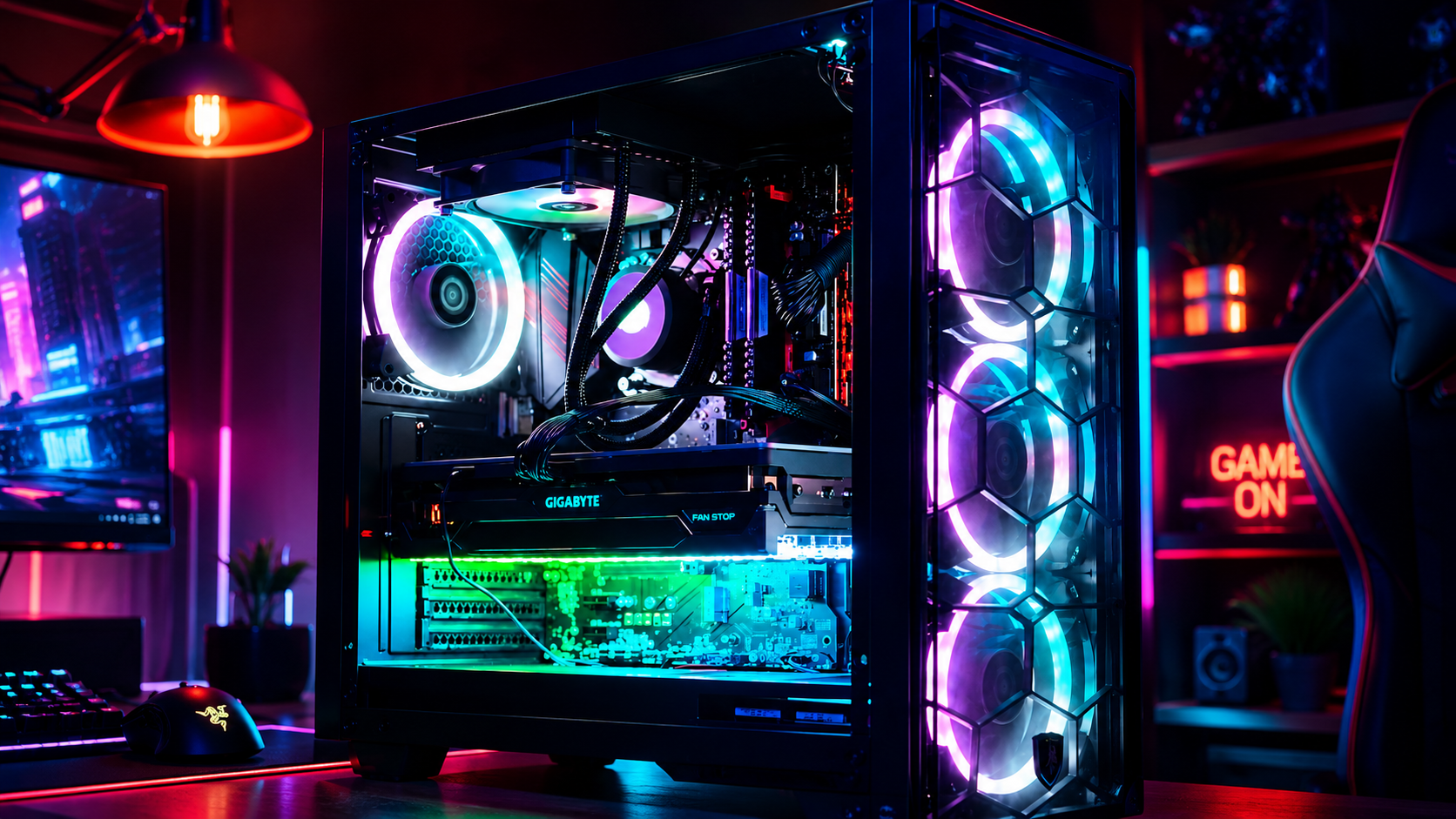
There is nothing quite like the rush of powering on a brand-new gaming rig for the first time. The fans spin up to life, vibrant RGB glows through tempered glass, and your favorite titles load in the blink of an eye. But if you peer behind that gorgeous glass side panel: or look down at the tangle of wires pooling beneath your desk: does the magic fade a little? We completely understand. A messy web of cables isn't just an eyesore; it chokes vital airflow, traps frustrating dust bunnies, and turns routine component upgrades into an absolute headache. At Home Net Computer Repair , we believe that building or owning a premier gaming rig should be a seamless, stress-free experience from start to finish. Whether you're assembling a dream machine from scratch or looking to revitalize your current battle station, mastering cable management is the ultimate secret to achieving peak performance, enduring reliability, and a truly professional aesthetic. Let’s dive into our comprehensive guide on how to cable manage your gaming PC like an industry expert.
September 3, 2026
Are you tired of constantly alt-tabbing between spreadsheets, reference documents, and communication apps on a cramped single screen? Upgrading to a dual-monitor workspace is one of the premier ways to supercharge your productivity, elevate your gaming experience, and bring an unrivaled sense of calm and organization to your daily workflow. Yet, for many home users, remote professionals, and passionate gamers, the thought of untangling a rat's nest of wires, dealing with flickering displays, or figuring out mysterious graphics card ports can feel entirely overwhelming. At Home Net Computer Repair , we believe that technology should empower you, never stress you out. Whether you are building a custom gaming and video editing rig or simply trying to streamline your home office for maximum efficiency, we are here to make the process completely seamless and hassle-free. In this comprehensive guide, we’ll walk you through our proven, step-by-step approach to setting up a breathtaking dual-monitor workspace: without the headache.
September 2, 2026
There is a very specific kind of panic that sets in when your computer screen suddenly turns into an unmoving digital statue. You click frantically, you tap the spacebar, you whisper sweet nothings to the monitor: and nothing happens. The cursor mocks you by staying frozen in place, or worse, the dreaded spinning wheel of doom takes over your desktop. If you are currently staring at a locked-up screen wondering, "Why is my computer frozen, and what on earth do I do now?" take a deep breath. You are in good company, and more importantly, you are in safe hands. Here at Home Net Computer Repair , we believe that technology should empower your day, not stall it. Whether you are working on an important presentation, managing your household budget, or settling in for a relaxing evening of gaming, a sudden freeze can feel like a major roadblock. In this comprehensive guide, we are going to walk you through our proven, stress-free methods to safely unstick your computer, restore peak performance, and get you back to what matters most.
September 1, 2026
There is nothing quite as frustrating as lining up the ultimate shot, executing a flawless combo, or making a game-winning push in your favorite competitive multiplayer game, only for a sudden lag spike to freeze your screen. In a split second, your character is eliminated, your team is defeated, and you are left staring at your monitor wondering what went wrong. If you have ever experienced this heart-sinking moment, you know that your gaming experience relies on more than just high-end hardware and lightning-fast reflexes, it depends entirely on the quality and stability of your network connection. Here at Home Net Computer Repair , we spend our days building custom rigs, optimizing systems, and helping local gamers across our community achieve peak performance. One of the most common questions we hear from passionate players is: Should I plug in an Ethernet cable, or is modern Wi-Fi good enough for gaming? To help you make the best decision for your setup, we are breaking down the technical realities of Ethernet versus Wi-Fi, examining how latency, jitter, and packet loss affect your gameplay, and sharing our professional recommendations for a seamless, stress-free gaming experience.