Ethernet vs. Wi-Fi for Gaming: Which One Should You Use?
There is nothing quite as frustrating as lining up the ultimate shot, executing a flawless combo, or making a game-winning push in your favorite competitive multiplayer game, only for a sudden lag spike to freeze your screen. In a split second, your character is eliminated, your team is defeated, and you are left staring at your monitor wondering what went wrong. If you have ever experienced this heart-sinking moment, you know that your gaming experience relies on more than just high-end hardware and lightning-fast reflexes, it depends entirely on the quality and stability of your network connection.
Here at Home Net Computer Repair, we spend our days building custom rigs, optimizing systems, and helping local gamers across our community achieve peak performance. One of the most common questions we hear from passionate players is: Should I plug in an Ethernet cable, or is modern Wi-Fi good enough for gaming?
To help you make the best decision for your setup, we are breaking down the technical realities of Ethernet versus Wi-Fi, examining how latency, jitter, and packet loss affect your gameplay, and sharing our professional recommendations for a seamless, stress-free gaming experience.
Examine Your Connection: The Fundamental Difference
At first glance, both Ethernet and Wi-Fi serve the same basic purpose: connecting your gaming rig or console to your router so you can access the internet. However, how they deliver that data is fundamentally different.
- Ethernet (Wired Connection): A physical copper cable (typically Cat6 or Cat6a) that runs directly from your router or switch straight into your motherboard's LAN port. It provides a dedicated, fullduplex, point-to-point pipeline with zero airtime contention.
- Wi-Fi (Wireless Connection): Radio waves transmitting data through the air across frequencies like 2.4 GHz, 5 GHz, or the newer 6 GHz bands. Because the airwaves are shared with every other wireless device in your home, smart TVs, smartphones, microwaves, and your neighbors' routers, wireless signals are constantly subject to interference.
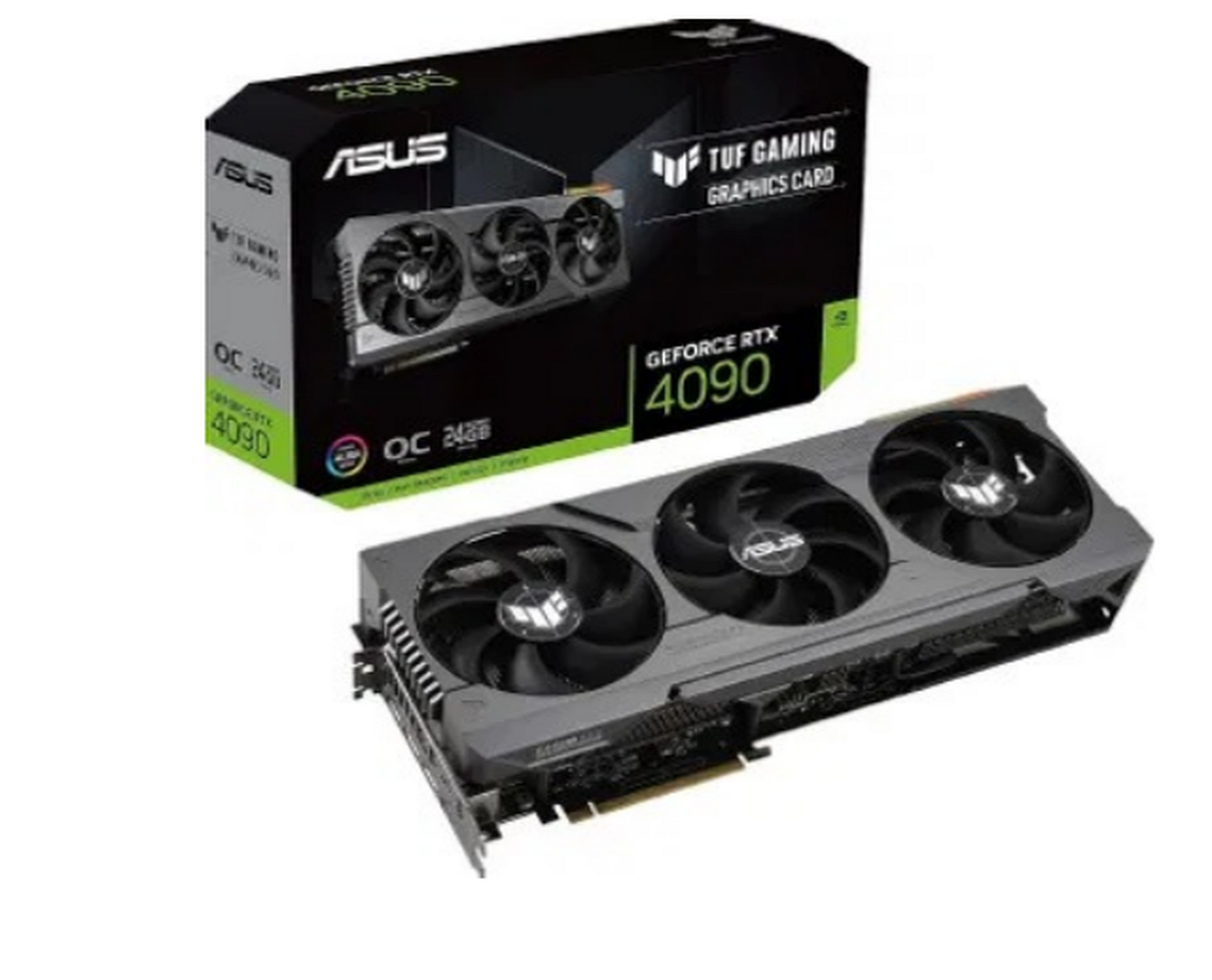
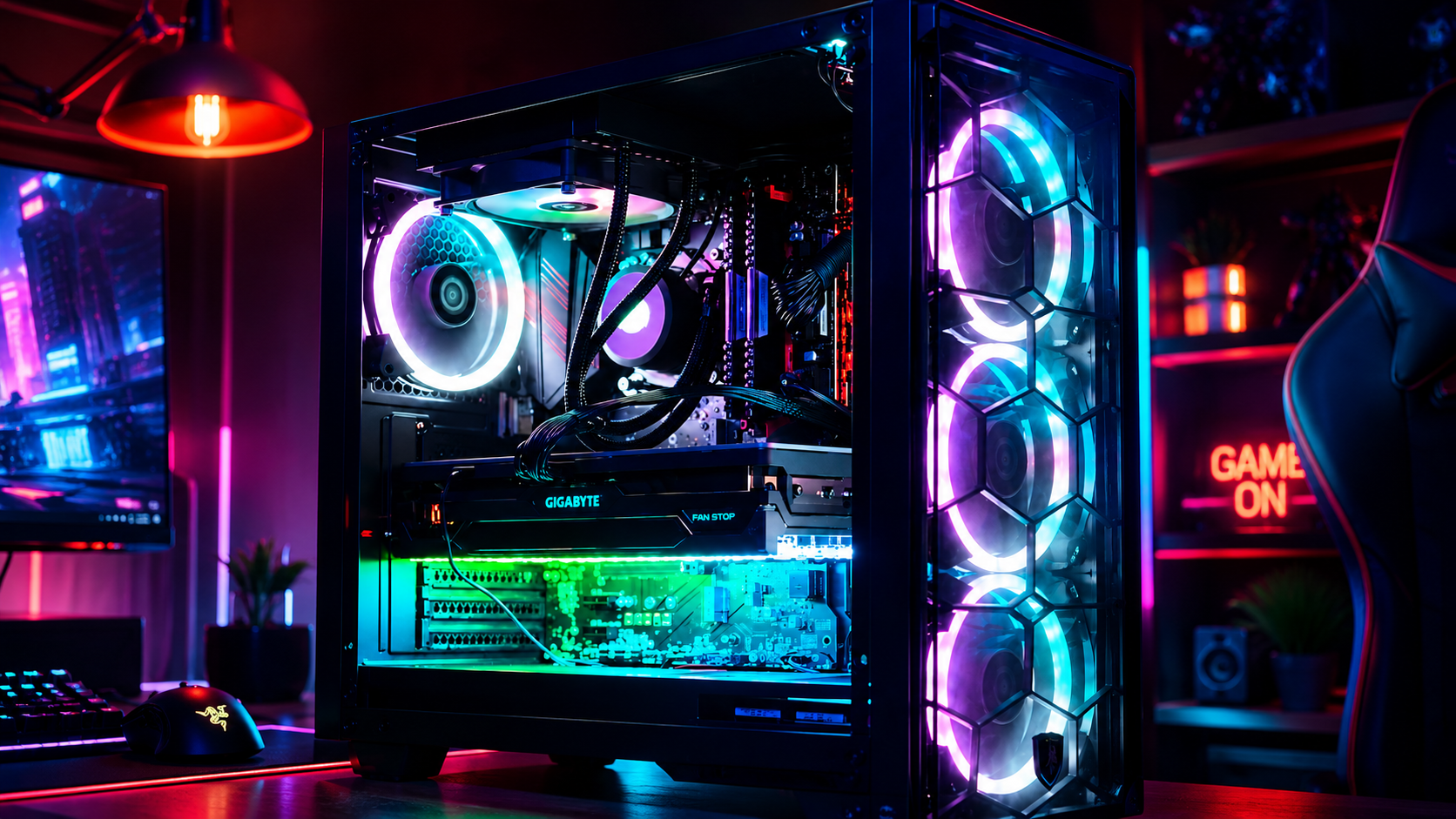
When you invest in a premier custom gaming rig featuring a top-tier graphics card and a blazing-fast processor, you want every single component firing on all cylinders. Feeding that powerhouse system an unstable network connection is like putting standard fuel in a high-performance sports car; it simply cannot reach its full potential.
Analyze the Numbers: Latency, Jitter, and Packet Loss
When it comes to gaming, raw download speed (megabits per second) is rarely the bottleneck. Most multiplayer games require less than 5 to 10 Mbps of actual bandwidth. What truly dictates your competitive edge are latency (ping), jitter, and packet loss.
1. Latency (Ping)
Latency is the time it takes for data to travel from your PC to the game server and back, measured in milliseconds (ms).
- Ethernet: Typically delivers a pristine, ultra-low latency of 1 to 3 ms to your router, with exceptionally low baseline ping to game servers.
- Wi-Fi: Even on robust 5 GHz or Wi-Fi 6 networks, latency often hovers between 10 and 50 ms, and can spike unpredictably depending on distance and walls.
2. Jitter and Packet Loss
Jitter is the variation in your ping over time, while packet loss occurs when data packets fail to reach their destination entirely.
- Ethernet: Offers near-zero jitter and virtually 0.0% packet loss. Your connection remains rocksolid hour after hour.
- Wi-Fi: Prone to higher jitter and periodic packet loss (often 0.1% to 1% or higher) due to physical obstructions, electromagnetic interference, and competing household traffic. In fast-paced shooters or fighting games, even a fraction of a percent in packet loss results in noticeable rubberbanding and registration failure.
When Modern Wi-Fi (Wi-Fi 6, 6E, and 7) Falls Short
We often talk with gamers who ask: “Haven't wireless technologies improved enough to bridge the gap?”
The short answer is yes, modern wireless standards like Wi-Fi 6 and Wi-Fi 6E are marvels of engineering. In ideal laboratory conditions: with your PC sitting five feet away from the router with a crystalclear line of sight: Wi-Fi 6E can achieve sub-5 ms latency that feels remarkably responsive.
However, real-world homes are rarely pristine laboratories. Between drywall, insulation, electrical wiring, Bluetooth accessories, and other family members streaming 4K movies or downloading massive game updates, your wireless environment is in constant flux.
Even the most advanced router cannot fully defy physics. When a microwave turns on in the kitchen or someone walks down the hallway blocking the signal path, wireless packets must be retransmitted. That microscopic delay creates a sudden ping spike: transforming a smooth 15 ms match into a stuttering 150 ms nightmare right as a firefight begins.
Craft Your Experience: When to Choose Wired vs. Wireless
To help you decide which path to take, let's look at a practical breakdown:
Use Ethernet If:
- You play competitive, ranked, or esports titles (such as Counter-Strike, Call of Duty, Apex Legends, or Street Fighter) where every millisecond dictates victory.
- You frequently experience rubber-banding, desync, or sudden lag spikes despite having fast internet speeds.
- Your gaming desktop is located in the same room as your router or network switch, making a clean cable run straightforward.
Wi-Fi Is Acceptable If:
- You primarily enjoy casual, single-player, or cooperative games where split-second reaction timing is less critical.
- Running a physical cable across your home is structurally impossible due to rental agreements or layout constraints, and you are using a modern Wi-Fi 6/6E router with a strong, uninterrupted signal.
Utilize Our Expertise for a Hassle-Free Setup
At Home Net Computer Repair, we believe that getting the most out of your technology should be an exciting, stress-free journey rather than a frustrating chore. Whether you are looking to design a bespoke custom gaming rig with immaculate internal cable management, upgrade your home network infrastructure, or troubleshoot stubborn connection drops, our family-owned team is here to provide transparent, honest guidance tailored to your specific needs and budget
We take pride in our rigorous attention to detail and our commitment to quality craftsmanship. We know that every gamer's home layout is unique, which is why we offer personalized solutions: from professional hardware tuning to whole-home mesh network optimization: so you never have to worry about a dropped connection again.
Explore Our Services and Get in Touch

Ready to take your gaming setup to the next level? We invite you to explore our specialized offerings across the Pacific Northwest, including our custom desktop builds in locations like Seattle, Bellevue, and Redmond.
If you are tired of mysterious lag spikes, hardware bottlenecks, or sluggish performance, don't hesitate to reach out to our friendly team today. Let us handle the technical complexities so you can get back to what matters most: enjoying peak performance and uninterrupted victory.
Get in touch with us today for honest advice, dependable repairs, and custom solutions designed to keep you at the top of your game.