Fix Your Home Wi-Fi: A Simple Guide to Banishing Dead Zones and Slow Speeds

Does it feel like your Wi-Fi is playing a game of hide-and-seek? You’re in the middle of a crucial video call or an intense gaming session, and suddenly—the spinning wheel of doom appears. Or perhaps you’ve noticed that while the internet is lightning-fast in the living room, it’s a total dead zone the moment you step into the kitchen or the upstairs bedroom.
We’ve all been there, and we know how incredibly frustrating it can be. In today’s world, a stellar internet connection isn’t just a luxury—it’s the heartbeat of your home. Whether you’re working from home, streaming your favorite series, or staying connected with family, you deserve a seamless and hassle-free experience.
At Home Net Computer Repair, we believe technology should work for you, not against you. As your knowledgeable neighbors, we’ve put together this comprehensive guide to help you troubleshoot your Wi-Fi like a pro. And remember, if it ever feels a bit too technical, our dedicated team is always ready to bring our premier in-person service right to your doorstep.
Craft Your Experience: The Power of Placement
Believe it or not, the most common culprit behind a weak signal is simply where your router is “living.” Think of your Wi-Fi signal like a lightbulb: if you put it inside a cupboard or under a desk, the light won’t reach very far.
- Be Central: To achieve unrivaled coverage, place your router in a central location in your home. Placing it in a far-corner room means half of your signal is essentially being sent to your backyard or your neighbor’s house.
- Elevate Your Connection: Wi-Fi signals tend to travel downward and laterally. By placing your router on a high shelf or mantle, you’re giving it a clear path to broadcast across the room.
- Avoid the Obstacle Course: Large metal objects, thick concrete walls, and even your kitchen microwave can act as “signal killers.” Keep your router out in the open and away from large appliances to ensure a long-lasting and stable connection.
Utilize Our Expertise: Understanding the Frequencies
Most modern routers are "dual-band," meaning they broadcast two different signals: 2.4 GHz and 5 GHz. Knowing when to use which can make a world of difference in your daily browsing.
- The 2.4 GHz Band: This is the "marathon runner." It’s slower, but it can travel through walls and across longer distances. Use this for devices that are far away or for smart home gadgets like thermostats.
- The 5 GHz Band: This is the "sprinter." It provides bespoke speeds for high-bandwidth tasks like gaming or 4K streaming but has a much shorter range. If you’re in the same room as the router, this is the connection you want for peak performance.
Are you confused by the settings menu? Don't worry: you’re not alone. We offer
personalized
tech tutoring specifically for seniors and anyone else who wants to master their home setup without the stress.

Explore Our Services: When to Move Beyond the Router
Sometimes, even the best placement isn’t enough for larger homes or those with unique layouts. This is where high-quality hardware upgrades come into play.
- Mesh Wi-Fi Systems: Instead of one single router trying to do all the work, a mesh system uses several "nodes" placed around your home. They work together to create a single, seamless network that covers every nook and cranny. It’s the honest truth: for many families, a mesh system is the ultimate solution for a stress-free digital life.
- Wi-Fi Extenders: These are great for a quick fix in a single room, but they can sometimes be a bit finicky. We always recommend choosing quality craftsmanship over cheap fixes to ensure your network remains proven and reliable.
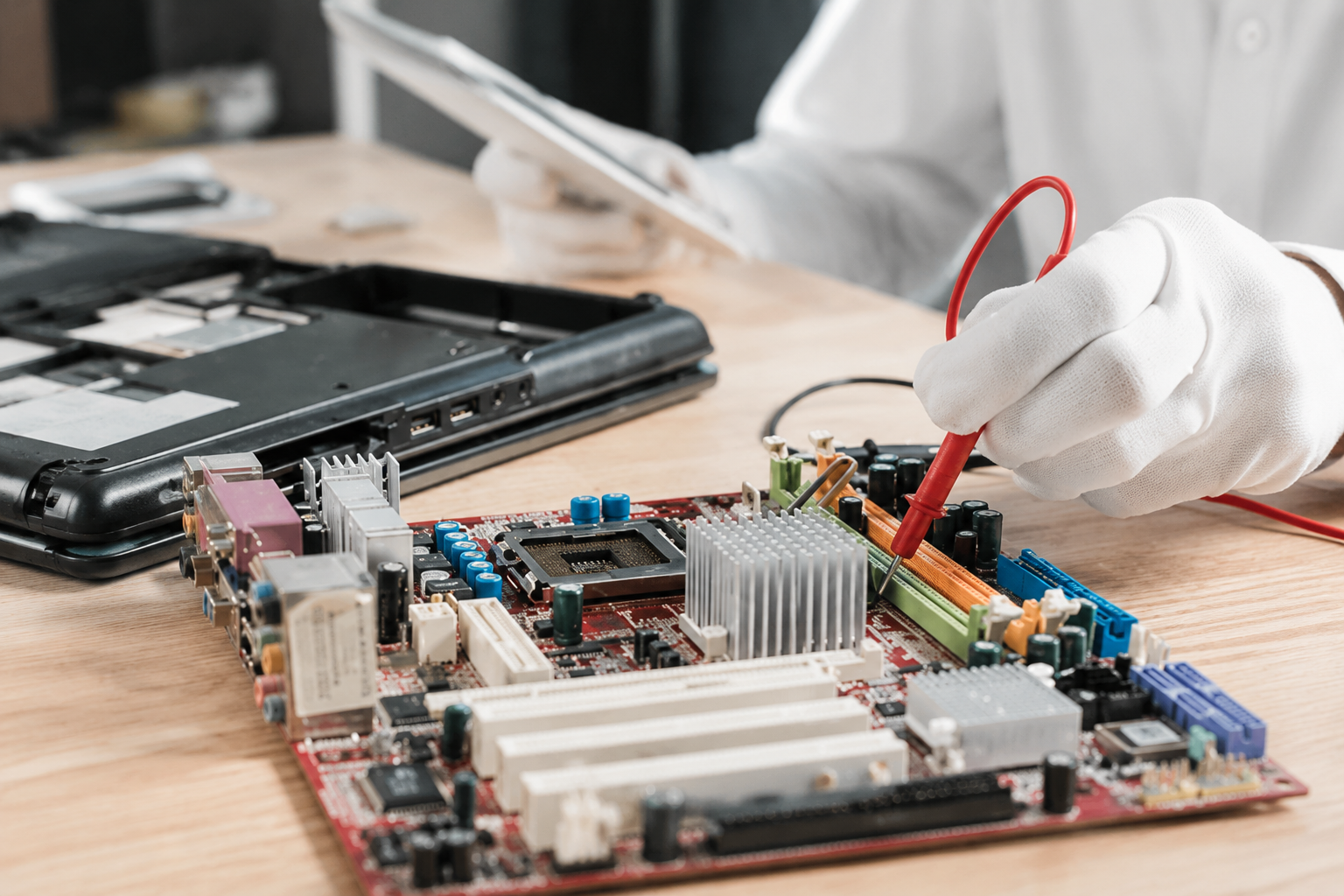
If you’re unsure whether you need a simple fix or a full network overhaul, we can help. Our desktop and laptop repair services often include a comprehensive check-up of your device’s wireless capabilities to ensure the problem isn't actually with your hardware.

Honest Solutions: Is it the Wi-Fi or Your Device?
Sometimes, the "slow internet" isn't the internet at all: it’s the computer. An aging laptop or a PC bogged down by background processes can make even the fastest fiber connection feel like dial-up.
Before you call your ISP in frustration, try these proven steps:
List of Services
-
THE CLASSIC RESTARTList Item 1
Unplug your modem and router for 60 seconds. It sounds simple, but it clears out technical "cobwebs" and often restores speed instantly.
-
CHECK FOR BANDWIDTH HOGSList Item 2
Is a device in the background downloading a massive update? This can saturate your connection and leave everyone else in the slow lane.
-
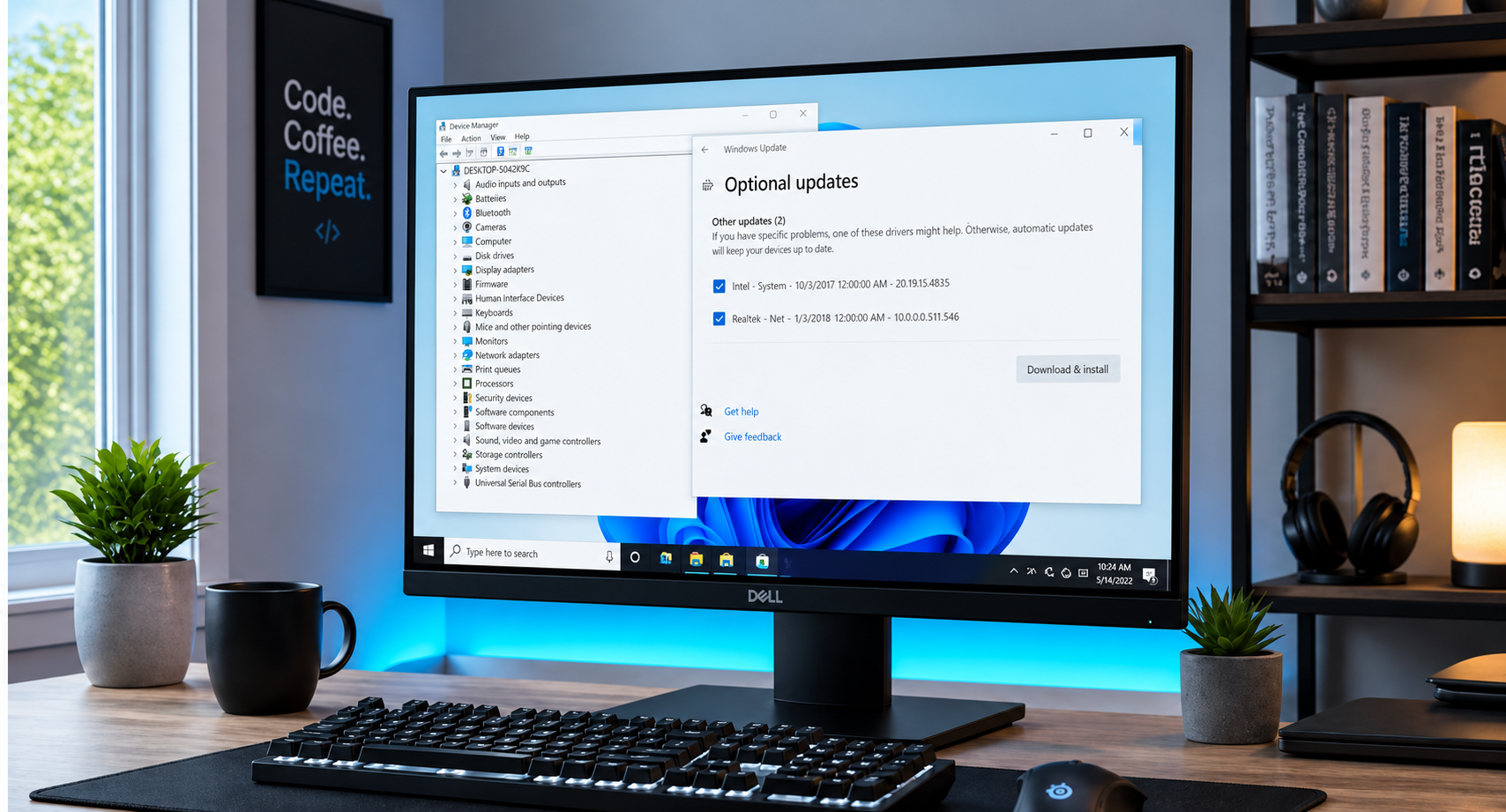
UPDATE YOUR DRIVERS
Just like a car needs a tune-up, your computer's "drivers" (the software that talks to your Wi-Fi card) need updates to maintain enduring quality.
If your custom rig is acting up, our experts in custom PC building can take a look and get your system back to its premier state.
REACH OUT FOR A STRESS-FREE SETUP
At Home Net Computer Repair, we’re a family-owned business that genuinely cares about your peace of mind. We know that technology can feel overwhelming, but it doesn’t have to be. Whether you need a simple Wi-Fi tweak or a comprehensive new home network, we are here to provide transparent, upfront pricing and a can-do attitude.
We’re committed to making tech less stressful and more accessible for everyone in our community. From Bellevue to Tacoma and everywhere in between, we bring our expertise directly to you with our convenient pick-up and return service.
Ready to banish those dead zones for good?