How Do I Know If My Motherboard Is Bad? 5 Telltale Signs
Explore Our Core Diagnostic Process: Is It Really the Motherboard?
Before you panic and assume your entire rig is ready for retirement, let's look at the symptoms. The motherboard connects every single component in your computer: from your CPU and RAM to your graphics card and power supply. When it fails, the symptoms can often mimic other hardware issues.
Here are the 5 telltale signs that point directly to a failing or dead motherboard:
1. Total Power Failure or Endless Boot Loops
Does your PC show absolute zero signs of life when you hit the power switch? No fans spinning, no LEDs glowing, and no diagnostic beeps? Alternatively, do your fans spin up for two seconds before the system abruptly shuts down and tries again in an endless, frustrating loop? While a faulty power supply is often the culprit here, a dead motherboard fails to distribute power correctly, leaving your system completely unresponsive or trapped in POST (Power-On Self-Test) purgatory.
2. Random Crashes, Freezes, and Unpredictable Blue Screens
Are you experiencing erratic Blue Screens of Death (BSOD) that display completely different error codes every single time? Do applications freeze mid-task, or does your computer reboot spontaneously while you're just browsing the web? When power delivery circuits (VRMs) on your motherboard degrade, they supply unstable voltage to your processor and memory, triggering random system instability that standard software troubleshooting simply cannot fix.
3. Ports and Onboard Peripherals Behaving Erratically
Have your USB ports suddenly stopped recognizing your mouse or keyboard, or do they only work intermittently depending on the angle? Maybe your onboard audio jack produces harsh static, or your Ethernet port refuses to connect to the internet. When multiple built-in connectors fail simultaneously, it usually indicates that the integrated controllers on your motherboard have suffered physical or electrical damage.
4. Hardware Components Failing to Register
Utilize Our Expertise: Step-by-Step Troubleshooting
Pinpointing a bad motherboard requires patience and a methodical approach. If you want to test your system before bringing it in, here is how our seasoned technicians evaluate a troubled PC:
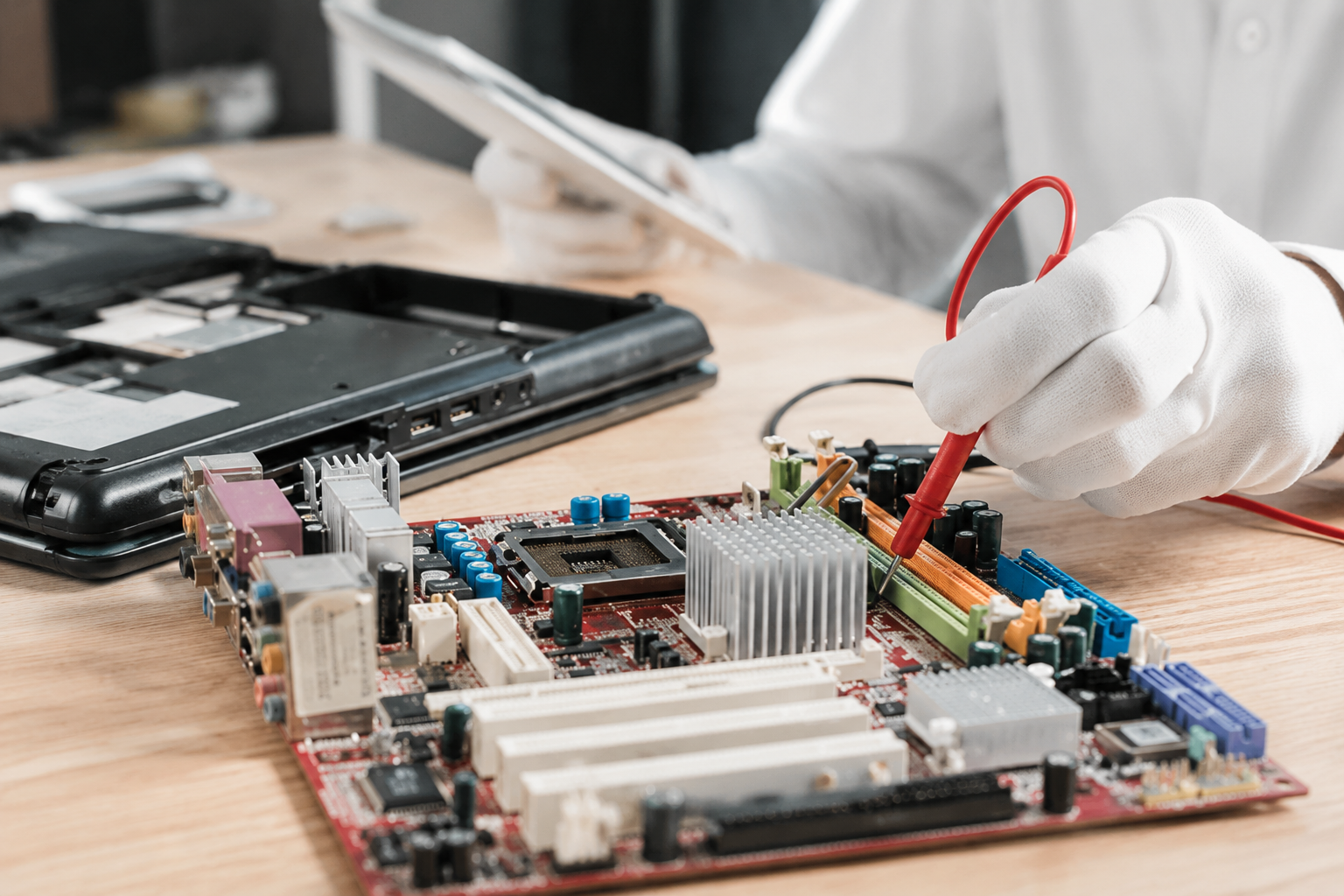
- Perform a Minimal "Breadboard" Test: Remove the motherboard from the chassis and place it on a non-conductive surface. Connect only the power supply, CPU, CPU cooler, and a single stick of RAM. Try to power it on. This eliminates cases of accidental short-circuiting against the metal chassis.
- Inspect for Visual Flaws: Grab a flashlight and carefully examine the socket pins, traces, and capacitors. Look for any dust buildup or corrosion that might be causing microscopic shorts.
- Listen for Beep Codes: If your motherboard has a system speaker attached, listen closely to the startup beeps. Different beep patterns correspond directly to specific hardware failures outlined in your manufacturer's manual.
Craft Your Experience: Stress-Free Solutions Tailored For You
Dealing with motherboard diagnostics and hardware replacements can feel like performing openheart surgery on your computer. Why subject yourself to the frustration of trial-and-error part swapping when our family-owned team is ready to help?
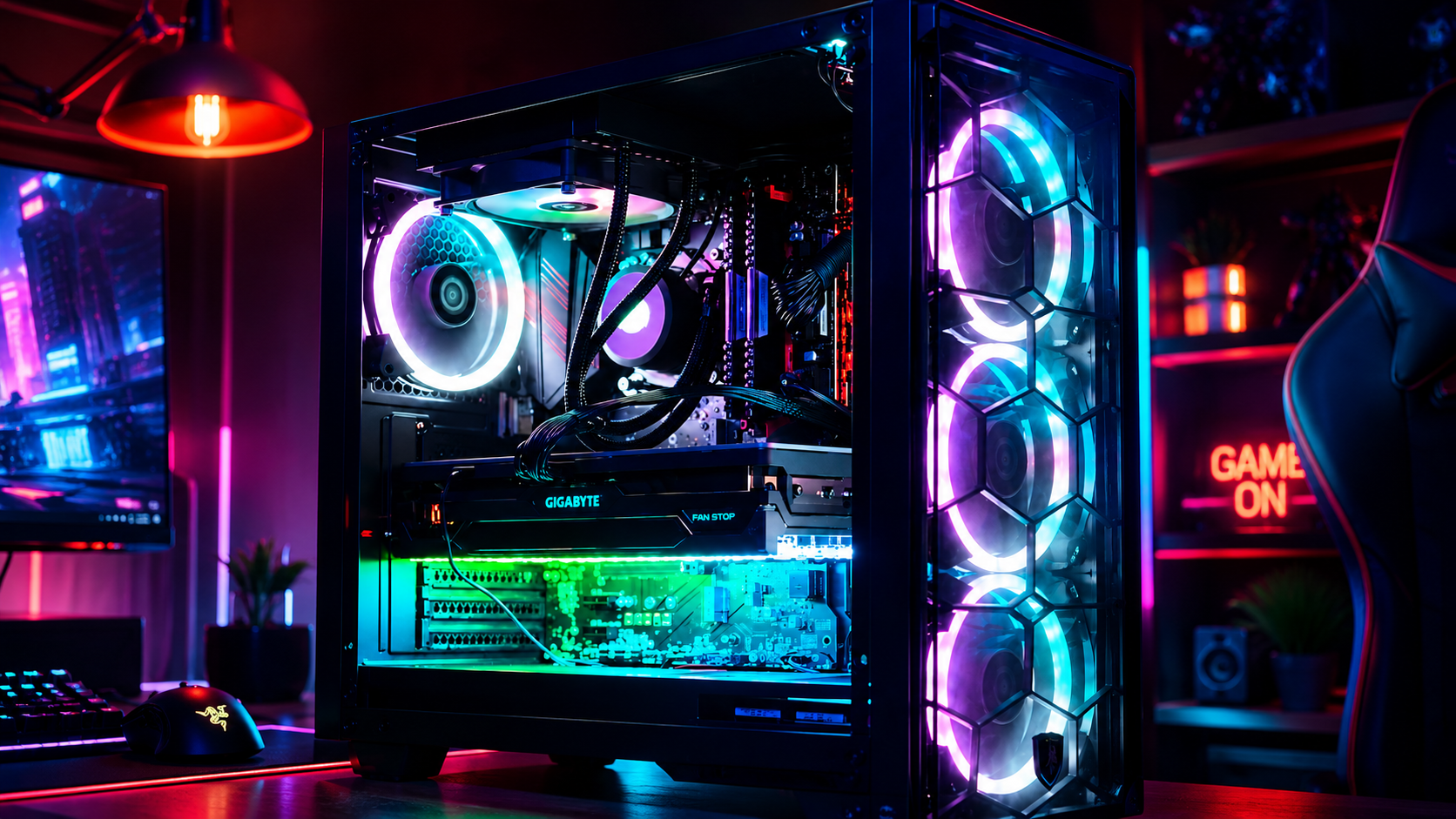
At Home Net Computer Repair, we pride ourselves on transparent, honest pricing with zero hidden fees. Whether you are running a custom gaming setup, a heavy-duty video editing workstation, or an everyday family PC, we provide customized solutions tailored specifically to your needs and budget.
"We treat every customer like family and every computer as if it were our own. No stress, no guesswork: just reliable, top-tier craftsmanship." :
Richard Mallory, Owner & Technician
Experience Ultimate Convenience: We Come to You
We know that unplugging a tangle of cords, lifting a heavy desktop tower, and driving across town is the last thing you want to deal with when your computer breaks down. That is why we offer our signature convenient pick-up and return service. We will come right to your door, safely transport your system to our workshop for comprehensive diagnostics, and bring it back running at peak performance.
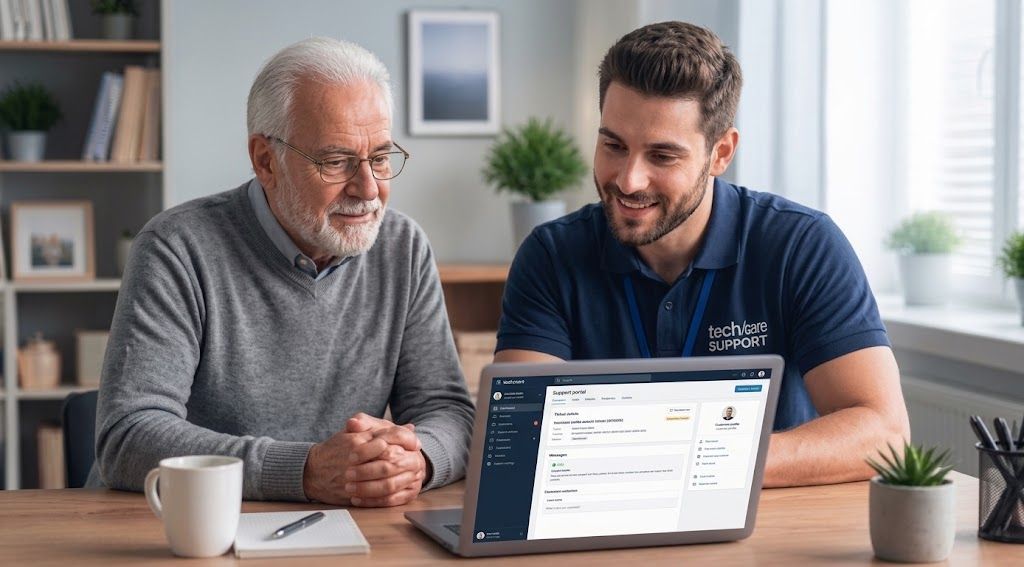
For our senior community members, we also provide patient, in-person tech tutoring and support designed to make technology entirely stress-free and accessible.

Reach Out Today for Reliable Tech Support
Is your computer exhibiting stubborn signs of hardware failure, or are you ready to upgrade to a bespoke custom rig built with top-quality parts? Don't let tech trouble slow you down for another day.
Get in touch with us today through our website at
Home Net Computer Repair or explore our specialized services across the region, including our
Custom PC Building in Seattle, WA, Bellevue, WA,
and
Redmond, WA, as well as reliable Data Recovery Services in
Bellevue, WA. Let our dedicated team restore peace of mind to your digital life!