Why Is My Computer So Slow? 7 Common Causes and How to Fix It

August 6, 2026

There is nothing quite as disruptive to your day as clicking an icon on your screen and watching the cursor spin endlessly into oblivion. Whether you are trying to pull up a vital work document, jump into an online match with friends, or simply catch up on your favorite evening news, a sluggish computer can turn a simple task into an exercise in pure frustration.


If you find yourself asking, "Why is my computer so slow?" you are definitely not alone. It is one of the most common questions we hear from homeowners, remote professionals, and seniors in our community. Over time, even the most premier desktop systems and sleek laptops can bog down.


At Home Net Computer Repair, we believe that technology should serve you, not stress you out. As a family-owned team dedicated to providing unrivaled, transparent computer care, we want to help you restore your machine to peak performance. Below, we break down the 7 most common culprits behind a lagging PC, along with actionable steps you can take right now to get things running smoothly again. 

1. Too Many Startup and Background Programs

When you turn on your computer, do dozens of applications quietly launch themselves right along with Windows? Cloud synchronization tools, automatic updaters, chat clients, and productivity software often sneak into your startup queue. Once running, they quietly siphon away your processor power and memory in the background.

How to Fix It:

  • Press Ctrl + Shift + Esc to open the Task Manager.
  • Navigate to the Startup tab.
  • Review the list and click Disable on any non-essential application that doesn’t need to greet you the moment your desktop loads. 
  •  Restart your machine and notice the immediate improvement in boot times.

2. Insufficient RAM (Random Access Memory)

Think of your computer’s RAM as its short-term workbench. If your workbench is small (say, 4GB or 8GB of RAM) and you have twenty browser tabs open, a spreadsheet running, and a video streaming in the background, your system will constantly struggle to juggle everything. When RAM runs out, your system resorts to swapping data onto your storage drive, creating a massive bottleneck.

How to Fix It:

  • Open your Task Manager, click on the Performance tab, and select Memory to check your usage. 
  • Close heavy applications and browser tabs you aren't actively using. 
  • If your memory is consistently maxed out during normal tasks, it may be time for a comprehensive hardware upgrade. Our team specializes in bespoke RAM upgrades tailored precisely to your daily workflow and budget.
3. A Full, Aging, or Fragmented Hard Drive

Your storage drive holds everything from your operating system to your family photo albums. If your traditional mechanical hard drive (HDD) is nearing capacity: or worse, aging and failing: it has to physically spin and search across platters to fetch files, leading to agonizingly slow load times.

How to Fix It:

  •  Keep at least 15% to 20% of your system drive free. Use Windows Disk Cleanup to purge temporary files and old system update caches.
  • If you are still relying on an older mechanical hard drive, transitioning to a modern Solid State Drive (SSD) is nothing short of transformative. An SSD has no moving parts and can make your computer boot and open apps up to ten times faster. Explore our Seattle Custom PC Building services if you are ready for a lightning-fast hardware overhaul.

4. Malware, Adware, and Unwanted Software

Sometimes, the reason for a sudden drop in speed isn't hardware fatigue: it’s digital clutter. Malicious software, aggressive adware, or "bloatware" programs installed unknowingly while downloading free software can run hidden scripts that hog your system resources.

How to Fix It:

  • Run a comprehensive scan using Windows Security or a reputable antivirus program.
  • Navigate to your system settings, review your installed applications, and ruthlessly uninstall anything unfamiliar or unnecessary. 
  • If your system feels deeply compromised or infected, don't hesitate to reach out. We provide stress-free diagnostics and Seattle Data Recovery Services to ensure your personal files remain safe and secure.

5. Outdated Operating Systems and Drivers

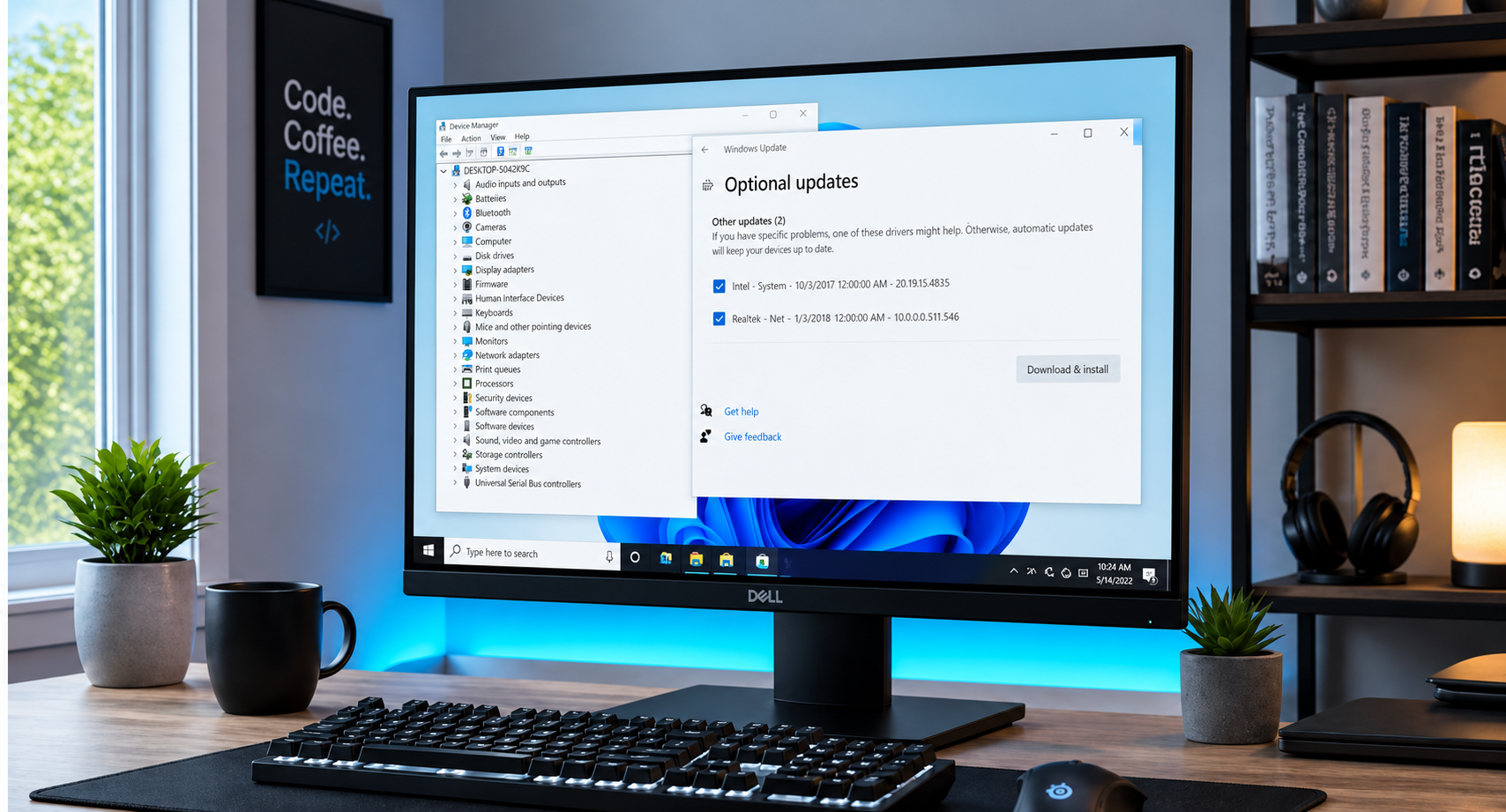
Your computer's hardware relies on software instructions called drivers to communicate with the operating system. When Windows, graphics drivers, or motherboard BIOS versions fall heavily out of date, compatibility glitches and inefficient resource management can drag down your overall speed.

How to Fix It:

  • Go to Settings > Windows Update and make sure all pending security and feature updates are installed. 
  • Check your device manufacturer's website for updated chipset and display drivers, or let our experienced technicians handle the technical heavy lifting for you with absolute precision.

6. Overheating and Thermal Throttling 
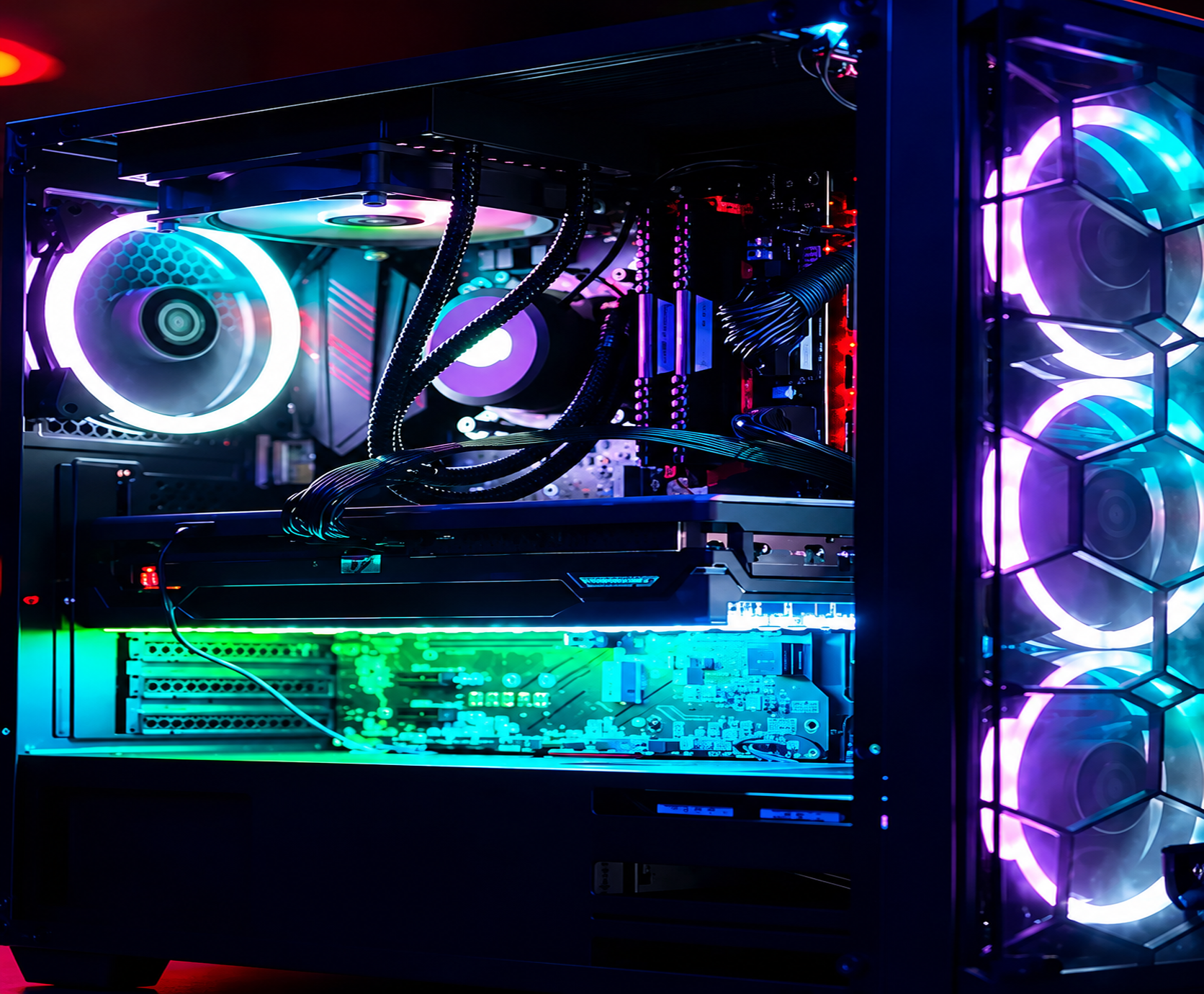
Have you noticed your laptop fan sounding like a jet engine, or your desktop freezing up after twenty minutes of gaming or video editing? When dust cakes your cooling fans and heat sinks, or when old thermal paste dries out, your processor gets too hot. To protect itself from permanent damage, it automatically "throttles" its speed, causing dramatic performance drops.

How to Fix It:

  •  Power down your computer completely and use a can of compressed air to carefully clear dust from intake vents and fans.
  • Never block airflow by placing laptops on soft blankets, beds, or carpeted floors.
  •  If cleaning the exterior doesn't solve the issue, your system may need professional internal cleaning and fresh thermal paste application. 

7. System Clutter and Visual Bloat 

Over years of daily use, temporary internet files, corrupted registry keys, and excessive visual animations accumulate in the background. While Windows features sleek translucent windows and fade-in animations, older hardware can struggle to render these cosmetic touches smoothly.

How to Fix It:

  • Periodically clear your web browser cache and remove unnecessary extensions.
  • Search for "Adjust the appearance and performance of Windows" in your start menu and select the option to optimize for performance if your machine is on the older side.

Utilize Our Expertise for a Hassle-Free Experience

Tackling computer troubles on your own shouldn't feel like an uphill battle. If you have optimized your settings, cleaned out your startup folder, and your machine is still dragging its feet, it’s time to call in a trusted neighbor.

At Home Net Computer Repair, we pride ourselves on transparent, upfront pricing, top-quality parts, and personalized solutions tailored directly to your needs. Best of all, we come right to your door with our convenient pick-up and return service, taking all the friction out of getting your tech repaired. 


Ready to restore speed, reliability, and peace of mind to your daily routine? Get in touch with us today, and let’s get your computer running like new again!


August 21, 2026
It happens when you least expect it. You click a suspicious link in an email, download a file from an unverified source, or browse to a site that looks just a little too good to be true. Suddenly, your screen freezes, warning pop-ups flood your display, and a cold wave of dread washes over you: Did a virus just completely destroy my computer? If you are currently holding your breath wondering whether your machine is toast, take a deep breath. At Home Net Computer Repair , our family-owned team has seen it all. As your knowledgeable neighborhood tech experts, we are here to clear away the fear, separate internet myths from engineering facts, and provide you with a stress-free, crystal-clear understanding of what malware can: and cannot: do to your precious hardware.
August 20, 2026
There are few sounds more unsettling in the digital world than an unexpected, rhythmic tapping or clicking emanating from your computer case. You pause mid-sentence in an email, holding your breath. What was that? Is your machine about to give up the ghost right before you finish an important project? Do you need to panic? Here at Home Net Computer Repair, we know how stressful computer trouble can be. When your trusted desktop or laptop starts speaking in mysterious clicks and taps, it’s easy to feel overwhelmed. But take a deep breath! As your knowledgeable neighbors in the Pacific Northwest, we are here to help you unpack what that sound means, how to diagnose the culprit without breaking a sweat, and why addressing it early can save you from a major headache. Let's walk through what those mysterious noises signify and how to secure a seamless, stress-free solution.
August 19, 2026
There is nothing quite like the rush of diving into your favorite title after a long week, only to have your screen freeze or your system drop straight to the desktop right as you reach the climax of an intense match. If you have ever asked yourself, "Why is my PC crashing during games?" you already know how frustrating sudden black screens, unexpected reboots, and game freezes can be. When your system handles web browsing and office apps just fine but struggles the moment you fire up a graphically demanding game, it feels like an elusive mystery. At Home Net Computer Repair, we believe your gaming time should be a seamless, stress-free escape: not a technical puzzle. As your trusted local technology partner serving families, gamers, and professionals across the region, we see this issue frequently. Whether you are gaming in Seattle, Bellevue, Redmond, or right down the street, we are here to help you get back to peak performance with our hassle-free pick-up and return service and expert diagnostics. Let's explore the top causes of game crashes and discover how you can restore stability to your rig.
August 18, 2026
Are you staring at your screen while an application freezes, wondering why your machine is stuttering just when you need it most? Perhaps you are planning a brand-new custom rig for modern AAA gaming or heavy 4K video editing, and you find yourself paralyzed by hardware specifications. With technology evolving at a breakneck pace, figuring out the exact amount of Random Access Memory (RAM) required for your specific workflow can feel like navigating a maze. Here at Home Net Computer Repair, we believe that upgrading your technology should be an exciting, stress-free milestone rather than a frustrating guessing game. As a family-owned team serving our local communities: from Seattle to Bellevue , Kirkland , and Redmond : we are dedicated to providing honest, transparent guidance. Let us walk you through our comprehensive, no-nonsense guide for 2026 so you can achieve peak performance without spending a dime on hardware you do not need.
August 17, 2026
Are you standing at the digital crossroads, staring at shiny prebuilt rigs on one tab and a cart full of dazzling components on the other, wondering which path leads to your ultimate gaming sanctuary? You are certainly not alone. Whether you are stepping up from a tired old laptop or preparing for the release of the year’s most demanding AAA title, the eternal debate between building your own rig or buying a prebuilt system is enough to cause any gamer a bit of hesitation. At Home Net Computer Repair , we believe that technology should be an exciting extension of your passions: never a source of stress. As your knowledgeable neighborhood tech experts, we’ve guided countless local gamers through this exact dilemma. Let’s dive into our comprehensive comparison of building versus buying, so you can make a confident, stress-free choice tailored to your exact needs, budget, and lifestyle.
August 14, 2026
There are few moments in your daily routine quite as heart-stopping as pressing the power button on your computer, only to be met with complete silence, an endless black screen, or a frustrating loop of error messages. Whether you rely on your machine for crunching spreadsheets, crafting digital masterpieces, or unwinding with your favorite game after a long week, a computer that refuses to boot can throw your entire day off balance. You might find yourself asking: Is this the end of my machine, or is it a simple fix? Take a deep breath. At Home Net Computer Repair , we know how stressful technology glitches can feel. As your trusted, family-owned neighbor in the Pacific Northwest, we are committed to making tech less stressful and more accessible for everyone. Before you panic or assume you need an entirely new rig, let’s walk through five comprehensive troubleshooting steps to help you diagnose and conquer the startup blues.
August 13, 2026
Navigating the modern digital landscape can sometimes feel like walking through a bustling, confusing marketplace. Every time you open your tablet or computer, you are greeted by an overwhelming stream of headlines, breaking news alerts, and viral stories shared by friends and family. While the internet is an unrivaled tool for staying connected with loved ones, learning new hobbies, and exploring the world, it also comes with its fair share of digital noise and misinformation. At Home Net Computer Repair , we believe that technology should empower you, not stress you out. As a family-owned business deeply rooted in our community, we talk every day with wonderful seniors who want to enjoy the web with complete peace of mind. That is why we have put together this comprehensive, stress-free guide to help you cultivate digital literacy, separate fact from fiction, and browse the web with absolute confidence.
August 12, 2026
Have you ever stared at your computer screen, watching the dreaded spinning wheel while wondering what would happen if your hard drive decided to call it quits today? We have all been there. Whether it is a lifetime of precious family photographs, crucial tax documents, or critical work spreadsheets scattered across your desktop, the fear of losing your digital life can be deeply stressful. At Home Net Computer Repair , we believe technology should feel like an empowering tool, not a constant source of anxiety. Serving our wonderful communities across the greater Puget Sound region: from Seattle and Bellevue to Kirkland, Bothell, and beyond: we meet wonderful neighbors every day who want a simpler, more secure way to manage their files. That is where cloud storage comes in. In this comprehensive guide, we will demystify the cloud, explore how it works, and show you how to harness this premier technology for a truly seamless, hassle-free digital experience.
August 11, 2026
Are you tired of staring at the spinning loading wheel every time you boot up your computer, launch your favorite game, or open a demanding video-editing project? It is a frustrating scenario that many homeowners, gamers, and small business owners face daily. When your system starts lagging, the culprit is often your storage drive. But here is the burning question: when your computer cries out for better performance, should you replace your existing solid-state drive (SSD) entirely, or is a simple capacity upgrade the right move? At Home Net Computer Repai r, we believe that upgrading your technology should feel like an exciting breath of fresh air, not a stressful guessing game. As your friendly neighborhood tech experts, we are here to demystify the hardware maze and provide honest, transparent guidance tailored to your specific needs and budget. Let’s explore how you can achieve peak performance and enduring quality without the hassle.
August 10, 2026
When your trusted desktop or laptop reaches the milestone of five years, a familiar feeling of anxiety often creeps in. You press the power button, watch the loading circle spin just a little bit longer than it used to, and ask yourself the ultimate question: Is it time to invest in a repair, or am I just throwing good money after bad? Here at Home Net Computer Repair , we talk with homeowners, gamers, and local business owners facing this exact crossroads every single day. As a family-owned team dedicated to transparent, topquality service across Seattle and Bellevue , we believe you deserve an honest, straightforward answer. Let’s dive into our premier, comprehensive guide on evaluating your five-year-old machine so you can make the absolute best choice for your budget and productivity.