Why Your Gaming PC is Overheating: Professional Repair Tips to Save Your Hardware
There is nothing quite as frustrating as being in the heat of a high-stakes match, only to have your screen freeze or your entire system shut down without warning. You’ve invested time, passion, and likely a significant amount of money into your gaming rig, so when it begins to sound like a jet engine taking off: or worse, starts "thermal throttling": it’s more than just a nuisance. It’s a threat to your hardware’s longevity.
At Home Net Computer Repair, we understand that your gaming PC isn't just a machine; it’s your gateway to other worlds, your creative studio, and your competitive edge. Whether you’re running a bespoke build in Seattle or a high-performance setup in Bellevue, heat is the silent rival you need to defeat.
In this comprehensive guide, we’ll explore why your system might be running hot and how our premier repair services can restore your PC to peak performance.
Confront the Silent Performance Killer: Excess Heat
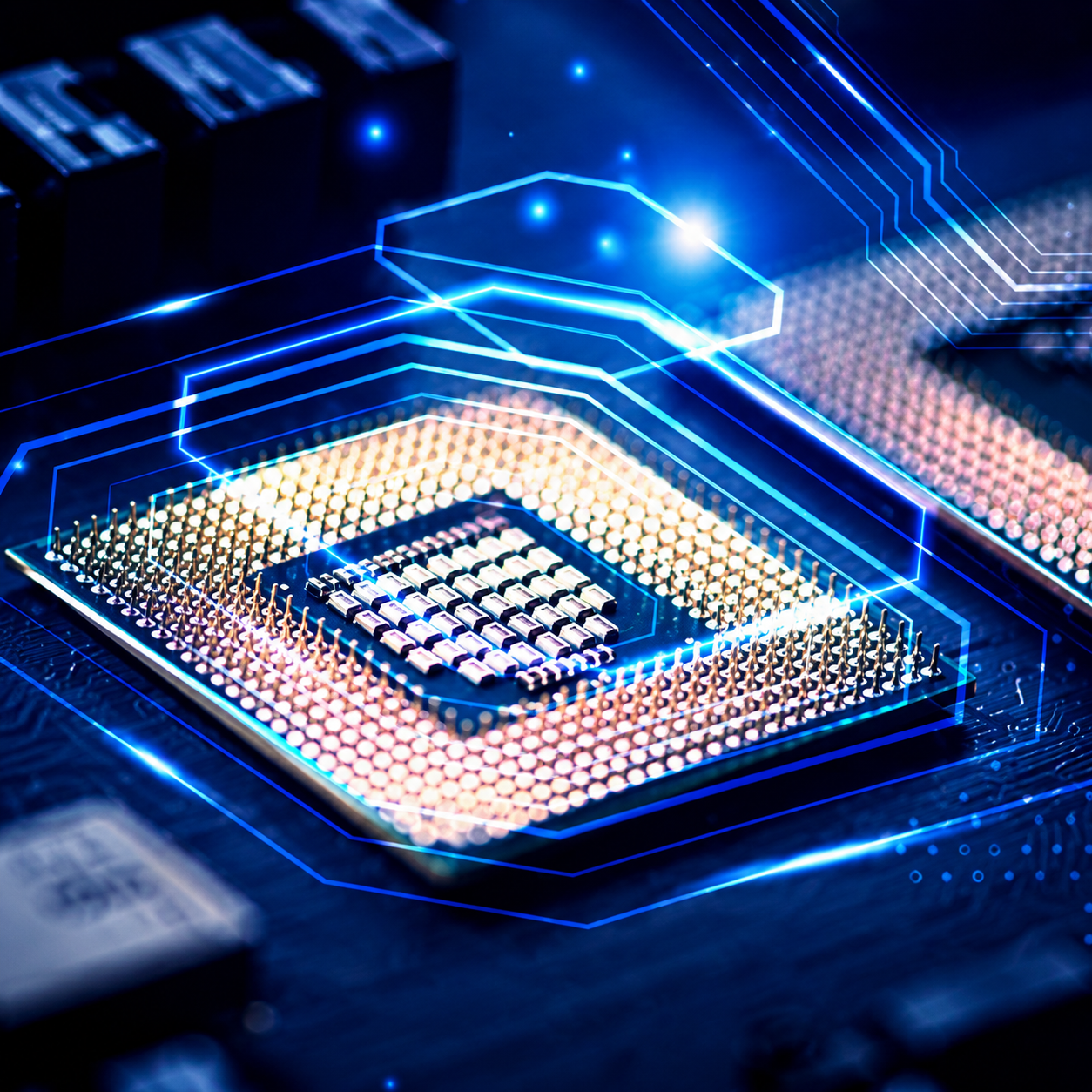
Modern gaming components, like the ASUS TUF Gaming GeForce RTX 4090, are marvels of engineering, but they generate an incredible amount of thermal energy. If that heat isn't managed properly, your PC will automatically slow itself down to prevent melting. This is called thermal throttling, and it’s the reason your frame rates suddenly tank during intense gameplay
Master the Art of Airflow and Ventilation
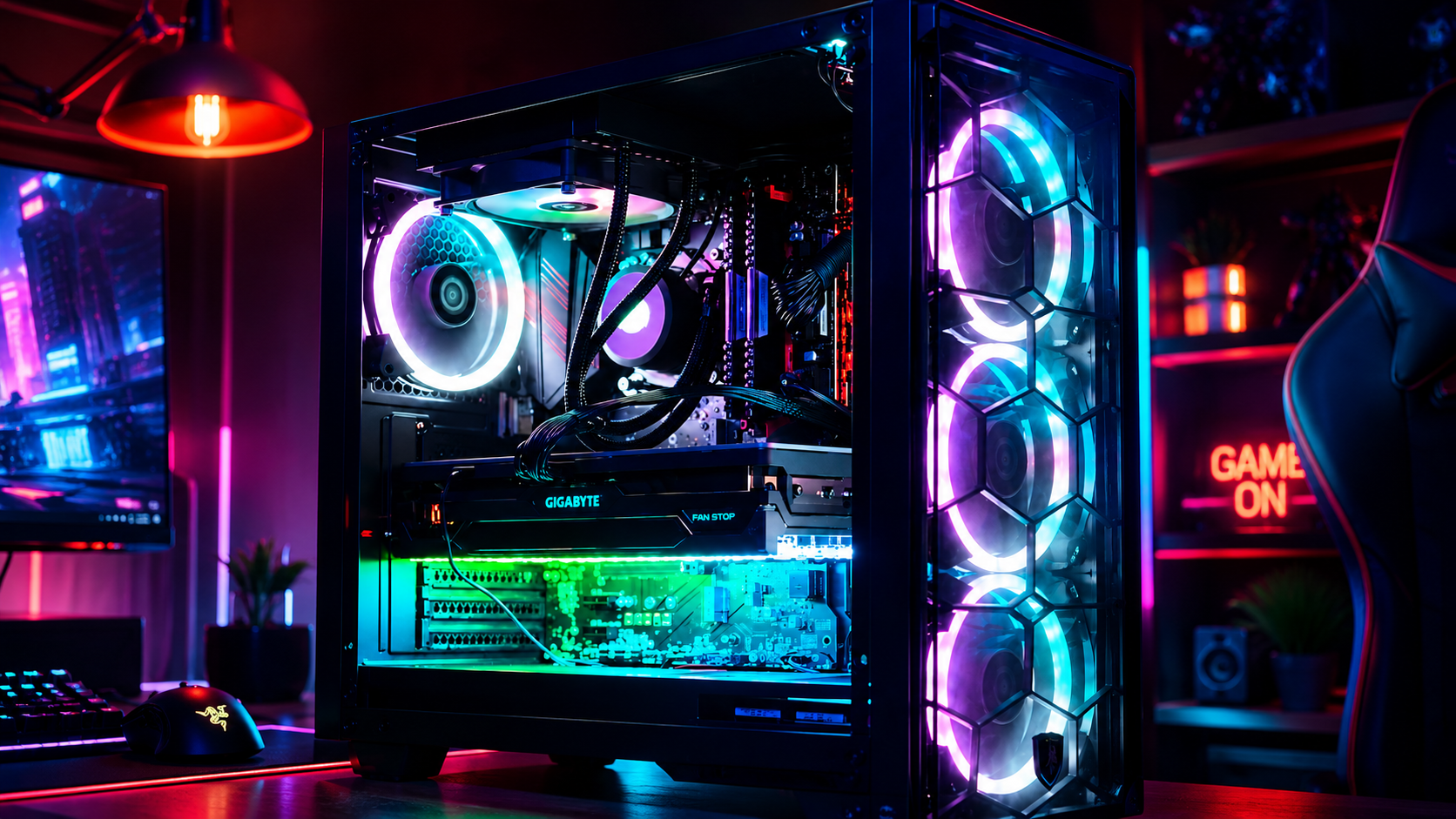
One of the most common issues we see at our service centers is poor case ventilation. You might have the most powerful fans on the market, but if they aren't positioned correctly, they can actually fight against each other, creating "dead zones" of trapped hot air.
- The Intake/Exhaust Balance: A stellar cooling setup requires a rhythmic flow of air. Typically, we recommend cool air coming in through the front and bottom, while hot air is whisked away through the rear and top.
- The Environment Matters: Is your PC tucked away in a cramped cabinet or sitting on a plush carpet? These "thermal traps" prevent your system from breathing.
If you suspect your airflow is compromised, our team can provide a seamless optimization of your internal layout, ensuring every component receives the "chilled" environment it deserves.
Identify the Microscopic Enemy: Dust and Debris
Even the cleanest homes aren't immune to dust. Over time, microscopic particles accumulate on your fan blades, inside the fins of your heatsinks, and across the delicate surfaces of your motherboard. This layer of grime acts like a thermal blanket, insulating the heat and forcing your fans to spin faster and louder just to keep up.
Why a Professional Deep Clean is Essential
While a quick blast of compressed air from the grocery store might help temporarily, it often just pushes the dust deeper into hard-to-reach crevices.
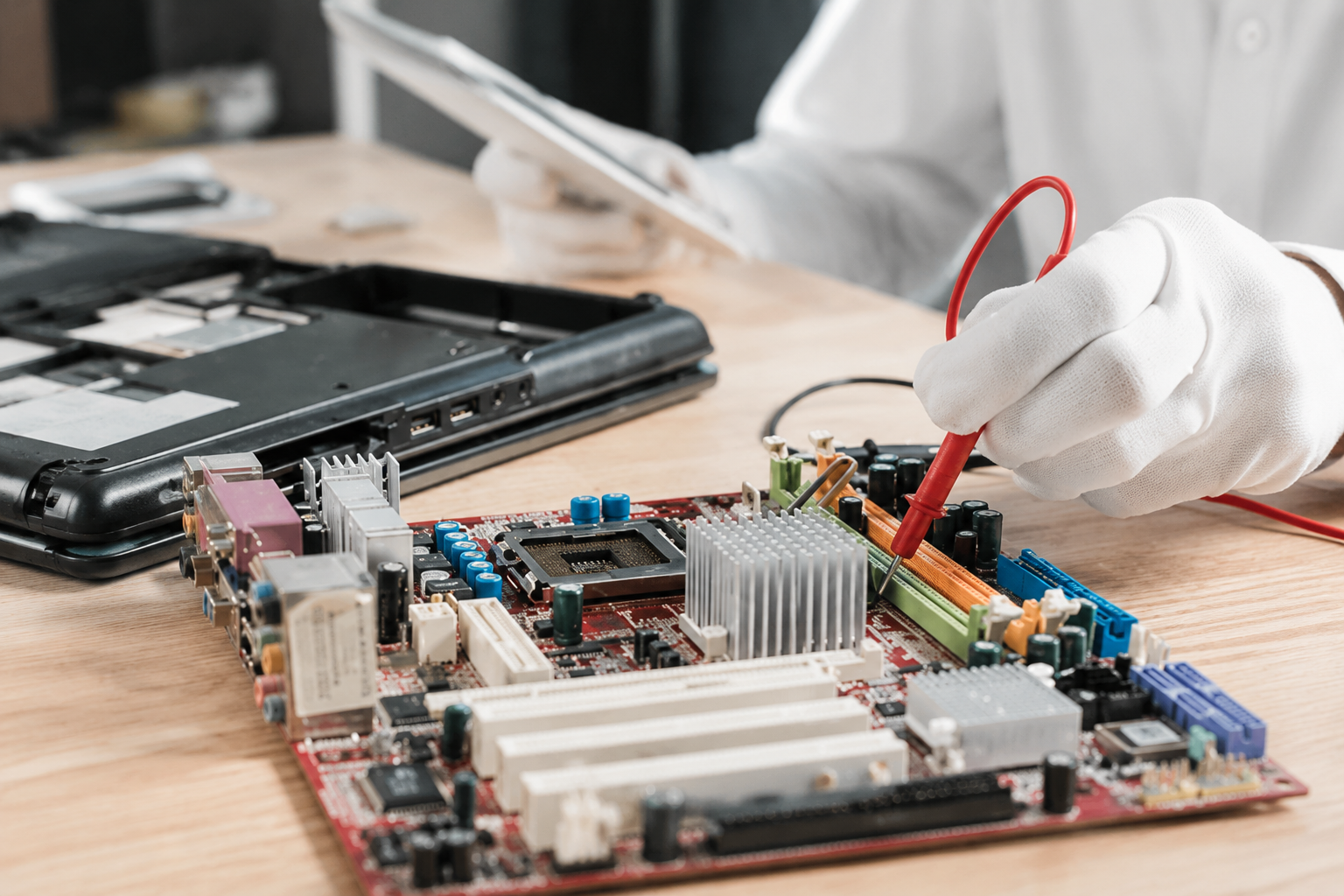
When you choose Home Net Computer Repair for a professional maintenance service, we don't just "blow the dust around." We perform a meticulous, high-resolution cleaning using ESD-safe tools. We dismantle the necessary shrouds and filters to ensure your radiators and fans are as pristine as the day they were unboxed.
Pro Tip: If your fans are clicking, grinding, or simply not spinning at all, they likely need a complete replacement. We use only top-quality, high-static pressure fans to ensure long-lasting, whisper-quiet operation.
Revitalize Your Thermal Interface: The Power of Repasting
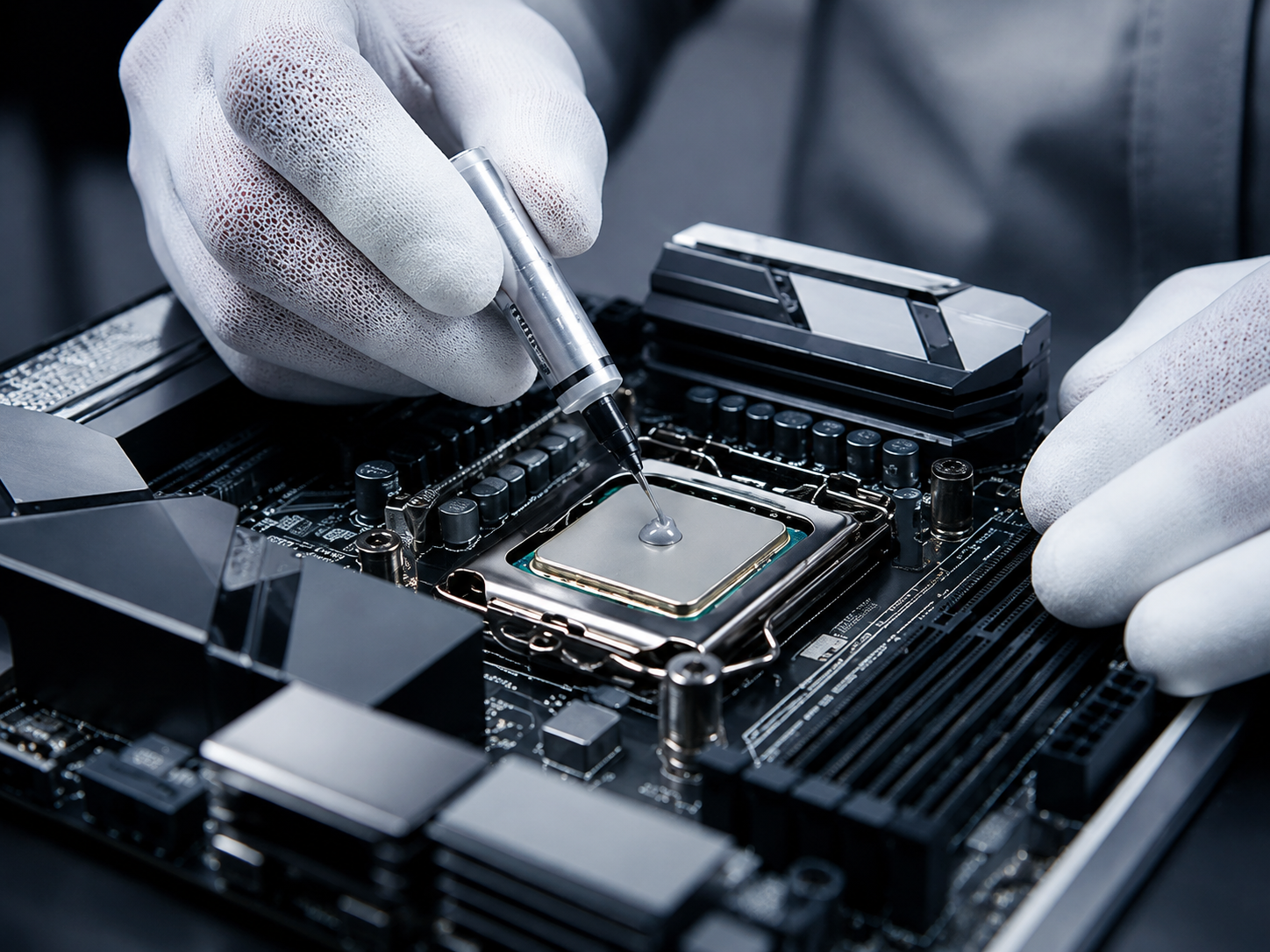
Between your CPU and its cooler lies a thin layer of thermal paste. This "bridge" is responsible for filling the microscopic gaps between the metal surfaces to maximize heat transfer. However, after 2–3 years of high-intensity gaming, this paste can dry out, crack, or "pump out," leaving your processor to bake.
Professional Application vs. DIY Risk
Applying thermal paste might seem simple, but it is a delicate task that requires precision. Too little paste leads to air bubbles and hot spots; too much can overflow onto the motherboard, potentially causing a short circuit if using conductive materials.
Our technicians are experts at "re-pasting" both CPUs and GPUs. We use unrivaled, enthusiast-grade thermal compounds that offer superior thermal conductivity compared to standard factory-applied paste. This simple upgrade can often drop your temperatures by 5–15°C, providing an immediate, stress-free boost to your system's stability.
Navigate Liquid Cooling Complexities
Many modern gaming rigs utilize All-In-One (AIO) liquid coolers or custom water loops. While these are incredibly efficient, they are not invincible.
- Pump Failure: The most common AIO issue is a dead pump. If your CPU temperatures spike to 100°C within seconds of turning on the PC, but the fans are spinning, your pump has likely failed.
- Permeation and Clogs: Over several years, liquid can slowly evaporate through the tubes (permeation), or gunk can build up inside the tiny fins of the water block.
Liquid cooling repairs can be intimidating, but they don't have to be. We provide comprehensive diagnostics for liquid-cooled systems in Renton, Kent, and beyond. Whether you need a simple radiator flush or a complete AIO replacement, we handle the technical heavy lifting so you can stay focused on your game.
Utilize Our Expertise for a Hassle-Free Experience
Why struggle with messy pastes and confusing fan headers when you can have a "knowledgeable neighbor" do it for you? At Home Net Computer Repair, we pride ourselves on being a family-owned business that treats every gaming rig with the same care we give our own.
The Home Net Advantage: We Come to You
We know that unplugging a complex gaming setup with dual monitors and messy cables is a chore. That’s why we offer a premier
pick-up and return service. We’ll swing by your home in Redmond or
Kirkland, safely transport your machine to our specialized workshop, and return it once it’s running at peak performance. It’s the ultimate convenience for the busy gamer or professional.
Quality Craftsmanship You Can Trust
We don’t believe in "quick fixes" that break a month later. We use only top-quality, proven parts and provide clear, upfront pricing. Whether it's a simple cleaning or a complex data recovery task, our goal is to provide enduring quality that keeps you in the game for years to come.
Craft Your Ultimate Gaming Experience
Is your gaming PC ready for the next big title, or is it holding you back with stuttering performance and scorching temperatures? Don't wait for a hardware failure to ruin your night.
Utilize our expertise to ensure your rig is cooled by the best and maintained by the most dedicated professionals in the region. From Everett to Tacoma, we are your local partners in high-performance computing
Ready for a cooler, faster PC?
Get in touch with us today to schedule your diagnostic or pick-up. Let’s get your system back to the unrivaled performance it was built for!