5 Steps to Clean Your Laptop and Make it Last Longer
1. Craft a Clear View: The Screen
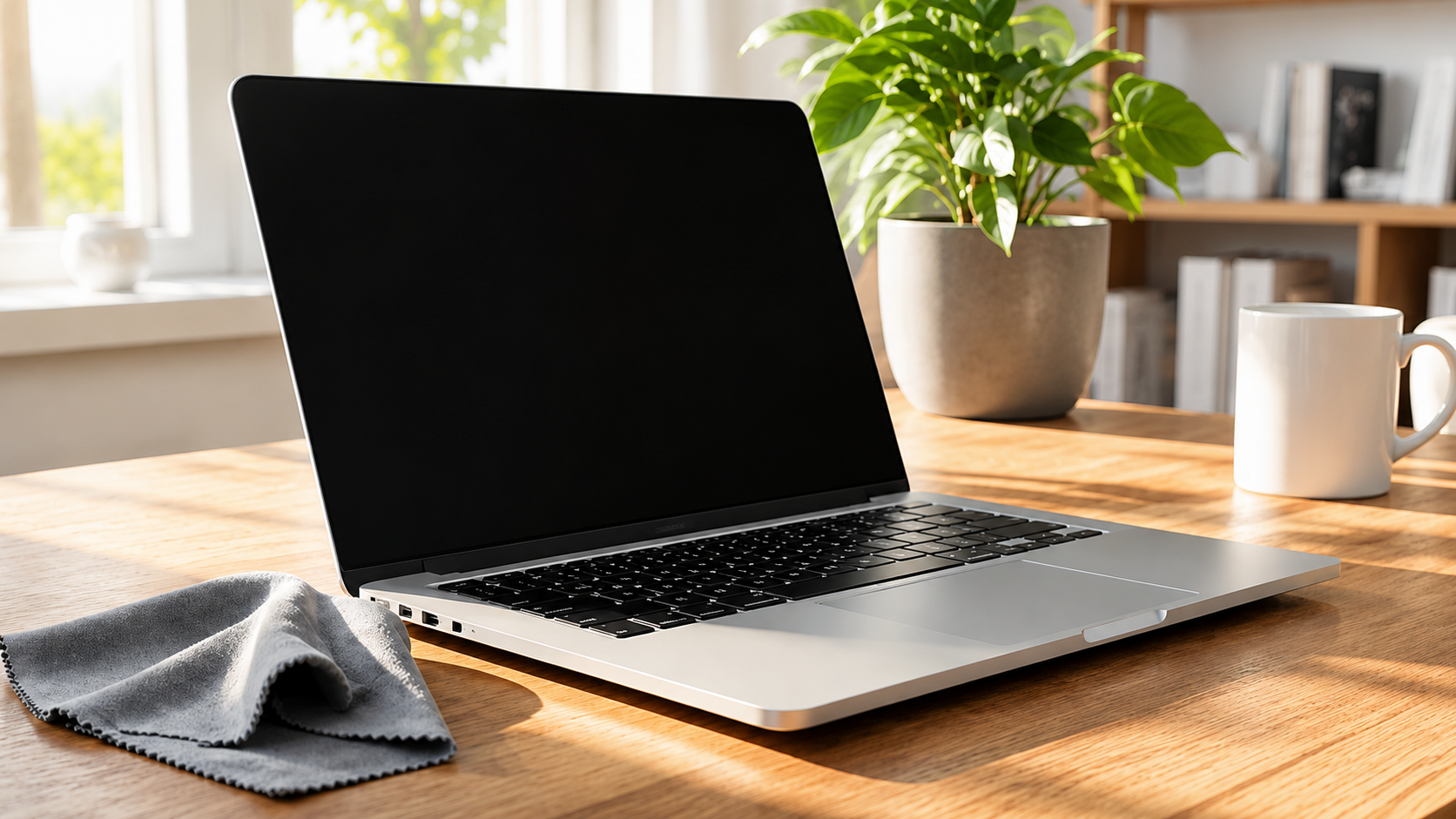
Your screen is your window to the digital world, but it’s also a magnet for fingerprints and dust. To maintain unrivaled clarity, you must handle it with the utmost care. Never use harsh chemicals like glass cleaner or ammonia, as these can strip away the protective coatings of your display.
Instead, start by turning off your laptop. This isn’t just for safety; a dark screen makes it much easier to see the grime. Use a soft, lint-free microfiber cloth to gently wipe the surface in a circular motion. If you encounter a stubborn smudge, lightly dampen the cloth: never the screen itself: with distilled water or a dedicated screen-safe solution. This bespoke approach ensures a streak-free finish without the risk of liquid seeping into the delicate internal electronics.
2. Restore Your Tactile Connection: The Keyboard
3. Let Your System Breathe: The Vents
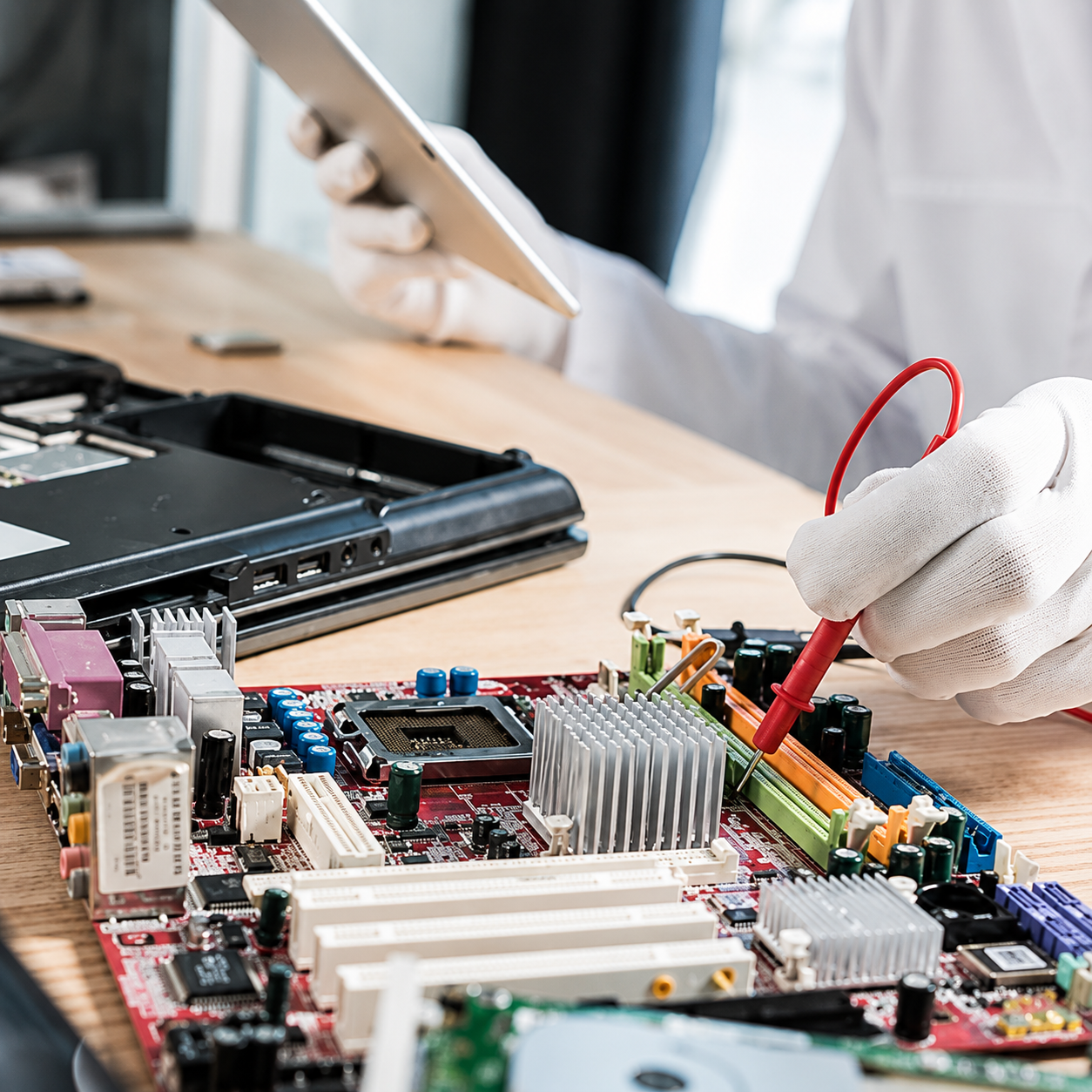
If your laptop is running hot or the fans are constantly whirring, it’s likely struggling to breathe. Dust buildup in the cooling vents is the primary cause of thermal throttling, which can lead to permanent hardware damage over time. Ensuring your device has long-lasting health starts here.
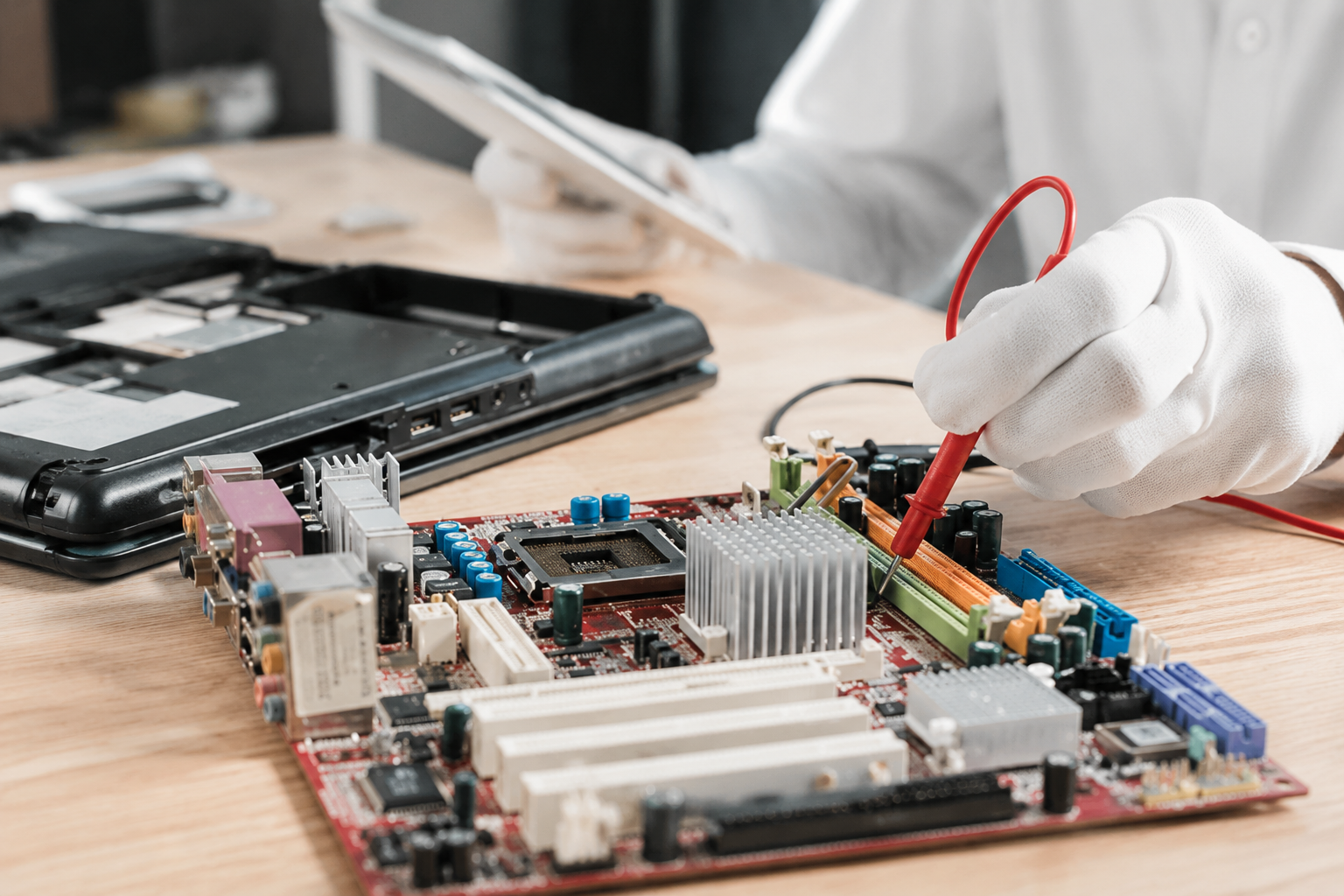
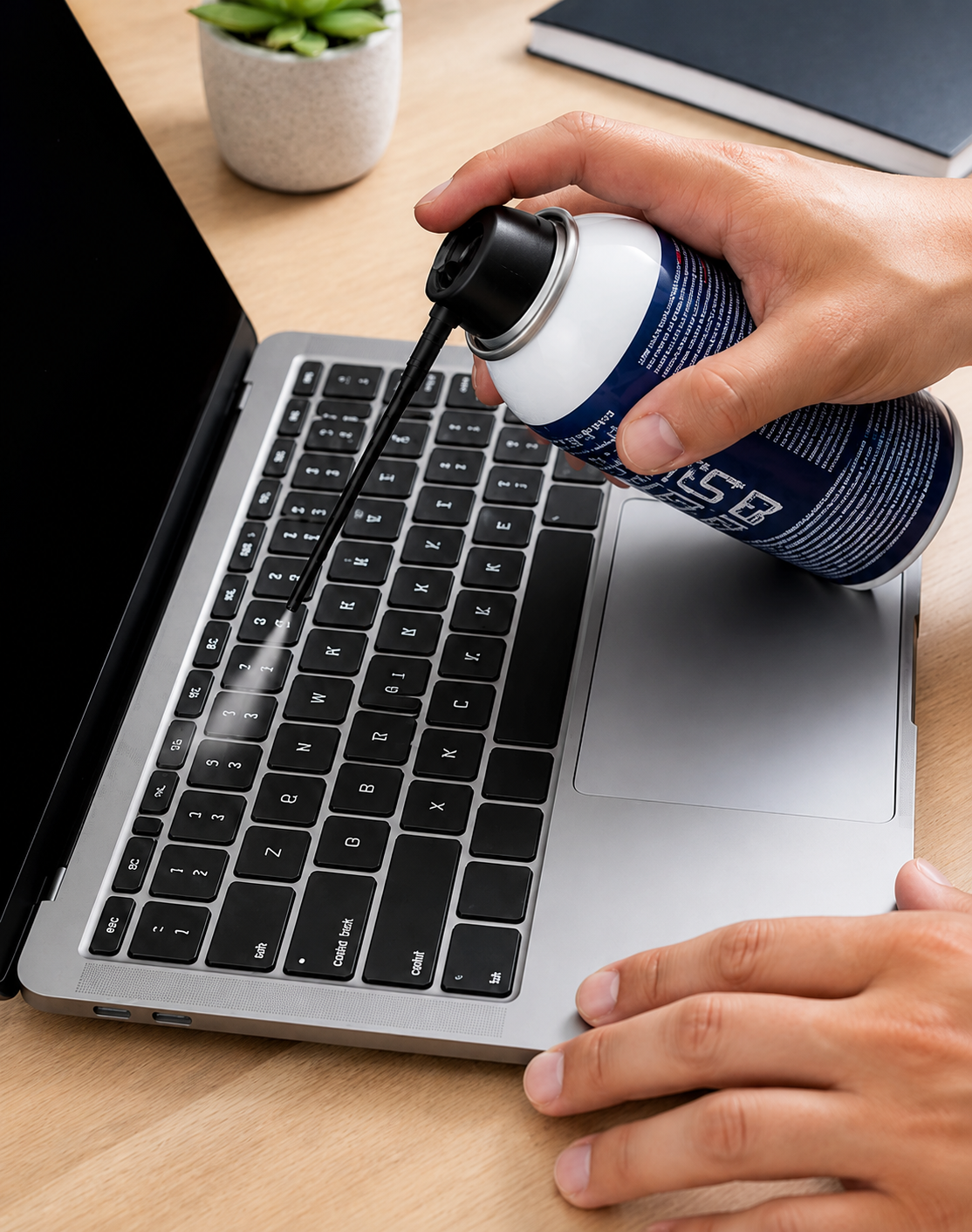
Locate the intake and exhaust vents: usually found on the bottom or sides of the chassis. Use compressed air to clear these paths. However, if you notice significant dust bunnies through the grilles, it might be time for a more in-depth internal cleaning.
For high-performance machines or those used in dusty environments, we often suggest a professional internal cleaning once a year. Our team of experts provides
quality craftsmanship in every tuneup, ensuring your cooling system remains in
enduring quality condition.
If you’re uncomfortable opening your device, remember that we offer a convenient pick-up and return service: we come to you, making the process completely
stress-free.
4. Ensure Seamless Connectivity: The Ports
We often overlook the ports where we plug in our chargers, USB drives, and headphones. These tiny openings are perfect traps for lint and debris, which can lead to intermittent connection issues or a complete failure to charge.
Using a non-metallic pick (like a wooden toothpick) or a quick blast of compressed air, you can clear these small spaces. Avoid using anything metal, as this could short-circuit the sensitive pins inside. Maintaining these connections ensures a
reliable and seamless link between your laptop and your essential peripherals.
5. The Digital Polish: Software De-clutter
A clean laptop isn't just about the physical exterior; it's about the digital craftsmanship happening inside. Over time, temporary files, unused applications, and background processes can "clog" your system's performance, making it feel older than it actually is.
Take a few moments to:
- Empty your trash and downloads folder.
- Uninstall programs you no longer use.
- Manage your startup items so only the essentials load when you turn on your PC.
For a truly bespoke solution, consider an SSD upgrade or a RAM boost. We specialize in these personalized enhancements that can make an older laptop feel brand new again. You can explore our upgrade services to see how we can tailor your machine to your specific needs and budget.
Why Quality Maintenance Matters
When you take the time to clean your laptop, you aren't just making it look pretty. You are investing in its proven longevity. A clean machine runs cooler, performs better, and saves you from the frustration of unexpected breakdowns.
At
Home Net Computer Repair, we are dedicated to helping our neighbors get the most out of their technology. We know that computers can be intimidating, which is why we offer
clear upfront pricing and a friendly, patient approach: especially for our seniors who want to master their devices through our tech tutoring.
Your Trusted Partner in Tech
Is your laptop still feeling a bit sluggish after a cleaning? Or perhaps you’d rather have a professional handle the "deep clean" to ensure everything is done right the first time?
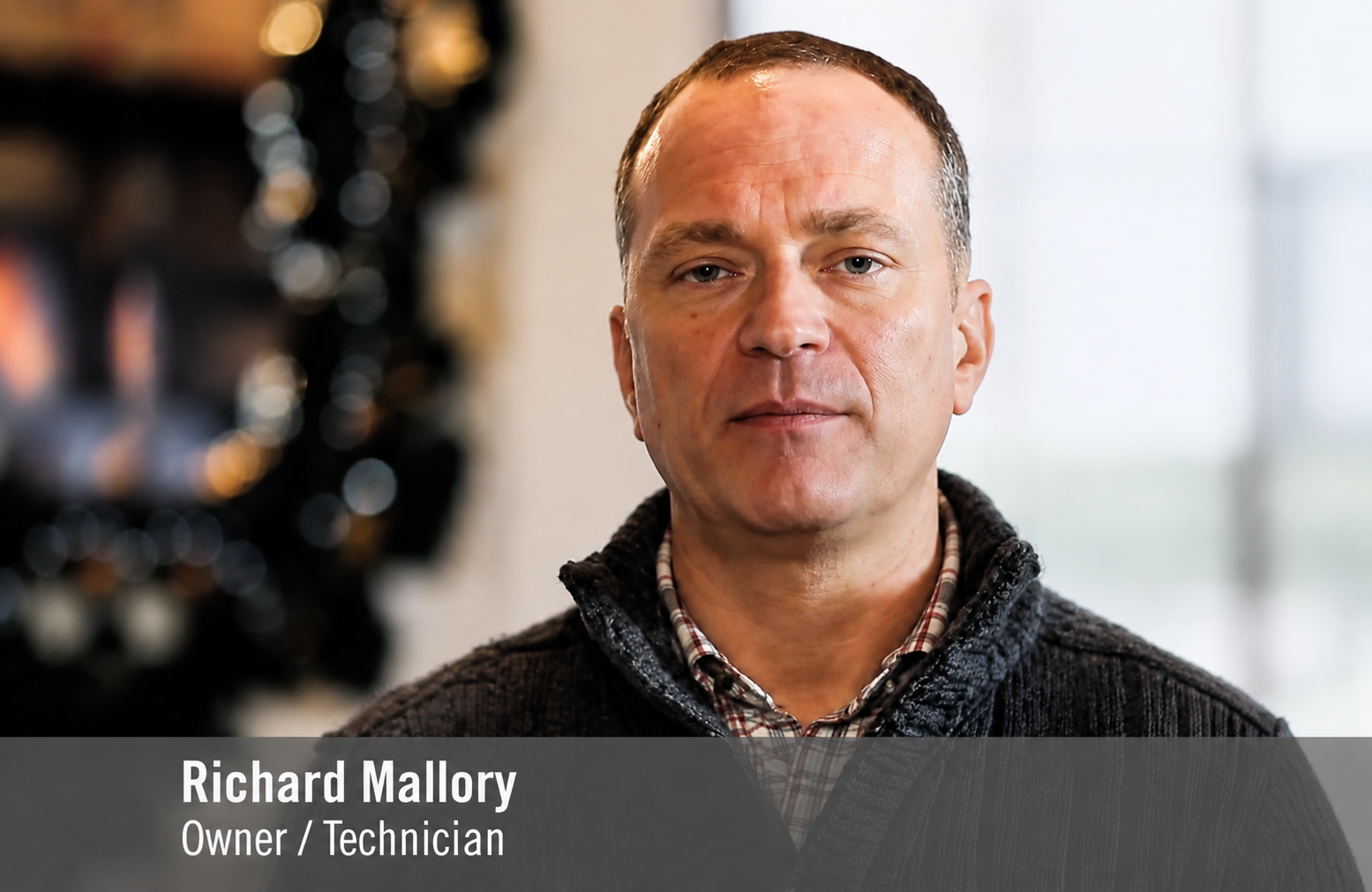
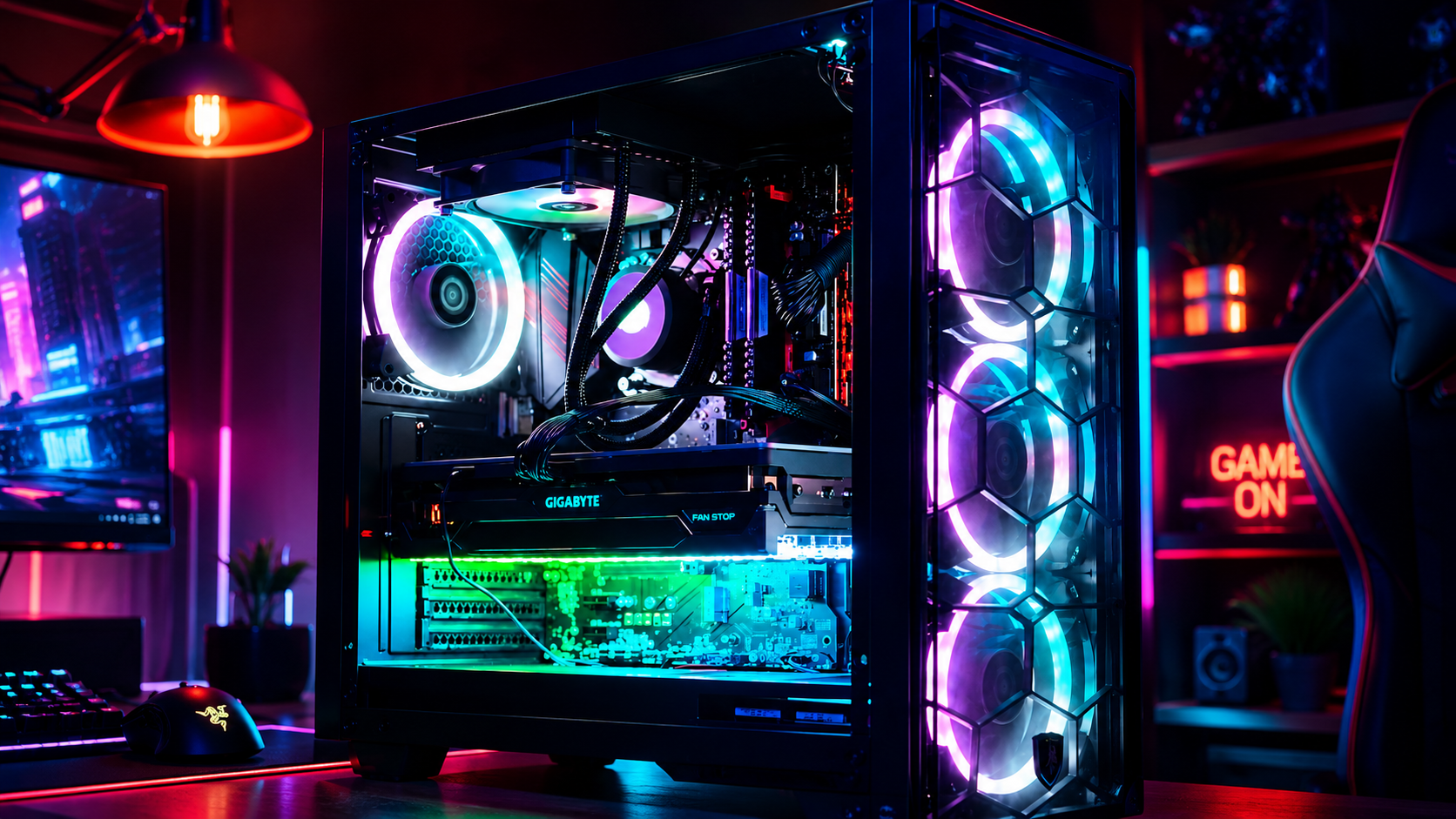
Whatever your needs, Richard Mallory and the team are here to help. From data recovery to building the premier gaming rig of your dreams, we bring years of expertise right to your door.
Don’t let a dusty laptop slow you down.
Reach out to us today to schedule a professional cleaning or a personalized tech check-up. We look forward to making your tech life
hassle-free and enjoyable!