How Much RAM Do I Really Need? A No-Nonsense Guide for 2026
August 18, 2026

Are you staring at your screen while an application freezes, wondering why your machine is stuttering just when you need it most? Perhaps you are planning a brand-new custom rig for modern AAA gaming or heavy 4K video editing, and you find yourself paralyzed by hardware specifications. With technology evolving at a breakneck pace, figuring out the exact amount of Random Access Memory (RAM) required for your specific workflow can feel like navigating a maze.


Here at Home Net Computer Repair, we believe that upgrading your technology should be an exciting, stress-free milestone rather than a frustrating guessing game. As a family-owned team serving our local communities: from Seattle to Bellevue, Kirkland, and Redmond: we are dedicated to providing honest, transparent guidance. Let us walk you through our comprehensive, no-nonsense guide for 2026 so you can achieve peak performance without spending a dime on hardware you do not need.

Evaluate Your Digital Lifestyle 

Before diving into memory modules and gigabyte counts, let us take a moment to understand your unique daily routine. Do you primarily use your computer for casual web browsing, streaming your favorite shows, and managing family photos? Or are you pushing hardware to its absolute limits with competitive gaming, simultaneous video streaming, and complex video editing timelines? 

Every user has distinct demands. Recognizing your specific bottlenecks is the first step toward a seamless, hassle-free computing experience. When your system has just the right amount of memory, multitasking becomes effortless. Applications open instantly, background updates never interrupt your workflow, and your machine operates with enduring quality and reliability. 

If you have ever felt held back by sudden system slowdowns or crashing applications, reach out to our team. We are always here to listen and help you craft a personalized solution tailored precisely to your budget and goals.

Understand the 2026 RAM Landscape 

To make an informed decision, let us look at where industry standards stand today. In previous years, 16GB of RAM was considered the gold standard for almost everything. Today, the demands placed on our operating systems, web browsers, and creative applications have grown significantly. 

For most casual home users and office workers, 16GB remains a dependable baseline for smooth everyday tasks. However, if you are a gamer looking for fluid frame rates in modern titles, or a content creator working with high-definition media, 16GB is rapidly becoming a tight squeeze. 

Let us break down the ideal capacities for different types of users in 2026:

  • 16GB RAM: Ideal for everyday productivity, web browsing with multiple tabs, casual gaming, and light media consumption.
  • 32GB RAM: The premier "sweet spot" for modern AAA gaming, heavy multitasking, and moderate 4K video editing.
  • 64GB RAM and Beyond: The ultimate choice for professional content creators, heavy 4K/8K video production, complex 3D rendering, and enthusiast setups that demand unrivaled, future-proof muscle.
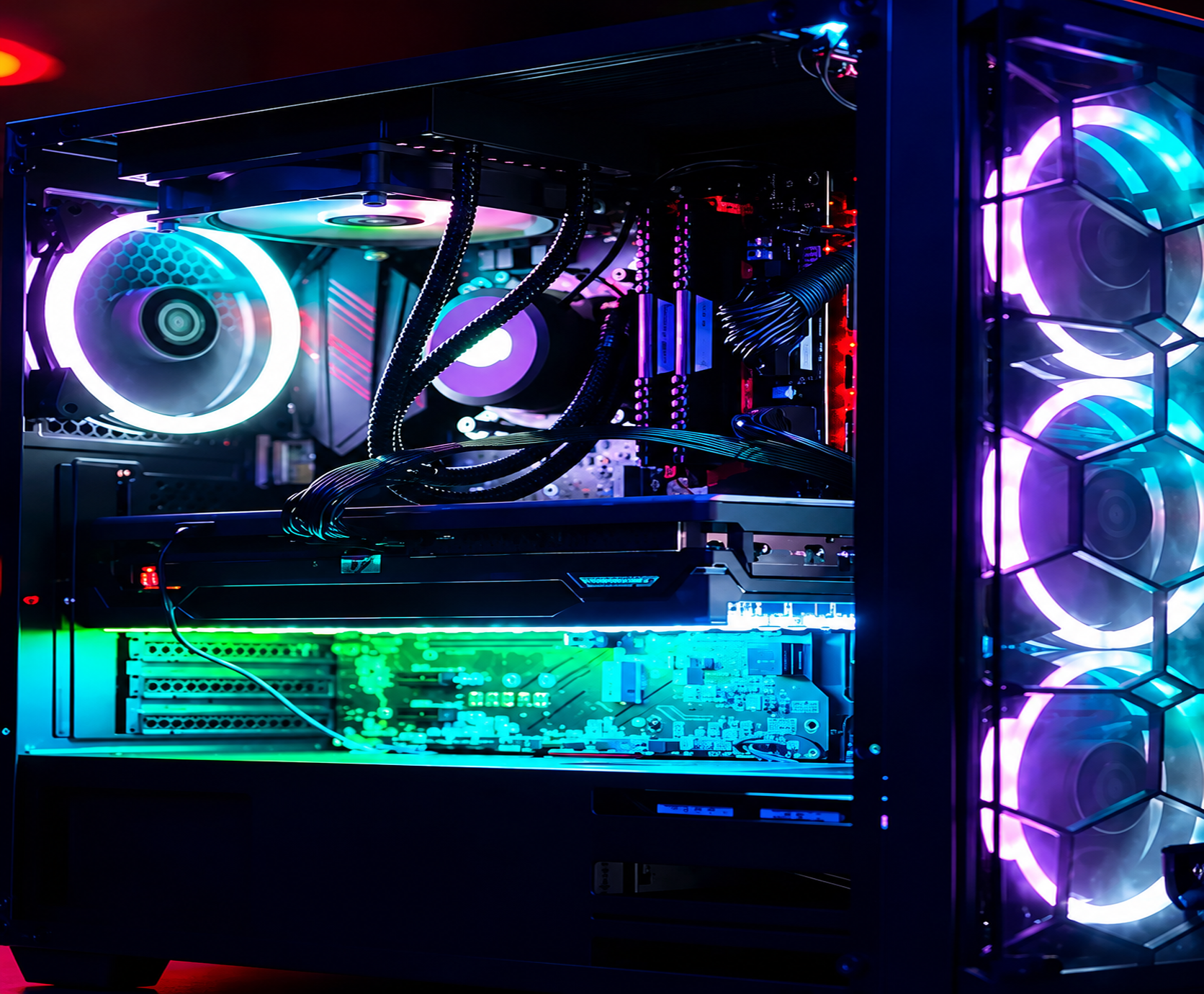
Colorful gaming PC interior with glowing RGB fans, illuminated graphics card, and neon blue-purple lighting

Craft Your Gaming Experience 

Are you a passionate gamer wondering how much memory your rig needs to handle the latest titles without a hitch? Modern games are visual masterpieces filled with sprawling open worlds, high-resolution textures, and complex physics engines. While many game publishers still list 16GB as a recommended specification, running a demanding game alongside Discord, voice chat, game launchers, and background browser tabs can quickly push your system past its limit.

For a truly immersive, stutter-free gaming experience in 2026, we strongly recommend stepping up to 32GB of RAM. This ensures that your graphics card and processor: such as an elite ASUS TUF Gaming GeForce RTX 4090: can communicate smoothly with your system memory, delivering consistent frame rates and eliminating frustrating micro-stutters.
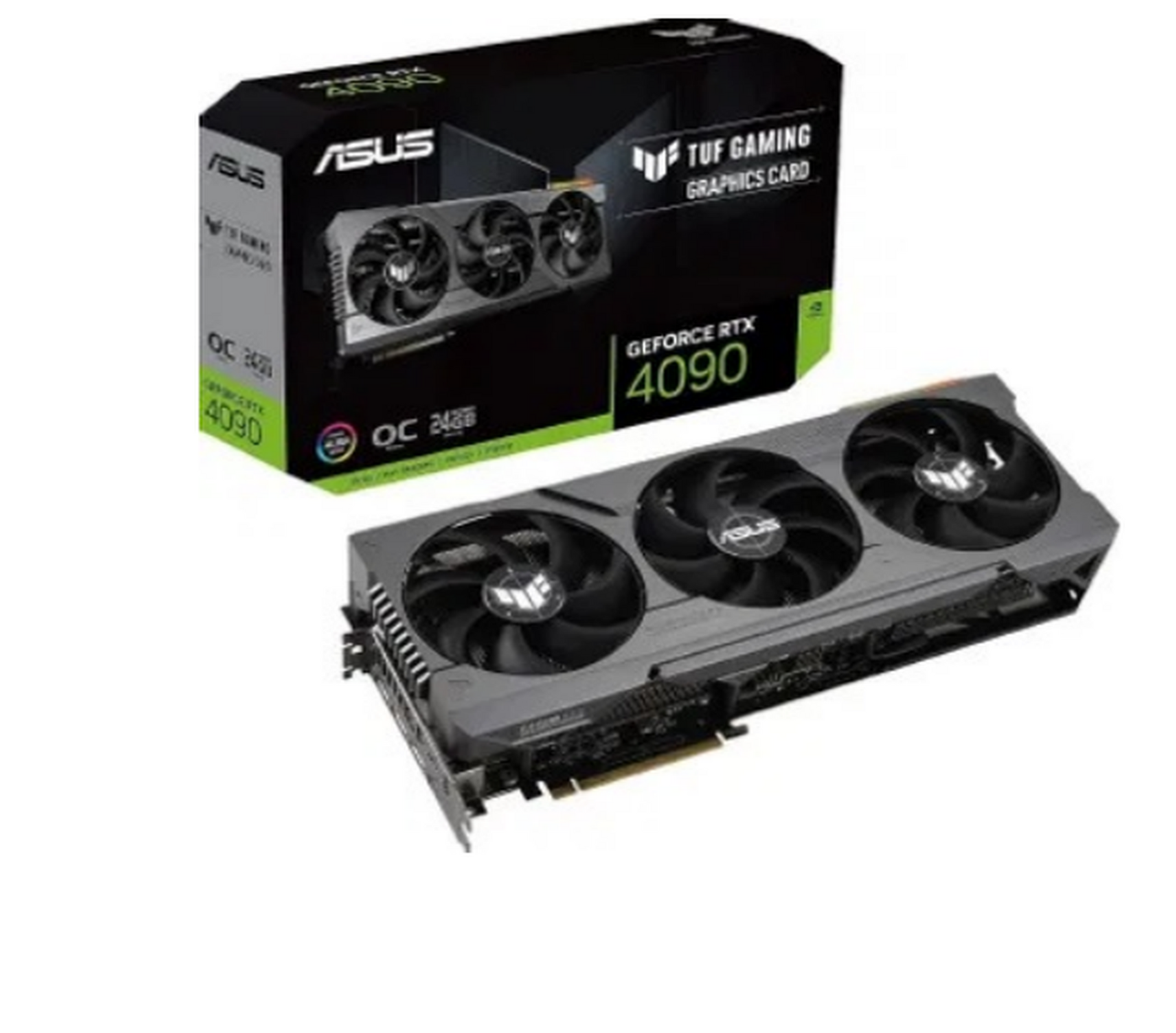
ASUS TUF Gaming GeForce RTX 4090 graphics card with retail box, shown on white background

If you love building custom rigs or want to upgrade your existing setup with top-quality parts for reliable results, we are ready to assist. Get in touch with us today to discuss your next custom build. 

  •  Check the Graphics Card: If you have a dedicated video card: like an ASUS TUF Gaming GeForce RTX 4090 or similar powerhouse: ensure it is firmly seated in its PCIe slot and that its dedicated power cables are securely plugged in.
  •  Clear the CMOS: If your BIOS settings have become hopelessly corrupted, removing the coinsized CR2032 CMOS battery from your motherboard for a minute before putting it back can reset your system hardware configuration to factory defaults.

Optimize Your Creative Workflows 

Video editing, 3D animation, and music production are intensely memory-intensive tasks. If you work with 4K or 8K video timelines in software like Adobe Premiere Pro or DaVinci Resolve, your project files and effects cache can consume massive amounts of data in seconds.


When your RAM fills up, your operating system is forced to swap data onto your storage drive, resulting in sluggish scrubbing, dropped frames, and potential application crashes. For serious video editors and content creators, 32GB is the starting line, while 64GB is the recommended standard for seamless, high-speed rendering. 


We know how precious your time is. You want your editing workstation to feel responsive and dependable, allowing your creativity to flow without technical roadblocks. If you are unsure whether your current motherboard can support a memory upgrade, our expert technicians are here to provide clear upfront pricing and honest advice.

Utilize Our Expertise for a Hassle-Free Upgrade 

Upgrading computer hardware can sometimes feel intimidating, especially when dealing with delicate motherboard slots, BIOS settings, and compatibility checks. Why risk damaging expensive components when you can rely on proven professionals? 

At Home Net Computer Repair, we pride ourselves on our family-owned values and genuine care for every customer. We offer a convenient pick-up and return service, meaning we come directly to your home or office, take care of the heavy lifting, and return your fully optimized computer ready for action.
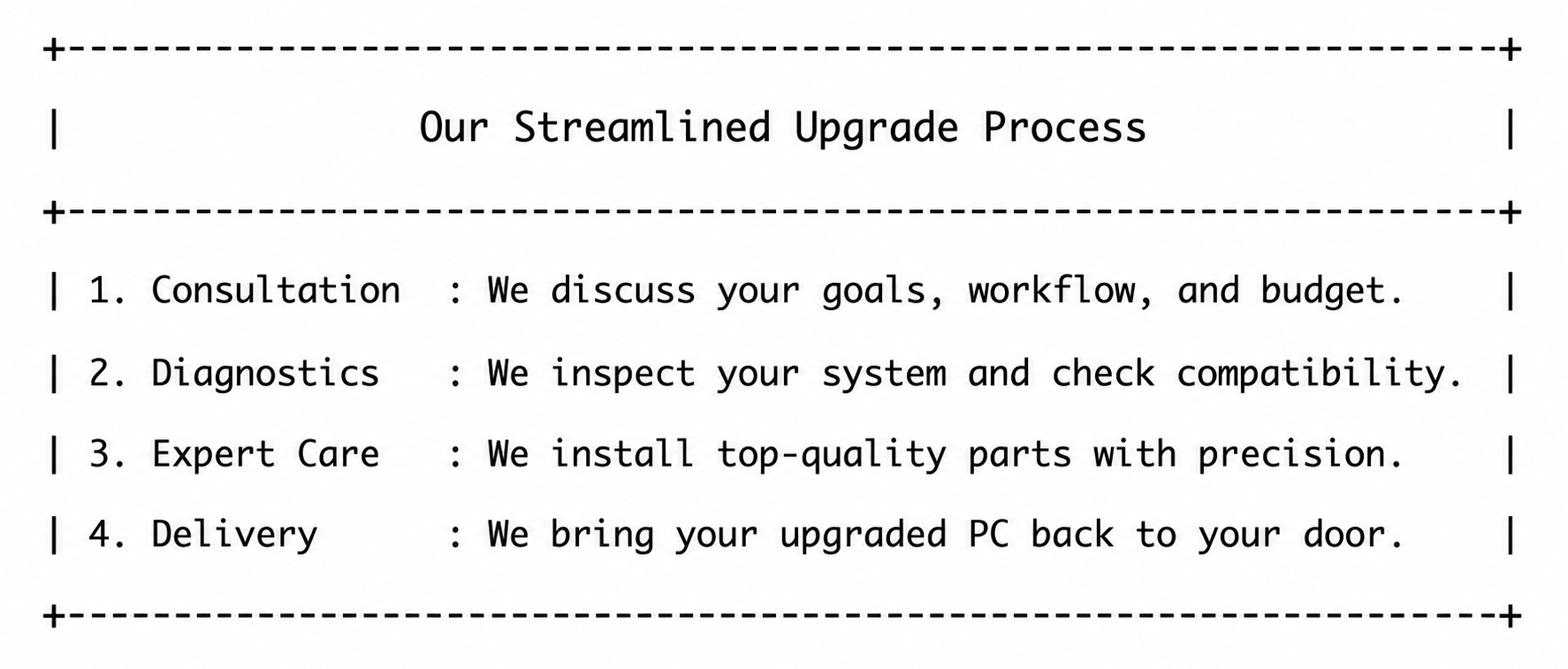
Our streamlined upgrade process with four steps: consultation, diagnosis, repair, and delivery.

Whether you need a quick memory upgrade, a comprehensive diagnostic check, or a bespoke custom gaming rig, we approach every task with meticulous attention to detail and quality craftsmanship
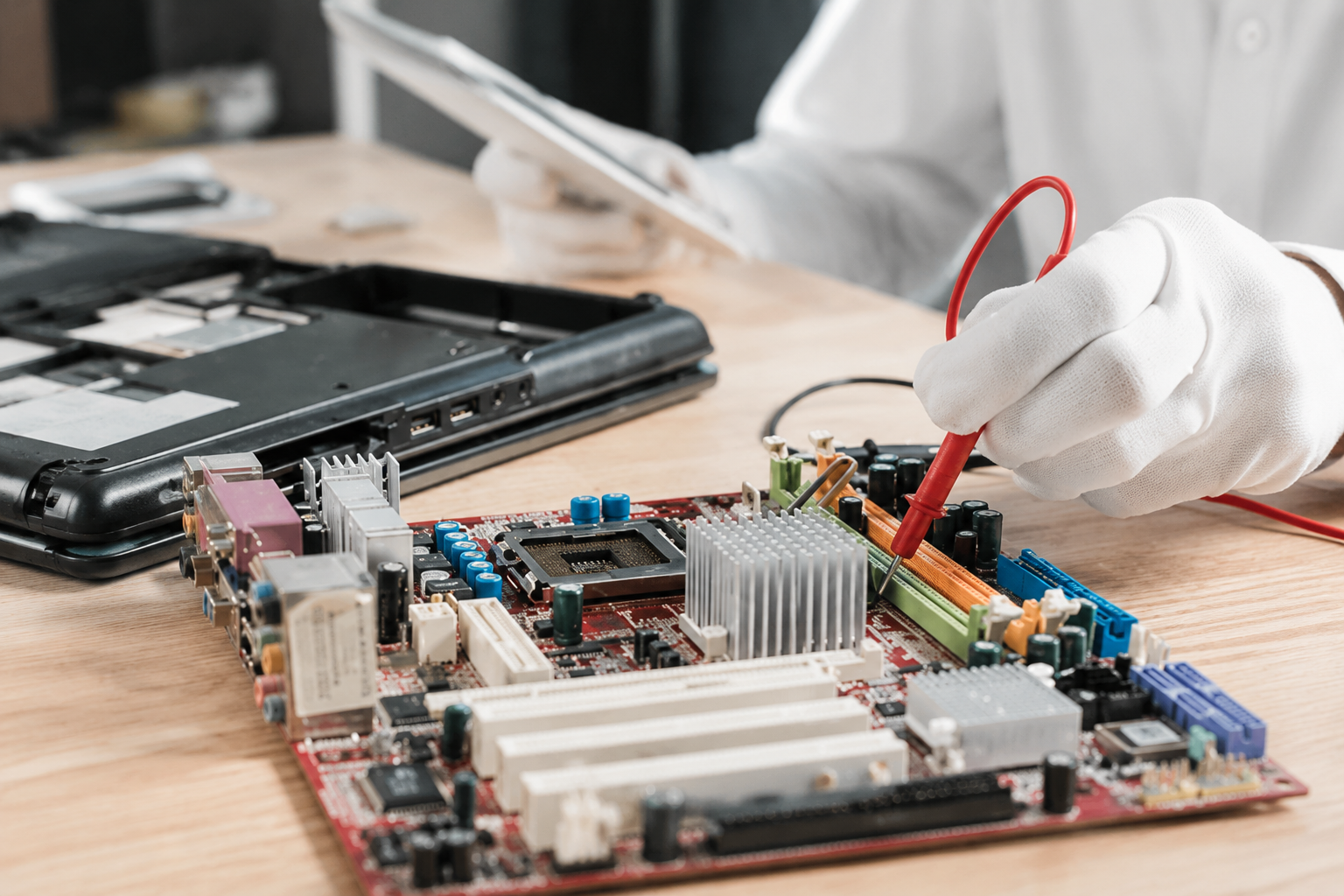
Technician in white gloves testing a computer motherboard with a red multimeter probe on a desk

Explore Our Services and Reach Out Today

Making your technology less stressful and more accessible is our ultimate mission. From home users seeking reliable repairs to small businesses needing robust IT support, we provide personalized solutions tailored to your specific needs.


If you are ready to banish sluggish performance and give your computer the upgrade it deserves, do not hesitate. Reach out to our friendly team today, and let us help you experience technology the way it was meant to be: fast, efficient, and completely stress-free.


September 18, 2026
Navigating today’s fast-paced digital world can sometimes feel like walking through a maze blindfolded. Every time you open your tablet, smartphone, or desktop computer, you are greeted by a flurry of breaking news alerts, viral social media posts, and shocking headlines. While staying informed is wonderful, the sheer volume of information can quickly become overwhelming: and frankly, a bit stressful. How often have you stared at a sensational post and wondered, Is this actually true, or is someone just trying to trick me? At Home Net Computer Repair , we believe that technology should empower your life rather than cause anxiety. Whether we are building a bespoke custom gaming rig, optimizing a slow laptop, or providing patient, in-person tech tutoring for seniors, our mission is always the same: making tech less stressful and more accessible for everyone. To help you navigate your daily news feed with total confidence, we’ve put together this comprehensive, stress-free guide. Read on to discover five proven, straightforward ways to separate genuine reporting from digital fiction.
September 17, 2026
In our interconnected digital age, scrolling through social media is part of our daily rhythm. Whether you are catching up with family, reading community updates, or browsing the latest news, information flies across your screen at lightning speed. But with that endless stream of content comes a frustrating challenge: how do you know what is actually true? At Home Net Computer Repair , we believe that mastering your technology goes beyond having a lightning-fast custom PC or a reliable laptop. It also means navigating the digital world with confidence, clarity, and peace of mind. Misinformation can be stressful, overwhelming, and sometimes downright misleading. That is why we have put together this comprehensive, step-by-step guide to help you effortlessly fact-check social media posts, news articles, and viral claims before you hit that share button.
September 16, 2026
Have you ever noticed your favorite machine sounding a bit like a jet engine during a routine web browsing session, or perhaps lagging just when you need it most? We’ve all been there, staring at a frozen screen, wondering why our trusty digital companion is suddenly moving at a snail's pace. Dust accumulation, thermal throttling, and cluttered operating systems are often the silent culprits behind these frustrating hiccups. At Home Net Computer Repair, we believe that maintaining your technology shouldn't feel like an overwhelming chore. As your knowledgeable neighborhood tech partner, we’re dedicated to bringing you stress-free, seamless computing experiences. Whether you are running a bespoke gaming rig, managing a busy small business, or simply keeping in touch with loved ones, establishing a proven maintenance schedule is the secret to unlocking peak performance and ensuring long-lasting durability. Let’s dive into our comprehensive guide on how often you should clean your computer, both inside and out, and how a little routine care keeps your hardware running at its absolute best.
September 15, 2026
Have you ever stared at your monitor while your computer freezes mid-task, wondering if the only cure is to wipe the slate completely clean? It’s a familiar frustration for many home users, gamers, and local business owners across our Pacific Northwest communities. When your machine starts acting up: throwing mysterious error codes, lagging during crucial video rendering, or taking an eternity to boot: the age-old recommendation often echoes through online forums: "Just reinstall Windows!" But is a full operating system wipe truly necessary every time your PC hits a snag? At Home Net Computer Repair, we believe in transparent, honest diagnostics rather than reaching for drastic measures right away. As your knowledgeable neighbor down the road, our goal is to deliver a stress-free, seamless experience that saves you time and protects your cherished files. Let’s explore when hitting refresh on your operating system is an absolute game-changer, and when you can safely skip the hassle entirely.
September 14, 2026
Navigating the modern digital landscape can sometimes feel like walking through a bustling marketplace filled with shouting vendors, each trying to grab your attention. Whether you are scrolling through social media over your morning coffee or catching up on the latest headlines, you might find yourself asking: Can I actually trust what I am reading right now? Here at Home Net Computer Repair , we believe that feeling confident and secure online is just as important as having a lightning-fast computer. As a family-owned business deeply rooted in our community, we are dedicated to making technology less stressful and infinitely more accessible for everyone: especially our cherished seniors who value clarity, patience, and peace of mind. If you have ever felt overwhelmed by sensational headlines, confusing social media forwards, or digital rumors, you are certainly not alone. Let’s explore how you can cultivate absolute digital literacy with our comprehensive, stress-free guide to fact-checking online news and social media posts.
September 11, 2026
Have you ever settled in for a relaxing evening of high-end gaming or opened your video editing suite to finish a premier project, only for your computer to suddenly sound like a roaring jet engine before crashing to a black screen? That sinking feeling of frustration is all too familiar. When your machine unexpectedly shuts down or stutters during peak performance, you are likely dealing with a classic and stressful culprit: CPU overheating. At Home Net Computer Repair, we believe that technology should empower your daily life, not add anxiety to it. As your friendly, family-owned neighborhood tech experts, we are committed to making your digital experience completely seamless and stress-free. Whether you are running a bespoke gaming rig, a high-performance content creation workstation, or a reliable family desktop, keeping your processor at peak performance is essential for long-lasting durability. Let's dive into why your CPU might be running dangerously hot, how you can diagnose the issue, and what proven, transparent steps you can take to bring temperatures back down to earth.
September 10, 2026
It happens when you least expect it. You click a suspicious link in an email, download a file from an unverified source, or browse to a site that looks just a little too good to be true. Suddenly, your screen freezes, warning pop-ups flood your display, and a cold wave of dread washes over you: Did a virus just completely destroy my computer? If you are currently holding your breath wondering whether your machine is toast, take a deep breath. At Home Net Computer Repair , our family-owned team has seen it all. As your knowledgeable neighborhood tech experts, we are here to clear away the fear, separate internet myths from engineering facts, and provide you with a stress-free, crystal-clear understanding of what malware can: and cannot: do to your precious hardware.
September 9, 2026
Is your trusty computer feeling sluggish, bogged down by mysterious errors, or freezing up when you need it most? We’ve all been there. There comes a time in every machine's lifecycle when a fresh start is the premier solution to restore that lightning-fast, day-one performance you fell in love with. But the thought of a factory reset often triggers an instant wave of anxiety: What will happen to my family photos, my vital tax documents, and my favorite playlists? Take a deep breath. You don’t have to sacrifice your treasured memories or important work to give your PC a new lease on life. At Home Net Computer Repair, we believe that optimizing your technology should be a stress-free, seamless experience rather than a digital catastrophe. Whether you are prepping your machine for peak gaming performance or simply clearing out years of accumulated digital clutter, we are here to walk you through how to execute a pristine factory reset while keeping your personal universe completely intact.
September 8, 2026
Have you ever found yourself staring at your computer screen, wondering just what is ticking away under the hood? Perhaps a new game requires a beefier processor, a video editing suite is crawling at a snail's pace, or you are simply curious whether your trusty machine is ready for tomorrow's software updates. Whatever the reason, checking your computer's specifications doesn't have to require an engineering degree or hours of digging through cryptic menus. At Home Net Computer Repair , we believe that technology should empower you, not stress you out. Whether you are looking for custom PC building in Seattle or professional data recovery services in Bellevue , demystifying your hardware is the first step toward peak performance. In this comprehensive, hassle-free guide, we will show you how to check your PC's specs in under 60 seconds using built-in Windows shortcuts. Let's dive in!
September 7, 2026
Have you ever stared at your computer screen, wondering why your favorite game stutters or why your audio suddenly cuts out right in the middle of an important video call? When your system starts acting sluggish or peripherals refuse to cooperate, the culprit is often hiding in plain sight: outdated or corrupted device drivers. For many home users, gamers, and small business professionals, the very word "drivers" evokes images of endless pop-ups, confusing third-party software scams, and the lingering fear of breaking a perfectly good machine. But keeping your system running at peak performance doesn’t have to be a stressful ordeal. At Home Net Computer Repair, we believe in making technology accessible, transparent, and completely hassle-free. Whether you are powering a bespoke gaming rig with a high-end ASUS TUF Gaming GeForce RTX 4090 or maintaining a dependable home laptop, understanding how to update your drivers the right way is the secret to enduring hardware longevity. Let’s demystify the process together.