Why Is My PC Crashing During Games? Top Causes and Fixes
There is nothing quite like the rush of diving into your favorite title after a long week, only to have your screen freeze or your system drop straight to the desktop right as you reach the climax of an intense match. If you have ever asked yourself, "Why is my PC crashing during games?" you already know how frustrating sudden black screens, unexpected reboots, and game freezes can be. When your system handles web browsing and office apps just fine but struggles the moment you fire up a graphically demanding game, it feels like an elusive mystery.
At Home Net Computer Repair, we believe your gaming time should be a seamless, stress-free escape: not a technical puzzle. As your trusted local technology partner serving families, gamers, and professionals across the region, we see this issue frequently. Whether you are gaming in Seattle, Bellevue, Redmond, or right down the street, we are here to help you get back to peak performance with our hassle-free pick-up and return service and expert diagnostics.
Let's explore the top causes of game crashes and discover how you can restore stability to your rig.
1. Thermal Overload: When Your CPU or GPU Runs Too Hot
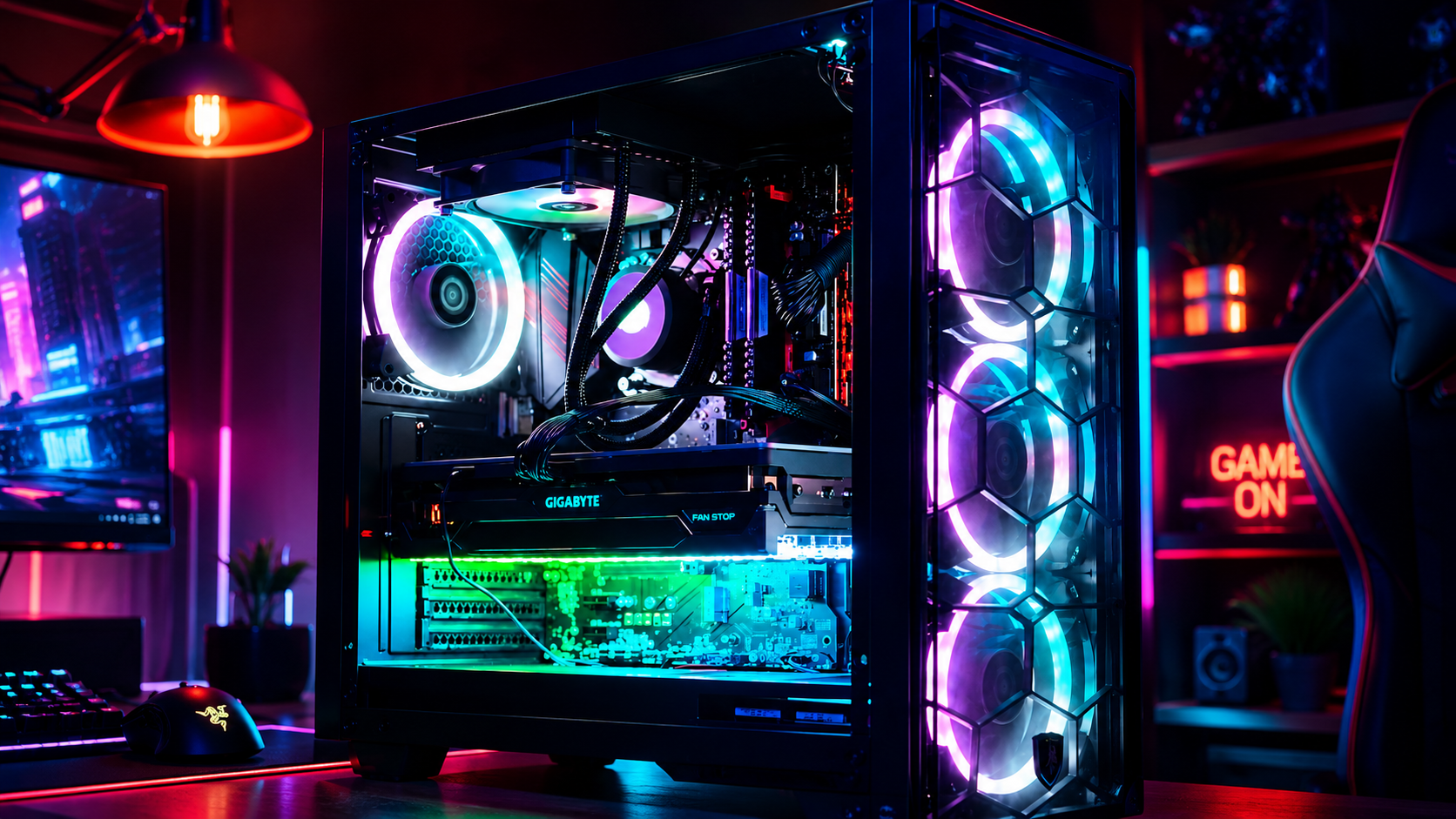
Modern games push processors and graphics cards to their absolute limits, generating massive amounts of heat. If your cooling system cannot keep up, your hardware temperatures will skyrocket past safe thresholds. To protect themselves from permanent damage, modern components will automatically throttle performance, freeze your game, or trigger a sudden system shutdown.
How to Diagnose and Fix Overheating:
- Monitor Your Temps: Download a reliable hardware monitoring tool to check your CPU and GPU temperatures while gaming. If temperatures consistently climb past 85°C to 90°C under load, you have an overheating issue.
- Clean Out Dust: Dust buildup in your case filters, heatsinks, and fan blades acts like a cozy wool blanket, trapping heat. Regular cleanings with compressed air work wonders
- Optimize Airflow: Ensure your case fans are positioned correctly: pulling cool air in from the front and exhausting hot air out the back and top. If your thermal paste has dried out over the years, a professional re-pasting can drastically drop your temperatures.
Need a hand getting your cooling dialed in? Explore our Custom PC Building and Upgrades services to ensure your rig stays icy cool during marathon sessions.
2. Power Supply Unit (PSU) Instability
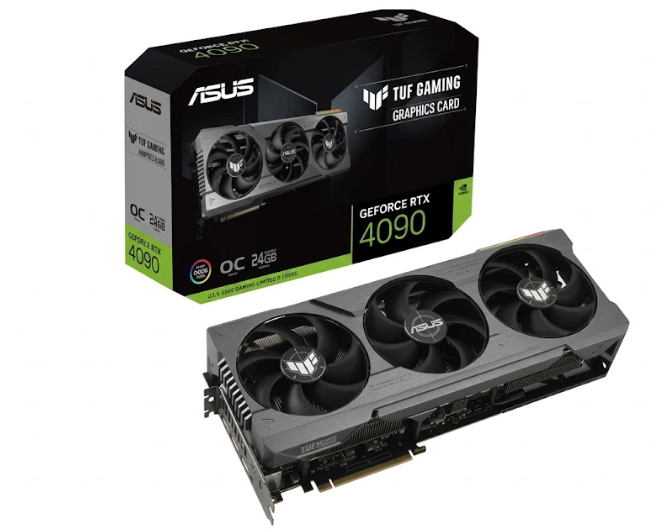
Your power supply is the beating heart of your entire system. When you load up a modern game, high-end graphics cards experience lightning-fast electrical power spikes. If your power supply is underpowered, aging, or suffering from failing internal capacitors, it won't be able to handle these sudden demands.
The result? Your computer will instantly restart or power down completely with zero warning or error code.
How to Address Power Issues:
- Calculate Your Wattage: Ensure your PSU has plenty of wattage headroom for your specific CPU and GPU combination, especially if you recently upgraded components.
- Check Your Cables: Sometimes the fix is as simple as reseating the PCIe power cables running to your graphics card. Loose connections can arc or drop voltage under heavy load.
- Test with Quality Hardware: If your PSU is failing, replacing it with a reliable, top-tier power supply is essential for long-term system health.
3. RAM Instability and Aggressive Overclocks
Are you running your memory with an aggressive XMP or EXPO profile enabled in your BIOS? While overclocked RAM can squeeze out a few extra frames per second, unstable memory timings are notorious for causing sudden game crashes, application errors, and dreaded blue screens of death.
How to Address Power Issues:
- Reset to Stock Speeds: Temporarily disable XMP/EXPO in your BIOS and run your RAM at standard default speeds to see if your crashes stop.
- Run Diagnostics: Use built-in memory diagnostic tools or MemTest86 to check your sticks for physical faults or incorrect slot placement.
- Upgrade Wisely: If your system lacks sufficient memory for modern titles, we can help you select and install matched, high-quality RAM kits tailored to your exact motherboard.
4. Corrupted Graphics Drivers or Game Files
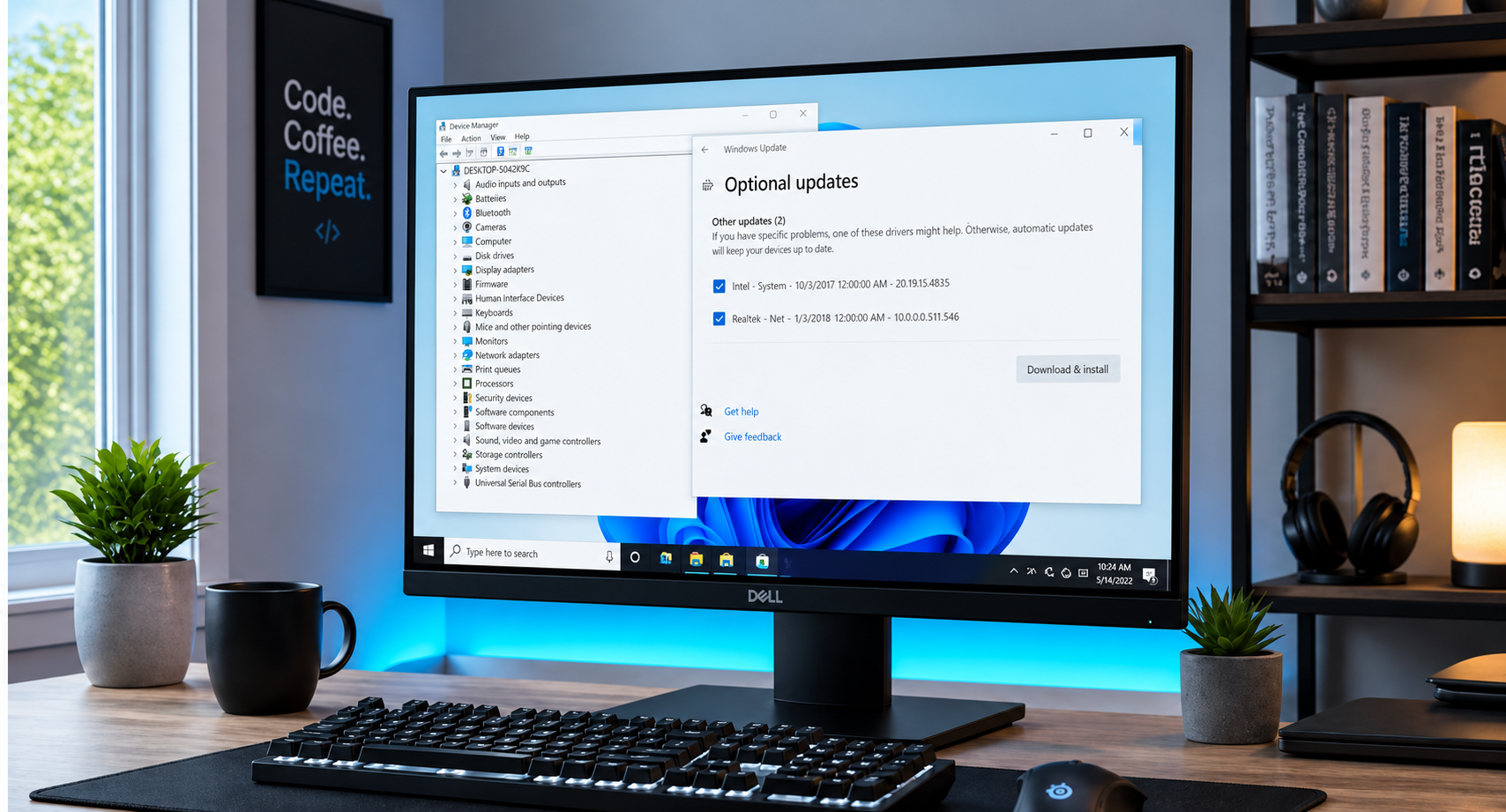
Sometimes the hardware is completely healthy, but the software running it is tripping over itself. Outdated, corrupted, or conflicting GPU drivers are one of the most common catalysts for game crashes, driver timeouts, and visual glitches. Similarly, missing or damaged files within a specific game installation can cause crashes the moment you load a certain map or cutscene.
How to Clean Up Your Software:
- Perform a Clean Driver Install: Use a utility like Display Driver Uninstaller (DDU) in Safe Mode to completely wipe old graphics drivers before installing the freshest version straight from NVIDIA or AMD.
- Verify Game Files: If only one specific game is crashing, use your launcher (Steam, Epic Games, or Battle.net) to verify and repair integrity files.
- Keep Windows Updated: Make sure your operating system is fully patched to support modern DirectX APIs and security frameworks.
Utilize Our Expertise for a Stress-Free Solution
Troubleshooting hardware instability can feel like searching for a needle in a digital haystack. When you have better things to do than stress over blue screens, unstable overclocks, or failing components, we are here to take the burden off your shoulders.
At Home Net Computer Repair, we pride ourselves on transparent, honest, and efficient service. We offer convenient pick-up and return options so you never have to wrestle a heavy desktop into your car. Our family-owned team uses only top-quality parts and personalized diagnostic approaches to ensure your computer runs better than ever: right the first time.
Ready to Experience Seamless Gaming?
If your rig is letting you down right in the middle of the action, don't suffer through another crash. Reach out to our friendly team today, and let us bring your computer back to peak, enduring performance!
- Get in Touch: Visit our website to schedule your pickup or consultation.
- Explore Our Services:
Discover our complete range of custom builds, upgrades, and diagnostics tailored specifically to your needs and budget.