Laptop Screen Replacement: How to Tell if It’s Worth the Fix
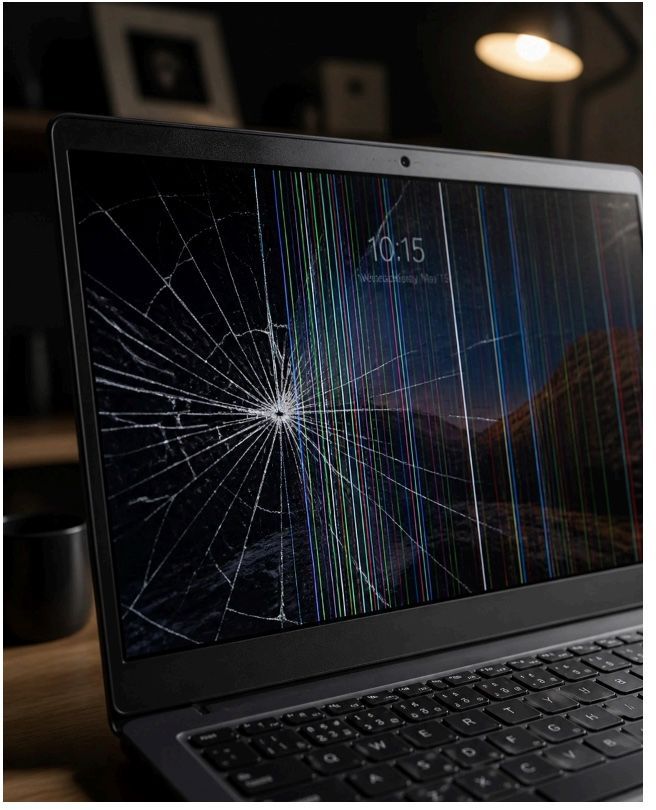
It happens in a heartbeat. Maybe it was a stray pen left on the keyboard before closing the lid, or perhaps a clumsy moment during your morning coffee. One second your laptop is your window to the world, and the next, it’s a chaotic mess of spider-web cracks and flickering lines.
We’ve all been there, and we know that sinking feeling in your stomach. Your laptop isn't just a piece of hardware; it’s where you manage your small business, finish your degree, or connect with your family across the country. When the screen goes dark or distorted, it feels like your digital life has come to a screeching halt.
But before you rush out to buy a brand-new machine, let’s take a breath together. At Home Net Computer Repair, we believe in providing honest, transparent advice to our neighbors. Is it worth fixing? Let’s dive into the details so you can make a choice that’s as smart as it is stress-free.
Craft Your Experience: Assessing the Visual Damage
Not every visual glitch means you need a full replacement, but some signs are undeniable. Identifying exactly what’s wrong is the first step toward a seamless solution.
Are you seeing a literal crack in the glass? If so, the physical panel is likely compromised. However, sometimes the issues are more subtle. You might notice vertical lines that won't go away, or a screen that flickers every time you adjust the lid. These symptoms often point to a failing display cable or a loose internal connection—repairs that are often far more affordable than a whole new laptop.
If you’re unsure, try this quick pro-tip: plug your laptop into an external monitor or your TV. If the image looks perfect on the big screen, you know the "brain" of your computer is healthy, and the problem is strictly with the laptop's display assembly. That’s a win! It means your data and your expensive internal components are still in stellar condition.
Explore Our Services: The Smart Math of Repair vs. Replace
When you’re facing a repair bill, it’s natural to ask: “Should I just put this money toward a new one?” As your trusted local experts, we help you run the numbers to ensure you're making a smart investment.
Generally, a professional screen replacement in 2026 ranges from roughly $180 to $550, depending on the complexity of your device. Whether it’s a standard high-definition display or a bespoke OLED touchscreen, the value of the repair depends on a few key factors:
- The Age of Your Device: If your laptop is under 3 years old, a screen replacement is almost always the better choice. These machines still have plenty of life left in them.
- The 50% Rule: A good rule of thumb is that if the repair cost is less than 50% of the price of a comparable new laptop, fixing it is a practical, eco-friendly move.
- Your Personal Connection: Many customers, especially senior users who rely on tech tutoring, have their machines set up exactly how they like them. Replacing a laptop means moving files, reinstalling software, and learning a new layout. Fixing your current screen keeps your digital setup exactly as you left it.
Utilize Our Expertise: Why Quality Parts and Professional Care Matter
When you choose to repair, you deserve a result that’s better than "good enough." You deserve unrivaled quality that stands the test of time.
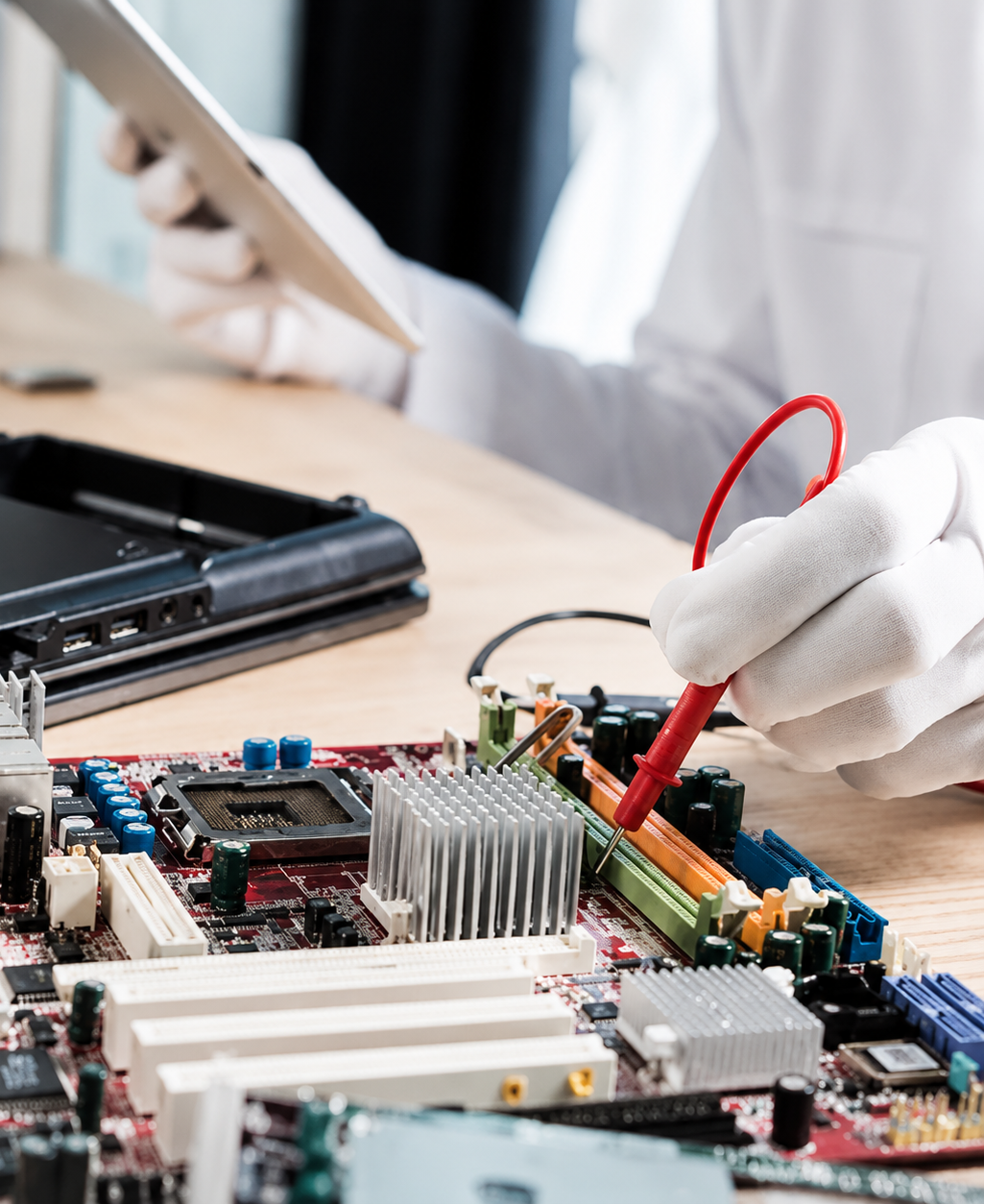
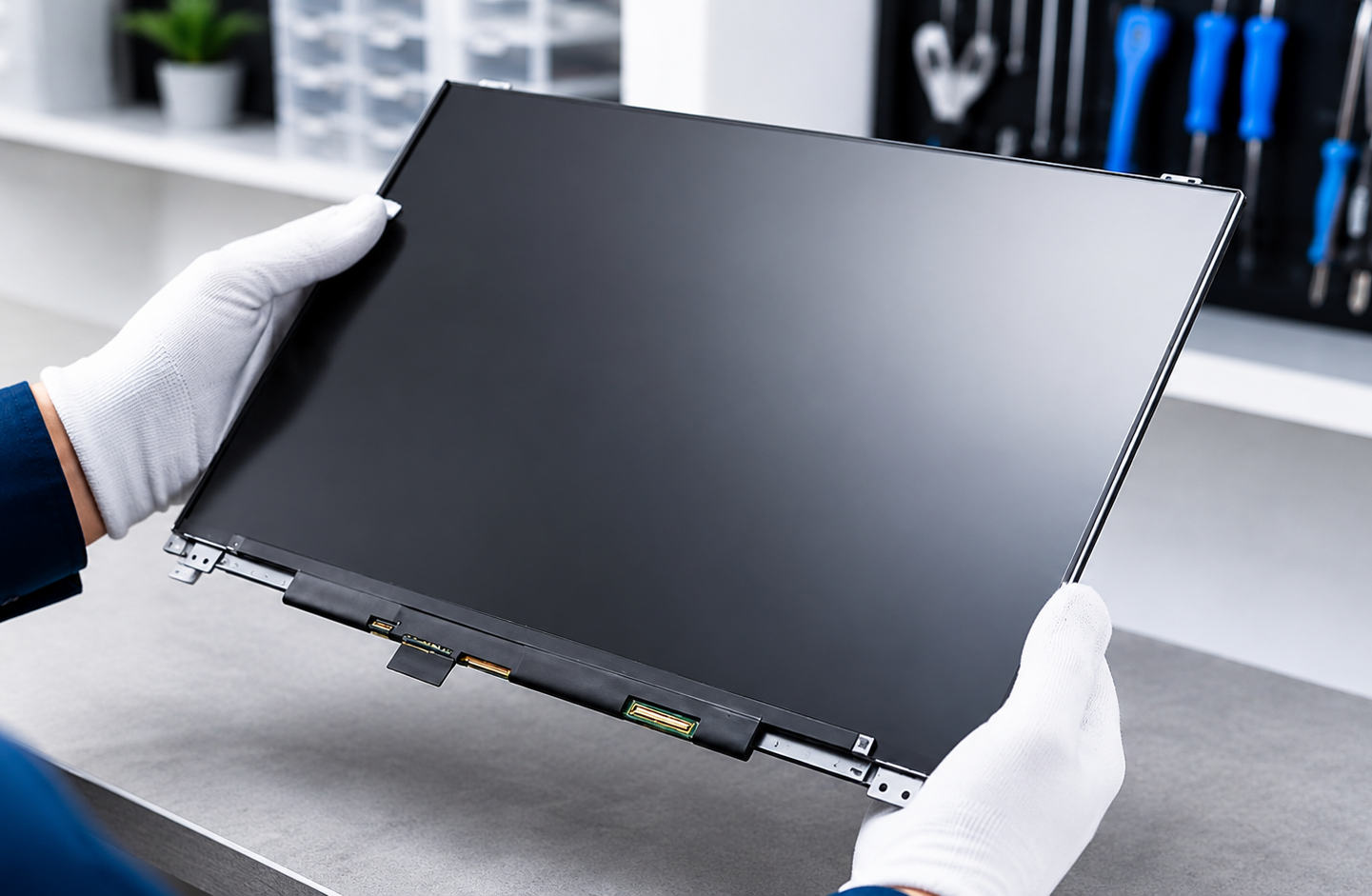
At Home Net Computer Repair, we don't cut corners. We’ve seen too many "budget" screens from big-box retailers that look washed out or fail within months. That’s why we use only top-quality parts for every single job. Whether we’re performing a desktop repair or a delicate laptop screen swap, our commitment to quality craftsmanship is unwavering.
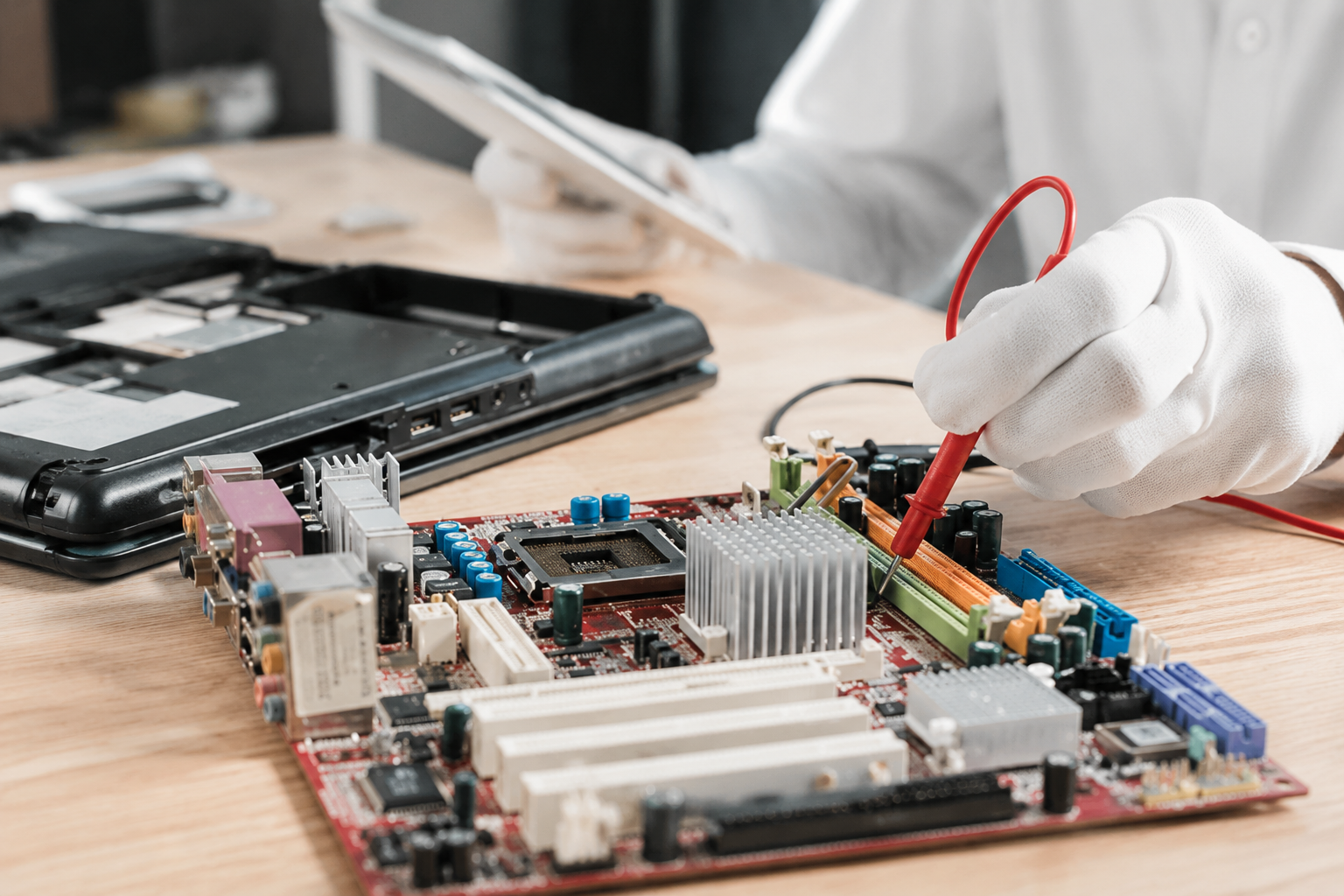
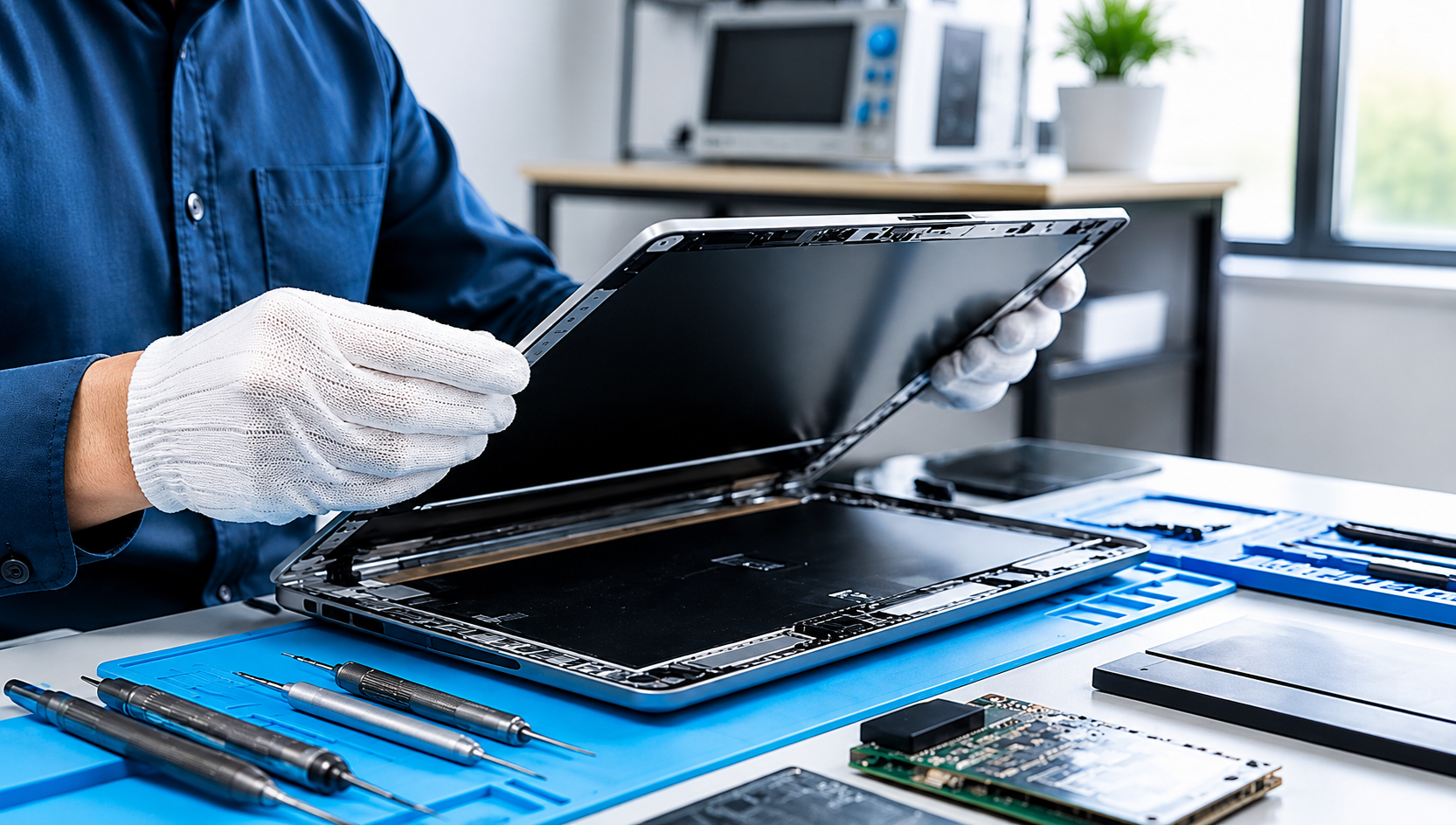
We treat every computer like it belongs to a member of our own family. Our technicians don't just "swap the part"; we perform a comprehensive health check to ensure your hinges are tightened and your internal cables are secured. It’s this dedicated attention to detail that ensures your repair is long-lasting and your laptop feels brand new again.
A Seamless Solution for Your Peace of Mind
We know your schedule is packed, and the last thing you want is to fight traffic to drop off a broken computer. This is where our commitment to your convenience truly shines.

We offer a premier pick-up and return service across the region, from Seattle to Bellevue and beyond. We come to you, handle your device with the utmost care, and return it to your doorstep once it’s back to peak performance. It’s a truly hassle-free experience designed to make tech less stressful for everyone.
Beyond the Screen: Ensuring Long-Lasting Reliability
A screen replacement is also the perfect time to give your laptop a "spa day." While we have the device in our care, we can look at other ways to boost your performance.
Perhaps you’ve been struggling with slow speeds? We can discuss a bespoke custom upgrade like an SSD boost while we have the chassis open. By combining these services, you’re not just fixing a crack—you’re extending the life of your device by years. Our goal is always to provide you with enduring quality and a machine that serves you faithfully.
Ready to Restore Your View?
Don’t let a broken screen keep you in the dark. Whether you’re a gamer needing a high-refresh display for your custom rig or a home user who just wants to see family photos clearly again, we are here to help.
Our pricing is always upfront, our parts are always top-tier, and our service is always friendly. Why settle for a stressful tech disaster when you can have a seamless, professional solution?
Reach out to us today! Let’s get your laptop back to its best. We’re ready to show why we’re a trusted choice for computer repair in your neighborhood.