Do You Really Need a New Computer? The Truth About Repairing vs. Replacing Your PC
We’ve all been there. You press the power button, go to make a cup of coffee, and by the time you’re back, your computer is still struggling to load the desktop. Or perhaps a sudden "Blue Screen of Death" has interrupted your work for the third time this week. It’s frustrating, isn't it? When your technology starts acting up, the immediate instinct is often to head straight to the big-box store for a replacement. But is that always the smartest move for your wallet: or your sanity?
At Home Net Computer Repair, we believe in providing honest, transparent advice to our neighbors. As a family-owned business, we aren't here to push the most expensive new hardware on you. Our goal is to find the bespoke solution that fits your life, whether that’s a surgical repair or a premier new build.
In this guide, we’ll help you navigate the "repair vs. replace" dilemma with clarity and confidence, ensuring you get back to a seamless, stress-free digital experience.
Master the "50% Rule" for Smarter Decisions
The first step in making a wise investment is understanding the value of your current machine versus the cost of a fix. In the world of tech repair, we often look at the "50% Rule."
If a professional repair quote is less than half the price of a comparable new computer, repairing is almost always the premier choice. However, if that cracked screen or failing motherboard is going to cost you 60% or 70% of what a brand-new, modern laptop would, it might be time to consider an upgrade.
We take the guesswork out of this by providing
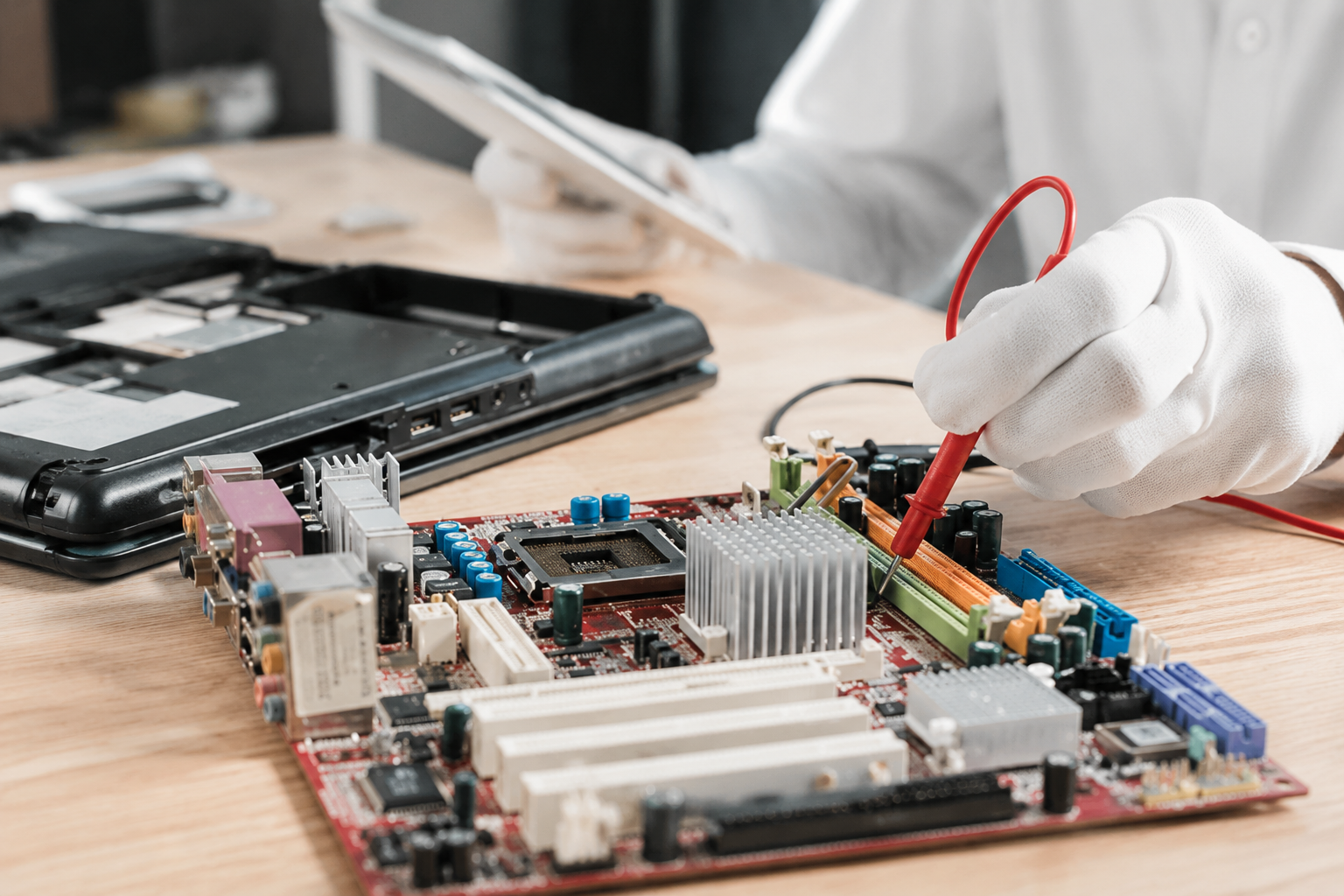
clear upfront pricing with no hidden fees. When we come to you for a pick-up, our technicians perform a
proven diagnostic to give you an exact figure, so you can make an informed choice without any pressure.
Craft Your Experience: When Repairing is the Stellar Choice
Repairing isn't just about saving money; it’s about preserving a tool you’re already comfortable with. Here is when we usually recommend keeping your current companion:

The Machine is Relatively New
If your computer is under two years old, it’s likely still a high-performance machine at its core. Most issues at this age are isolated: a faulty battery, a software glitch, or a minor hardware defect. These are hassle-free fixes that can return your device to its peak performance for a fraction of the cost of a new one.

Targeted Performance Boosts
Sometimes, your computer isn't "broken"; it’s just bogged down. A simple SSD (Solid State Drive) upgrade or adding more RAM can make a four-year-old laptop feel brand new. We specialize in these personalized solutions, swapping out old, slow hard drives for top-quality parts that can make your boot times near-instantaneous.

Isolated Hardware Failures
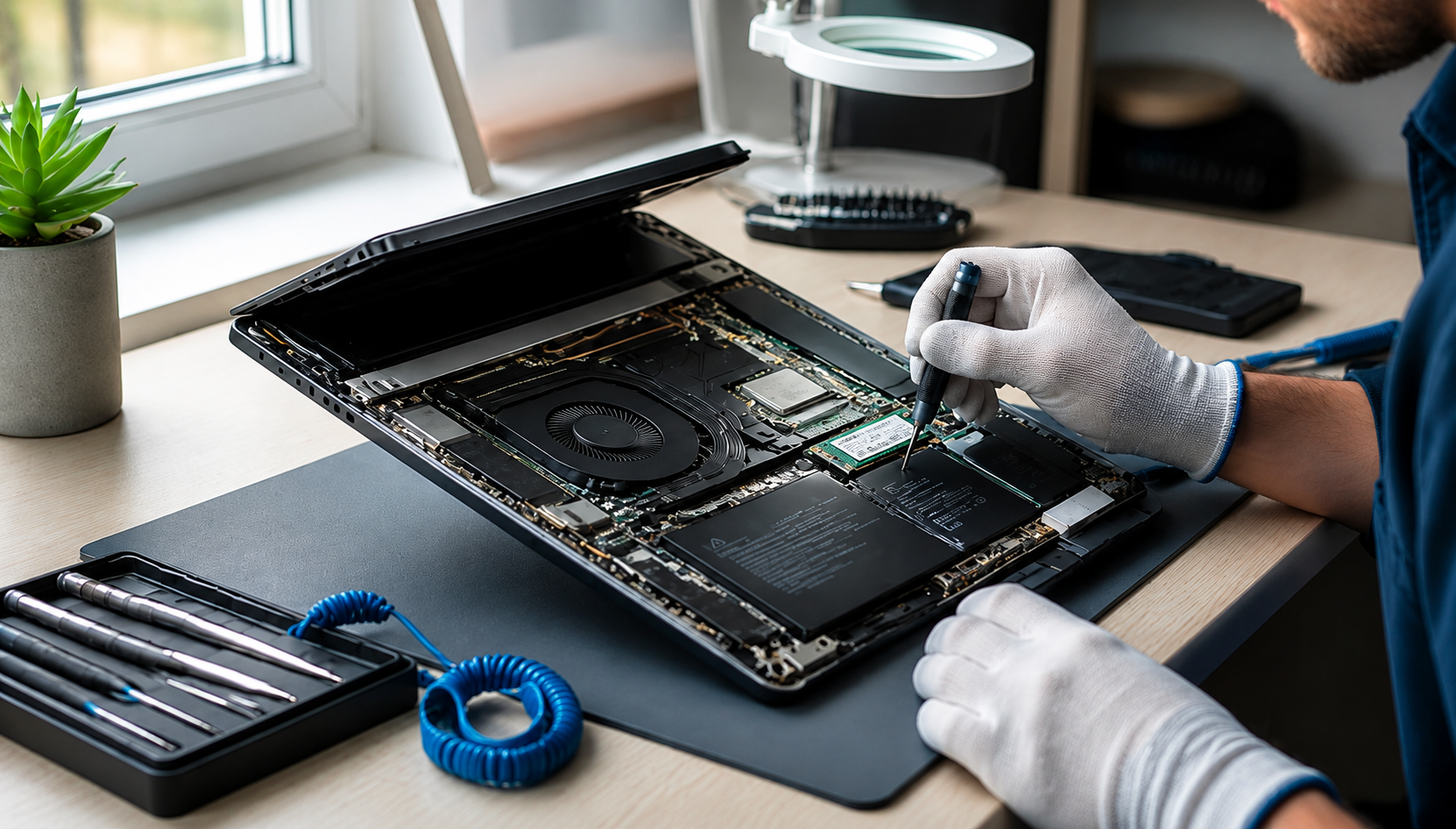
Did you spill water on the keyboard? Is the charging port loose? These specific issues don't mean the whole computer is trash. Our experts in desktop repair services can often swap out individual components, extending the life of your machine by years.
Explore Our Expertise: When It’s Time for a Premier Upgrade
As much as we love a good repair, there comes a point where a machine becomes a "money pit." Here are the signs that you should look toward a new, unrivaled system:
- The 5-Year Threshold: Technology moves fast. If your laptop is over five years old (or your desktop is pushing seven), it may struggle to support the latest security updates and modern software.
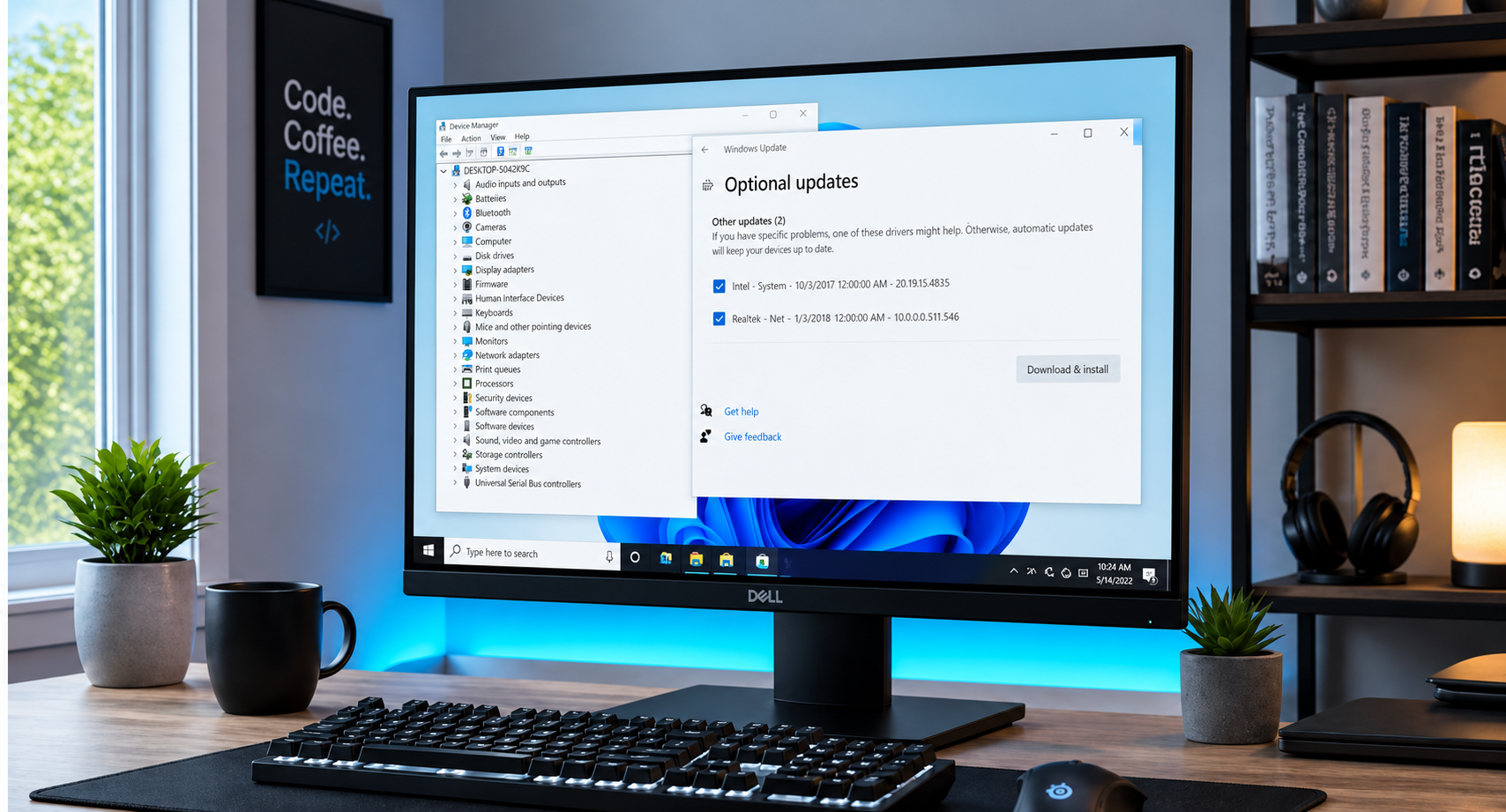
- Operating System Roadblocks: If your PC cannot run Windows 11 or the latest MacOS, you’re missing out on vital security patches. Staying on an unsupported system leaves you vulnerable to identity theft and malware.
- Multiple Hardware Failures:
If the screen is flickering and the battery is dying and the fan is making a grinding noise, the repair costs will quickly snowball. In these cases, your money is better spent on a fresh start.

If you do decide to move on, we can help you transition with an unrivaled custom build. Whether you're looking for a high-performance gaming rig or a reliable workstation for your small business, we build systems designed for enduring quality.
The Desktop vs. Laptop Distinction
It’s important to note that desktops and laptops have different "lifespans."
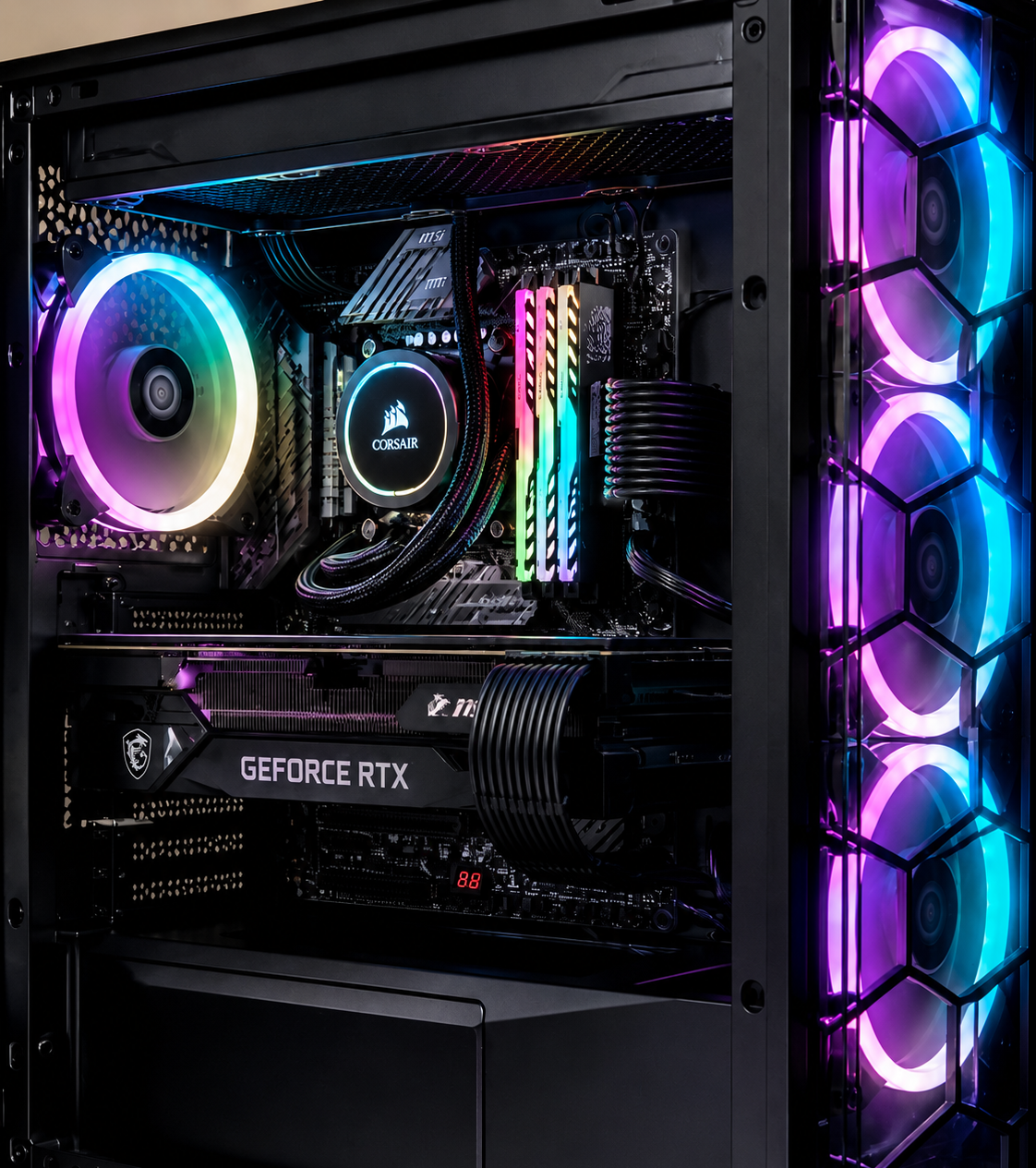
Desktops are wonderfully modular. Because we can easily swap out power supplies, graphics cards, and motherboards, a well-built tower can last a decade with the right care. We take pride in our quality craftsmanship, ensuring that every desktop we service or build is easy to maintain and upgrade in the future.
Laptops, on the other hand, are more tightly packed. Components like the processor and graphics chip are often soldered to the motherboard, making some repairs more complex and costly. If you’re a laptop user, the "50% rule" is your best friend when weighing a repair.
Why Choose Home Net Computer Repair?
We know that dealing with tech issues is the last thing you want to do with your day. That’s why we’ve built our service around ultimate convenience.
- We Come to You: With our pick-up and return service, you don’t have to worry about fighting traffic or finding a parking spot.
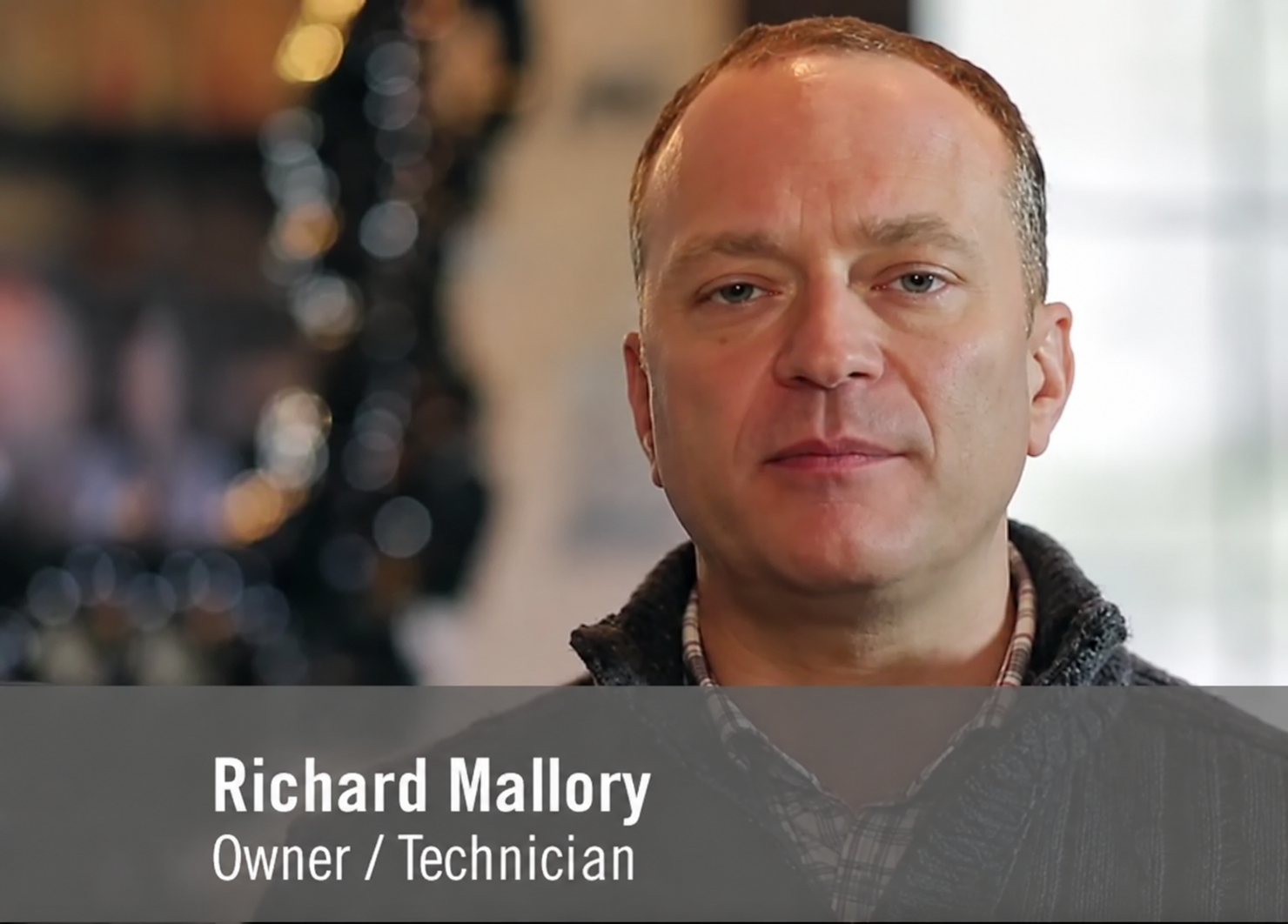
- Family-Owned Care: You’re not just a ticket number to us. You're our neighbor. Our owner, Richard Mallory, and our entire team are dedicated to your satisfaction.
- Top-Quality Parts: We don’t cut corners. We use only the most reliable components to ensure your repair is long-lasting.
- Tech Tutoring for Seniors: Tech should be accessible to everyone. We offer patient, in-person tutoring to help you feel confident and in control of your devices
Utilize Our Expertise Today
Don’t let a slow or broken computer steal your time and energy. Whether you need a simple tune-up to reach peak performance or you're ready to explore a bespoke new build, we are here to help.
Are you unsure if your computer is worth saving? Give us a call or get in touch through our website. We provide honest, transparent assessments so you can stop worrying about your tech and get back to what matters most.
Reach out to Home Net Computer Repair today and experience tech support that truly cares.