Looking For Tech Support? 10 Things Seniors Should Know

July 22, 2026

Does the mere thought of a software update or a "disk full" notification send a shiver down your spine? You are certainly not alone. In today's fast-paced digital world, technology can often feel like it’s speaking a language designed to exclude you. But here at Home Net Computer Repair, we believe technology should be a bridge to your loved ones and your passions, not a barrier.


If you’ve been searching for the premier tech support experience: one that values your time, your safety, and your peace of mind: there are a few things you deserve to know before you invite a technician into your home or hand over your precious devices. Navigating the world of computer repair shouldn't be a stressful ordeal; it should be a seamless transition back to what matters most.


Here are the top 10 things seniors should look for when choosing unrivaled tech support. 

Have you ever found yourself at your favorite local coffee shop, enjoying a fresh pastry and wanting to check your email or share a photo with your grandkids? You see that "Free Guest Wi-Fi" option on your screen and wonder: Is this actually safe to use?


At Home Net Computer Repair, we believe that technology should empower you, not intimidate you. As a family-owned business deeply rooted in our community, we’ve heard this question from countless neighbors and friends. The truth is that while the internet offers unrivaled convenience, public networks require a bit of "digital street smarts" to keep your personal information secure.


In this comprehensive guide, we’ll demystify public Wi-Fi, highlight the premier ways to protect yourself, and show you how a few simple habits can turn a potentially stressful tech moment into a seamless, worry-free experience.

1. Prioritize Personalized In-Home Tutoring

Why struggle with disconnecting cables and hauling a heavy desktop to a sterile retail store? The most effective way to learn technology is in the comfort of your own environment. We specialize in bespoke, in-person tech tutoring specifically designed for seniors. Whether you’re in Seattle, Bellevue, or Redmond, we come directly to you. This allows us to see how you actually use your devices and address the unique quirks of your home Wi-Fi or printer setup.

Public Wi-Fi refers to any wireless internet network that is available for use by the general public. You’ll find these in airports, hotels, libraries, and cafes. Unlike your private home network: which we can help you secure for peak performance: public networks are designed for accessibility.


Because these networks are open to everyone, they are also open to individuals who might not have the best intentions. Think of it like a public park: it’s a wonderful resource for the community, but you probably wouldn’t leave your wallet sitting on a park bench while you go for a walk. Using public WiFi is similar; it’s a great tool, but you need to keep your "digital wallet" tucked away safely.

Person using a tablet with large app icons on a wooden table beside a handwritten note

2. Seek Out the "Patience Factor"

Technical skill is only half the battle. When looking for support, you need a partner who possesses unrivaled patience. You should never feel rushed or like you’re asking a "silly" question. Our team doesn't just fix the problem; we explain the why and the how at a pace that works for you. We understand that repetition is the key to mastery, and we are more than happy to walk through a process as many times as it takes for you to feel confident.

3. Insist on a Jargon-Free Zone

Does your current tech person use words like "bandwidth," "latency," or "kernel" without explaining them? A true expert can translate complex concepts into plain English. We pride ourselves on being your knowledgeable neighbors. Our goal is to make tech less mysterious and more accessible. If we can't explain a solution in a way that makes sense to you, we haven't done our job correctly.

4. Choose Transparency with Upfront Pricing 

There is nothing more frustrating than a "hassle-free" service that ends with a surprise bill. You should always look for a service that offers clear, upfront pricing with no hidden fees. At Home Net Computer Repair, we provide honest assessments and transparent quotes before any work begins. Whether it's a simple laptop upgrade or a complex data recovery project, you will always know exactly what to expect.

5. Secure Your Digital Identity

Online safety is a paramount concern, and rightfully so. A stellar tech support provider should do more than just remove a virus; they should teach you how to spot a scam before it happens. We take a proactive, comprehensive approach to security. We’ll help you set up robust, manageable passwords, explain how to identify "phishing" emails, and ensure your antivirus software is performing at its peak. Your digital safety is our top priority.

Portrait of Richard Mallory, owner/technician, in a dark sweater against a blurred workshop background

6. Master the Art of Staying Connected

For many of our senior clients, the computer is a lifeline to grandchildren and old friends. Whether you want to master FaceTime, Zoom, or simply send photos via email, your tech support should focus on these emotional solutions. We don’t just "fix gadgets"; we facilitate connections. We can help you set up a high-performance system or a simple tablet that makes seeing your family’s faces a stressfree daily occurrence. 

7. Tailor Your Setup for Accessibility

Did you know that your computer has built-in features to make it easier to read and use? From increasing font sizes and adjusting screen contrast to setting up voice-to-text features, the right support can make your device work for you. We specialize in tailoring technology to your specific physical needs, ensuring that using your computer is a comfortable, enduringly high-quality experience. 

8. Benefit from Bespoke, Personalized Solutions

Every user is different. A "one-size-fits-all" approach rarely works for seniors. Perhaps you need a custom-built PC that is specifically optimized for photo editing, or maybe you just need a laptop that starts up instantly. We offer personalized solutions tailored to your specific budget and goals. By utilizing our expertise, you get a machine that is perfectly balanced for your lifestyle.

Orange icon of two people in a hand with an upward arrow above them

9. Value Local, Family-Owned Expertise

In an age of faceless corporate call centers, there is immense value in knowing exactly who is working on your machine. Home Net Computer Repair is a family-owned business. When you call us, you’re talking to people who genuinely care about our community in Everett, Renton, and beyond. We build long-lasting relationships with our clients, becoming the trusted "tech person" you can call whenever a question arises. 

10. Experience the Convenience of Pick-Up and Return

Sometimes a repair is too complex to finish on-site. In those cases, you shouldn't have to worry about the logistics. Our premier pick-up and return service is designed for your ultimate convenience. We’ll come to your door, safely transport your computer to our shop, use only top-quality parts for a reliable fix, and return it directly to you once it’s back to peak performance. It is truly a seamless, doorto-door experience.

Explore a Stress-Free Tech Life

Technology doesn't have to be a source of frustration. With the right guidance and a patient, professional team by your side, it can become one of your most useful tools. Are you ready to stop worrying about your computer and start enjoying it?


Whether you need a quick repair, a lesson on how to use your new tablet, or a custom-built rig for your hobbies, we are here to help. Our proven track record of helping seniors throughout the Puget Sound area speaks for itself.


Reach out to us today to schedule your first in-home tutoring session or to ask about our convenient pick-up service. Let’s make your tech life simple, secure, and genuinely enjoyable.


Get in touch with Home Net Computer Repair today!
September 18, 2026
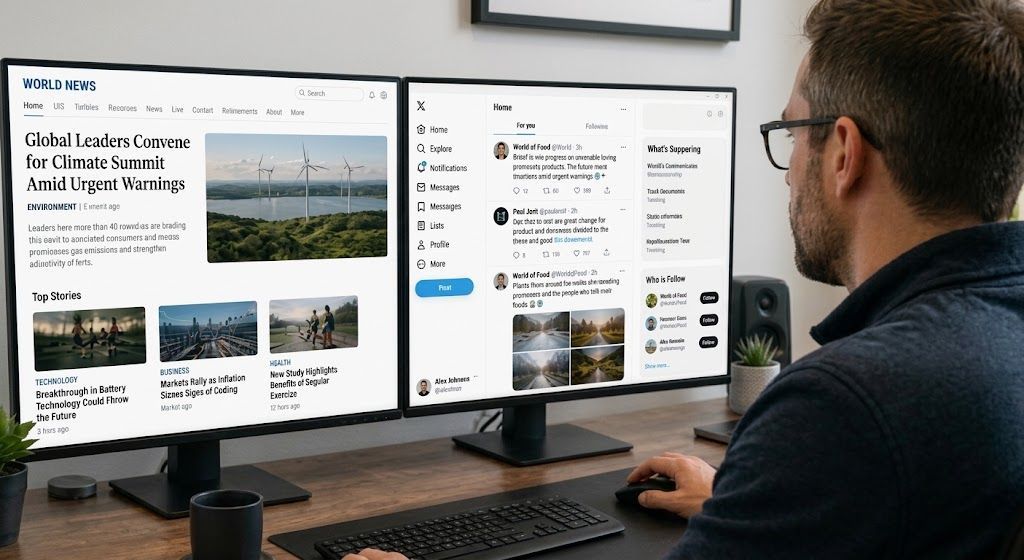
Navigating today’s fast-paced digital world can sometimes feel like walking through a maze blindfolded. Every time you open your tablet, smartphone, or desktop computer, you are greeted by a flurry of breaking news alerts, viral social media posts, and shocking headlines. While staying informed is wonderful, the sheer volume of information can quickly become overwhelming: and frankly, a bit stressful. How often have you stared at a sensational post and wondered, Is this actually true, or is someone just trying to trick me? At Home Net Computer Repair , we believe that technology should empower your life rather than cause anxiety. Whether we are building a bespoke custom gaming rig, optimizing a slow laptop, or providing patient, in-person tech tutoring for seniors, our mission is always the same: making tech less stressful and more accessible for everyone. To help you navigate your daily news feed with total confidence, we’ve put together this comprehensive, stress-free guide. Read on to discover five proven, straightforward ways to separate genuine reporting from digital fiction.
September 17, 2026
In our interconnected digital age, scrolling through social media is part of our daily rhythm. Whether you are catching up with family, reading community updates, or browsing the latest news, information flies across your screen at lightning speed. But with that endless stream of content comes a frustrating challenge: how do you know what is actually true? At Home Net Computer Repair , we believe that mastering your technology goes beyond having a lightning-fast custom PC or a reliable laptop. It also means navigating the digital world with confidence, clarity, and peace of mind. Misinformation can be stressful, overwhelming, and sometimes downright misleading. That is why we have put together this comprehensive, step-by-step guide to help you effortlessly fact-check social media posts, news articles, and viral claims before you hit that share button.
September 16, 2026
Have you ever noticed your favorite machine sounding a bit like a jet engine during a routine web browsing session, or perhaps lagging just when you need it most? We’ve all been there, staring at a frozen screen, wondering why our trusty digital companion is suddenly moving at a snail's pace. Dust accumulation, thermal throttling, and cluttered operating systems are often the silent culprits behind these frustrating hiccups. At Home Net Computer Repair, we believe that maintaining your technology shouldn't feel like an overwhelming chore. As your knowledgeable neighborhood tech partner, we’re dedicated to bringing you stress-free, seamless computing experiences. Whether you are running a bespoke gaming rig, managing a busy small business, or simply keeping in touch with loved ones, establishing a proven maintenance schedule is the secret to unlocking peak performance and ensuring long-lasting durability. Let’s dive into our comprehensive guide on how often you should clean your computer, both inside and out, and how a little routine care keeps your hardware running at its absolute best.
September 15, 2026
Have you ever stared at your monitor while your computer freezes mid-task, wondering if the only cure is to wipe the slate completely clean? It’s a familiar frustration for many home users, gamers, and local business owners across our Pacific Northwest communities. When your machine starts acting up: throwing mysterious error codes, lagging during crucial video rendering, or taking an eternity to boot: the age-old recommendation often echoes through online forums: "Just reinstall Windows!" But is a full operating system wipe truly necessary every time your PC hits a snag? At Home Net Computer Repair, we believe in transparent, honest diagnostics rather than reaching for drastic measures right away. As your knowledgeable neighbor down the road, our goal is to deliver a stress-free, seamless experience that saves you time and protects your cherished files. Let’s explore when hitting refresh on your operating system is an absolute game-changer, and when you can safely skip the hassle entirely.
September 14, 2026
Navigating the modern digital landscape can sometimes feel like walking through a bustling marketplace filled with shouting vendors, each trying to grab your attention. Whether you are scrolling through social media over your morning coffee or catching up on the latest headlines, you might find yourself asking: Can I actually trust what I am reading right now? Here at Home Net Computer Repair , we believe that feeling confident and secure online is just as important as having a lightning-fast computer. As a family-owned business deeply rooted in our community, we are dedicated to making technology less stressful and infinitely more accessible for everyone: especially our cherished seniors who value clarity, patience, and peace of mind. If you have ever felt overwhelmed by sensational headlines, confusing social media forwards, or digital rumors, you are certainly not alone. Let’s explore how you can cultivate absolute digital literacy with our comprehensive, stress-free guide to fact-checking online news and social media posts.
September 11, 2026
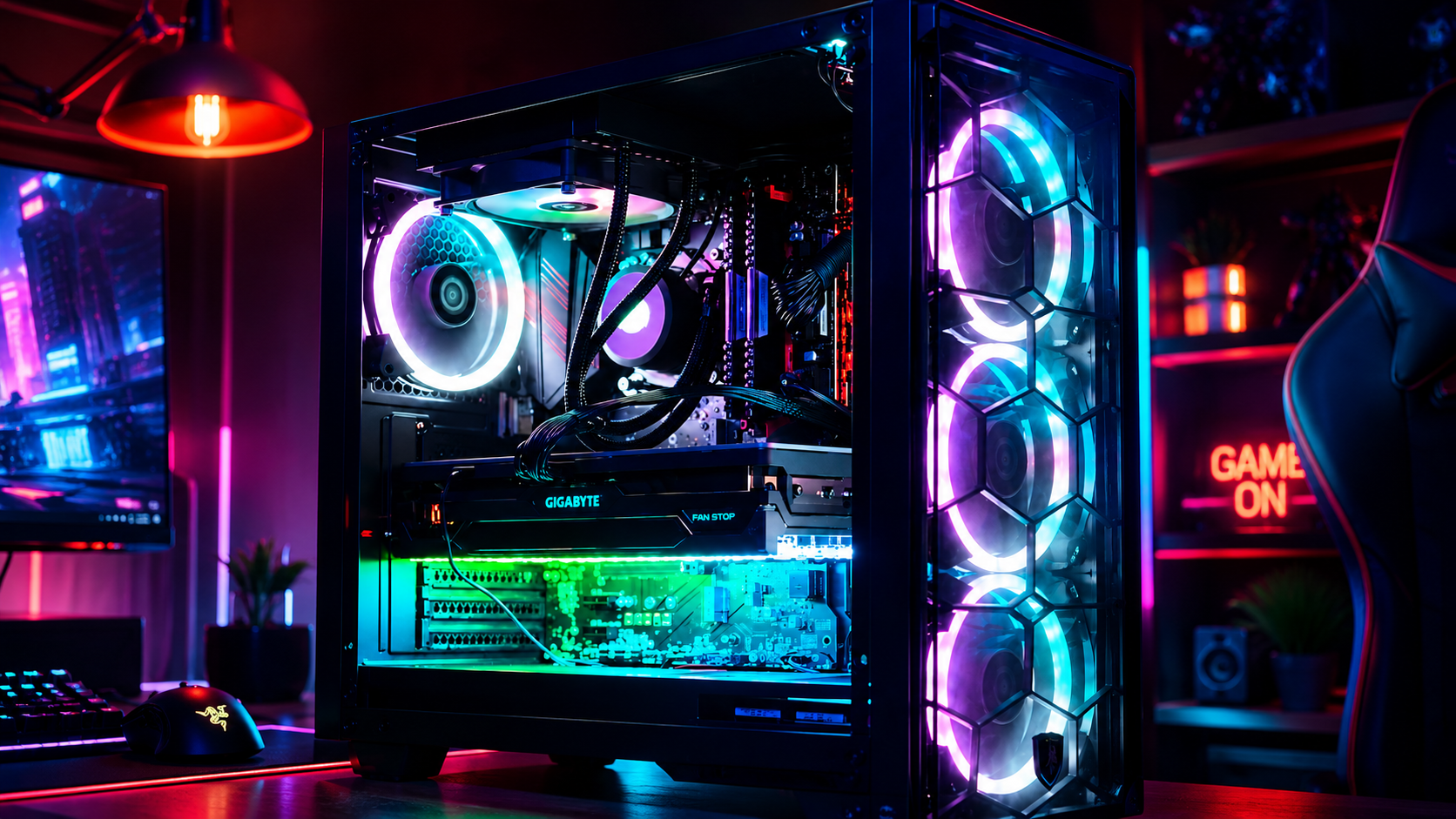
Have you ever settled in for a relaxing evening of high-end gaming or opened your video editing suite to finish a premier project, only for your computer to suddenly sound like a roaring jet engine before crashing to a black screen? That sinking feeling of frustration is all too familiar. When your machine unexpectedly shuts down or stutters during peak performance, you are likely dealing with a classic and stressful culprit: CPU overheating. At Home Net Computer Repair, we believe that technology should empower your daily life, not add anxiety to it. As your friendly, family-owned neighborhood tech experts, we are committed to making your digital experience completely seamless and stress-free. Whether you are running a bespoke gaming rig, a high-performance content creation workstation, or a reliable family desktop, keeping your processor at peak performance is essential for long-lasting durability. Let's dive into why your CPU might be running dangerously hot, how you can diagnose the issue, and what proven, transparent steps you can take to bring temperatures back down to earth.
September 10, 2026
It happens when you least expect it. You click a suspicious link in an email, download a file from an unverified source, or browse to a site that looks just a little too good to be true. Suddenly, your screen freezes, warning pop-ups flood your display, and a cold wave of dread washes over you: Did a virus just completely destroy my computer? If you are currently holding your breath wondering whether your machine is toast, take a deep breath. At Home Net Computer Repair , our family-owned team has seen it all. As your knowledgeable neighborhood tech experts, we are here to clear away the fear, separate internet myths from engineering facts, and provide you with a stress-free, crystal-clear understanding of what malware can: and cannot: do to your precious hardware.
September 9, 2026
Is your trusty computer feeling sluggish, bogged down by mysterious errors, or freezing up when you need it most? We’ve all been there. There comes a time in every machine's lifecycle when a fresh start is the premier solution to restore that lightning-fast, day-one performance you fell in love with. But the thought of a factory reset often triggers an instant wave of anxiety: What will happen to my family photos, my vital tax documents, and my favorite playlists? Take a deep breath. You don’t have to sacrifice your treasured memories or important work to give your PC a new lease on life. At Home Net Computer Repair, we believe that optimizing your technology should be a stress-free, seamless experience rather than a digital catastrophe. Whether you are prepping your machine for peak gaming performance or simply clearing out years of accumulated digital clutter, we are here to walk you through how to execute a pristine factory reset while keeping your personal universe completely intact.
September 8, 2026
Have you ever found yourself staring at your computer screen, wondering just what is ticking away under the hood? Perhaps a new game requires a beefier processor, a video editing suite is crawling at a snail's pace, or you are simply curious whether your trusty machine is ready for tomorrow's software updates. Whatever the reason, checking your computer's specifications doesn't have to require an engineering degree or hours of digging through cryptic menus. At Home Net Computer Repair , we believe that technology should empower you, not stress you out. Whether you are looking for custom PC building in Seattle or professional data recovery services in Bellevue , demystifying your hardware is the first step toward peak performance. In this comprehensive, hassle-free guide, we will show you how to check your PC's specs in under 60 seconds using built-in Windows shortcuts. Let's dive in!
September 7, 2026
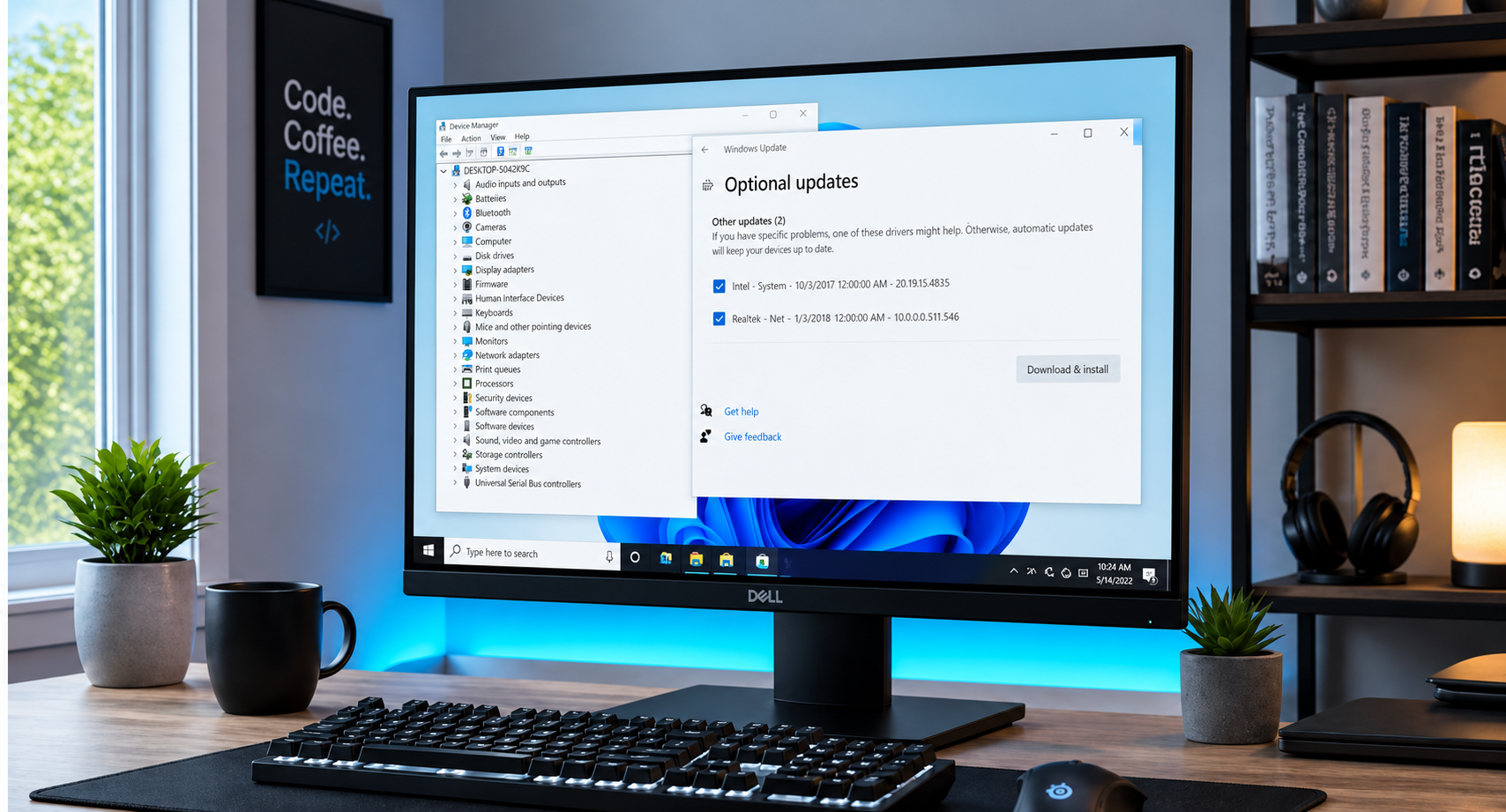
Have you ever stared at your computer screen, wondering why your favorite game stutters or why your audio suddenly cuts out right in the middle of an important video call? When your system starts acting sluggish or peripherals refuse to cooperate, the culprit is often hiding in plain sight: outdated or corrupted device drivers. For many home users, gamers, and small business professionals, the very word "drivers" evokes images of endless pop-ups, confusing third-party software scams, and the lingering fear of breaking a perfectly good machine. But keeping your system running at peak performance doesn’t have to be a stressful ordeal. At Home Net Computer Repair, we believe in making technology accessible, transparent, and completely hassle-free. Whether you are powering a bespoke gaming rig with a high-end ASUS TUF Gaming GeForce RTX 4090 or maintaining a dependable home laptop, understanding how to update your drivers the right way is the secret to enduring hardware longevity. Let’s demystify the process together.