The Senior's Guide to Using Video Calls at Home

July 13, 2026

In an era where family and friends can be thousands of miles away, the magic of seeing a loved one’s face in real-time is unrivaled. For many seniors, video calling isn't just about "tech": it’s about witnessing a grandchild’s first steps, sharing a cup of coffee with a friend across the country, or simply feeling the presence of family when you can’t be there in person. 


However, we understand that the transition to digital communication can sometimes feel more stressful than it should be. Between "Can you hear me?" and "Where did the button go?", technology can occasionally feel like a barrier rather than a bridge. At Home Net Computer Repair, we believe that technology should serve you, not the other way around.


In this comprehensive guide, we’ll walk you through how to craft a seamless video calling experience right from the comfort of your home. Whether you're a seasoned tablet user or just getting started, our goal is to make your digital connections hassle-free and filled with joy.

Select Your Premier Connection Tool 
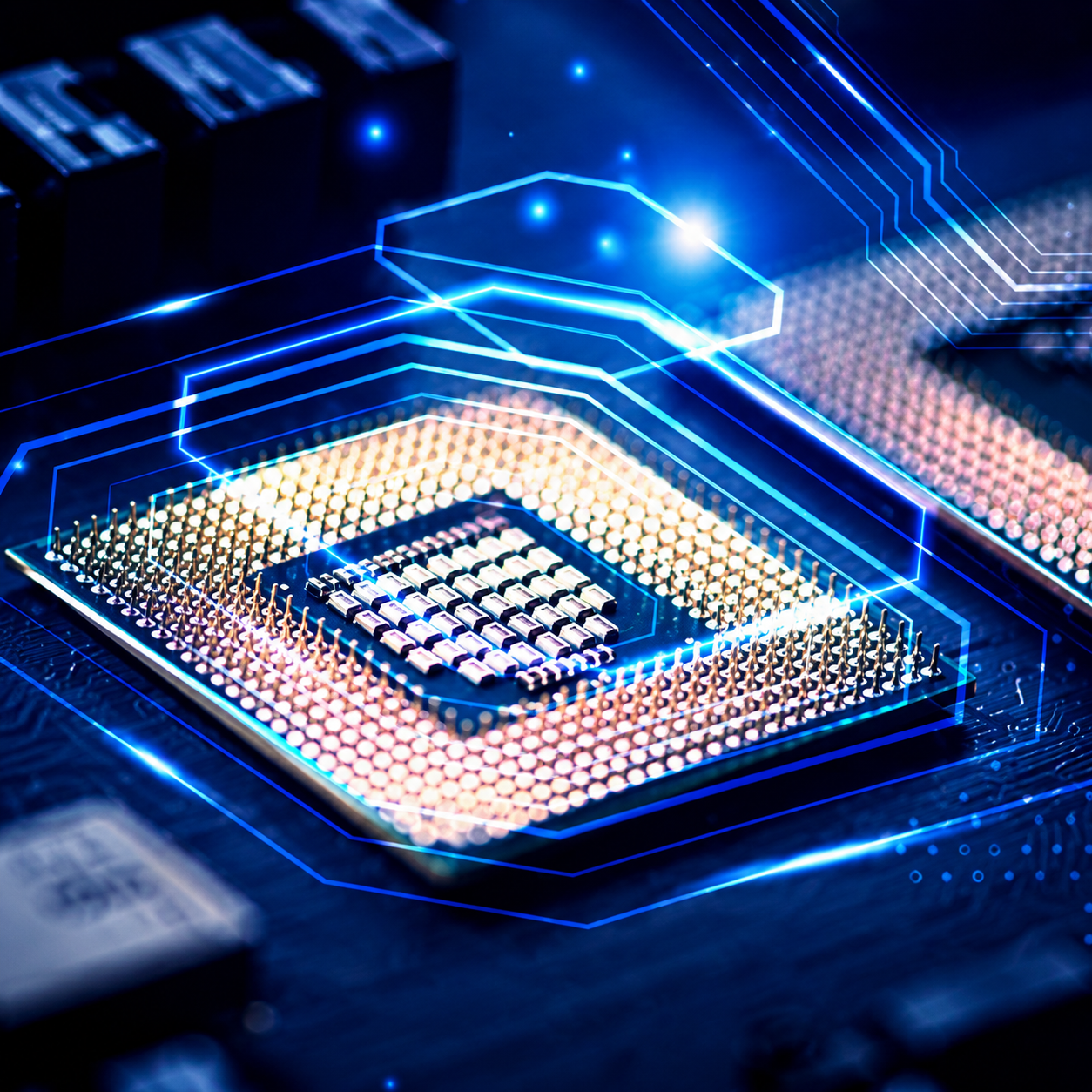
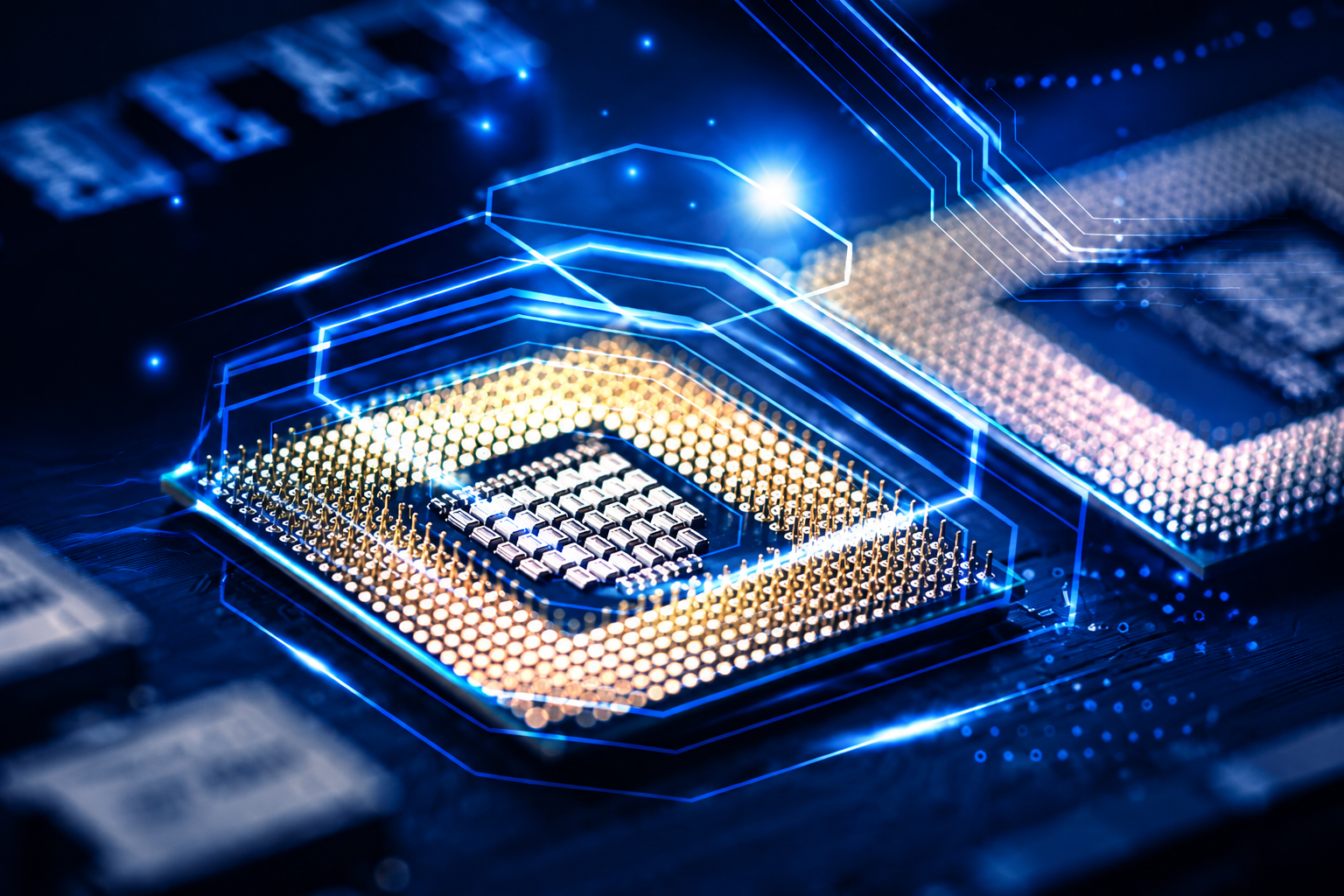
When it comes to 8K video editing, the CPU (Central Processing Unit) is the heart of your operation. Think of it as the brain that has to calculate every pixel, every effect, and every color grade in realtime. If your CPU is underpowered, your entire workflow grinds to a halt.

To achieve a seamless editing experience, we recommend nothing less than a 16-core powerhouse. Modern software like DaVinci Resolve and Adobe Premiere Pro are designed to utilize every single core you can throw at them. For our Seattle clients, we often suggest the latest i9 or Ryzen 9 processors. These aren't just chips; they are unrivaled engines of productivity that allow you to scrub through 8K RAW footage without a hint of lag. 

Laptop with a shattered screen showing cracks radiating from a central impact point

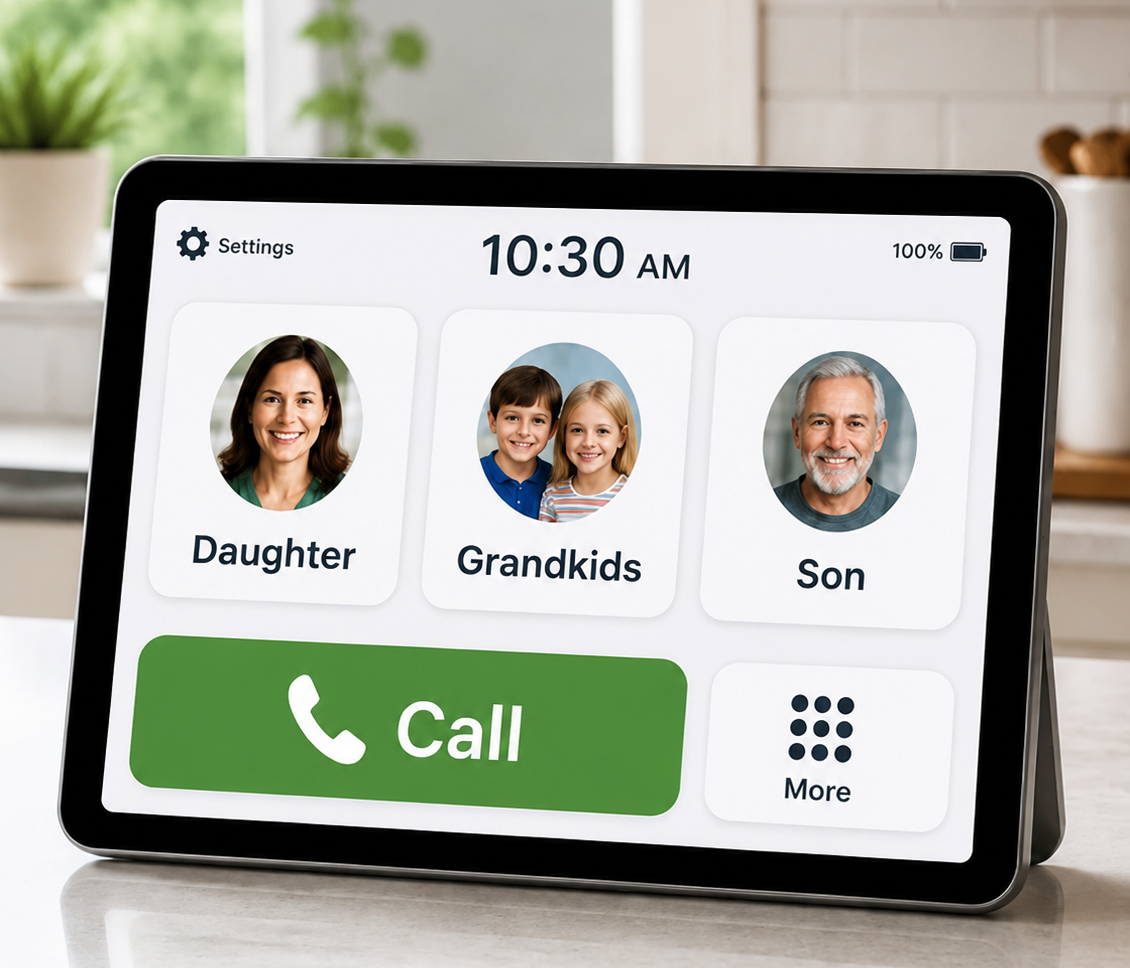
The first step in your video calling journey is choosing the device that feels most natural to you. There is no "one-size-fits-all" answer, and the best choice is often the one that offers the most clarity and comfort.

  • Tablets (The Golden Standard): Devices like iPads or Android tablets are often the premier choice for seniors. They offer a large, clear screen and a simple touch interface that eliminates the need for a mouse or keyboard. 
  • Smart Displays: Tools like the Amazon Echo Show are bespoke solutions for those who prefer voice commands. You can simply say, "Alexa, call my daughter," and the device handles the rest.
  •  Laptops and Desktops: If you already enjoy using a computer for email or news, your existing setup might be the most reliable option. A larger monitor can make it much easier to see multiple family members at once during a group call.

If your current device feels sluggish or the camera seems grainy, it might be time for a bespoke upgrade. Our team specializes in upgrading laptops and desktop PCs to ensure they can handle modern video software without a hitch.

Utilizing our expertise, we ensure your CPU is paired with high-end cooling solutions. After all, a processor is only as good as its ability to stay cool under pressure. We use top-quality parts to ensure your "brain" never overheats during those long overnight renders.

Craft Your Ideal Calling Environment

Have you ever been on a call where you could barely see the person on the other end because they were shrouded in shadows? Setting the stage is just as important as the technology itself. Utilizing our expertise, here are a few simple ways to ensure you look and sound your best:

Master the Light 

Position yourself so that the primary light source: like a window or a lamp: is in front of you, not behind you. If you sit with a bright window at your back, you’ll appear as a dark silhouette. A soft light facing you creates a warm, inviting glow that makes it easy for your loved ones to see your expressions. 

Elevate Your Perspective 

If you’re using a tablet or a laptop, try to place it on a stable stand or a stack of books so the camera is at eye level. This prevents the "up-the-nose" angle and makes the conversation feel more like you’re sitting across the table from one another.
Richard Mallory, owner/technician, in a dark sweater with a blurred workshop background.
Gloved hands install a gold RAM module into a computer motherboard.

Visual Mastery: Rendering at the Speed of Thought

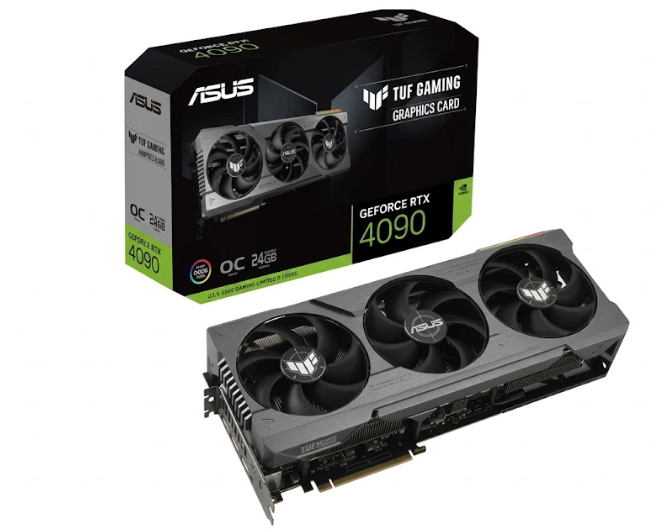
The Graphics Card (GPU) is where the magic happens. While the CPU handles the logic, the GPU handles the pixels. In 2026, the GPU has become even more critical for tasks like AI-assisted masking, noise reduction, and heavy color grading. 

For a truly premier build, we look toward cards like the RTX 4090 or the newer 50-series equivalents with at least 24GB of VRAM. Why so much? Because 8K frames are sixteen times larger than 1080p frames. Without adequate Video RAM, your graphics card will literally run out of space to store the image it's trying to process, leading to crashes and stuttering.

Explore the Most Reliable Platforms

With so many apps available, it’s easy to feel overwhelmed. We recommend picking one platform and sticking with it. This creates a routine that builds confidence

Purple outlined number 1 with a white center on a light background

FaceTime:

If you and your family use Apple products (iPhones, iPads, or Macs), FaceTime is a stellar, built-in option that requires almost no setup. 

Blue outlined number 2 on a white background

Zoom:

 Ideal for larger family reunions or community meetings. While it has more features, joining a meeting is often as simple as clicking a link sent to your email. 

Purple number 3 logo on a white background

WhatsApp:

A fantastic choice for international calls, as it uses your internet connection rather than cellular minutes.

Do you have a specific app your family prefers, but you're not quite sure how to navigate it? That’s exactly why we offer personalized tech tutoring. We can sit down with you and walk through the specific buttons and settings of any platform you choose. 

Utilize Our Expertise for a Stress-Free Setup

Sometimes, the hardest part is the initial setup: connecting to the Wi-Fi, creating accounts, and making sure the "Mute" button doesn't accidentally get pressed. You shouldn't have to navigate these hurdles alone. 

Explore Our Services: The Home Net Difference

Why choose Home Net Computer Repair for your next powerhouse build? Because we aren't a faceless corporation. We are your neighbors. Richard Mallory, our owner and lead technician, brings a level of quality craftsmanship and personal attention that big-box stores simply cannot match.


At Home Net Computer Repair, we’re more than just a repair shop; we’re your neighbors. We understand that learning new technology takes patience and a gentle hand. That’s why we offer in-person tech tutoring specifically for seniors.
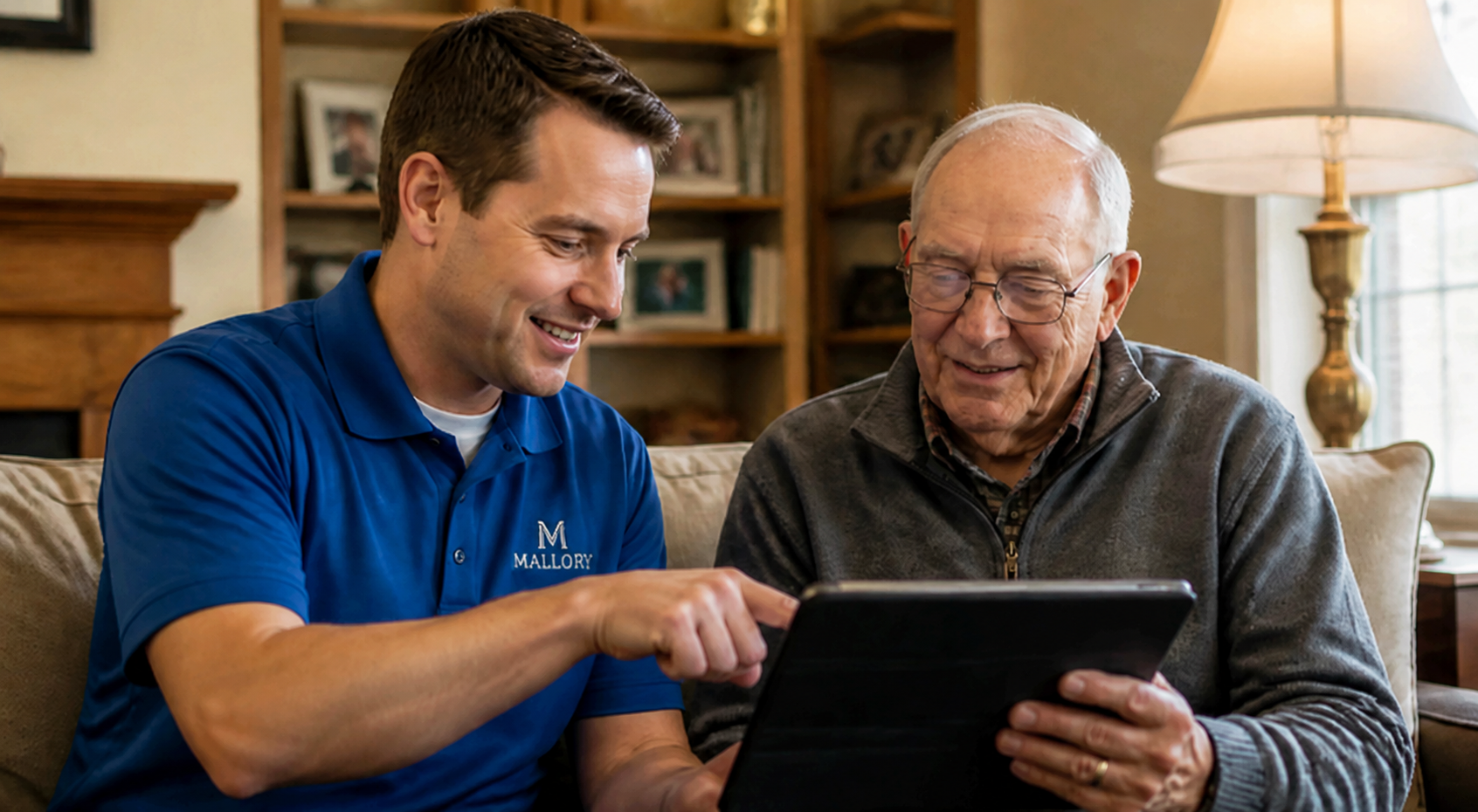
Richard Mallory, owner/technician, in a dark sweater with a blurred workshop background.

We can come directly to your home in the Seattle area to:

  • Set up your preferred video calling app.
  • Create a "Cheat Sheet" with large, easy-to-read instructions tailored to your device.
  • Ensure your internet connection is robust enough for high-definition video.
  • Practice making calls with you until you feel 100% confident.

Troubleshooting with Confidence

Even with the best setup, technology can occasionally be temperamental. If you encounter a glitch, don't panic! Most issues are easily solved with a few simple steps: 

  • The "Frozen" Screen: Often, this is just a temporary dip in your internet speed. Wait a few seconds, and it usually resolves itself. If not, hanging up and calling back often clears the "pipes." 
  • Audio Issues: Check to see if your hand is covering the microphone on your tablet or phone. It’s a common mistake that happens to the best of us! 
  • Low Battery: Video calls use a lot of energy. We always recommend keeping your device plugged into a charger during long conversations to ensure a seamless experience.

If your computer or laptop is frequently acting up or running slow, it might be more than just a software glitch. We offer a convenient pick-up and return service throughout the Seattle region. We’ll take your machine, perform a comprehensive diagnostic, fix any underlying issues with top-quality parts, and bring it back to you: better than new. 

Reach Out for Personalized Support

Technology is a tool for connection, and you deserve to feel empowered every time you open your laptop or pick up your tablet. Whether you’re looking to upgrade your hardware for better performance or you simply want a patient teacher to show you the ropes, we are here to help.


Our family-owned business is dedicated to providing honest, transparent, and quality craftsmanship to every member of our community. We pride ourselves on making tech accessible and stress-free for everyone.


Ready to start video calling with confidence? Give Richard or Susie a call at 206-478-5001 to schedule your personalized tutoring session or to learn more about our home computer services. Let’s make sure you never miss another milestone.

July 3, 2026
Have you ever found yourself staring at a frozen progress bar, watching the minutes tick by while your computer struggles to render a simple transition? If you’re a content creator or a small business owner in the Seattle area working with high-resolution footage, you know the frustration. The stuttering timelines, the dreaded "application not responding" messages, and the heat radiating from a machine pushed beyond its limits: it’s enough to kill any creative spark. At Home Net Computer Repair , we believe your technology should be the wind in your sails, not the anchor holding you back. Whether you're a professional filmmaker in Bellevue or a hobbyist YouTuber in Redmond, stepping up to 8K resolution requires more than just an off-the-shelf computer. It requires a bespoke video editing rig : a powerhouse specifically engineered to handle the massive data rates of the future. Let’s explore how we can help you build the premier editing station that doesn’t just meet the industry standards of 2026 but shatters them.
July 2, 2026
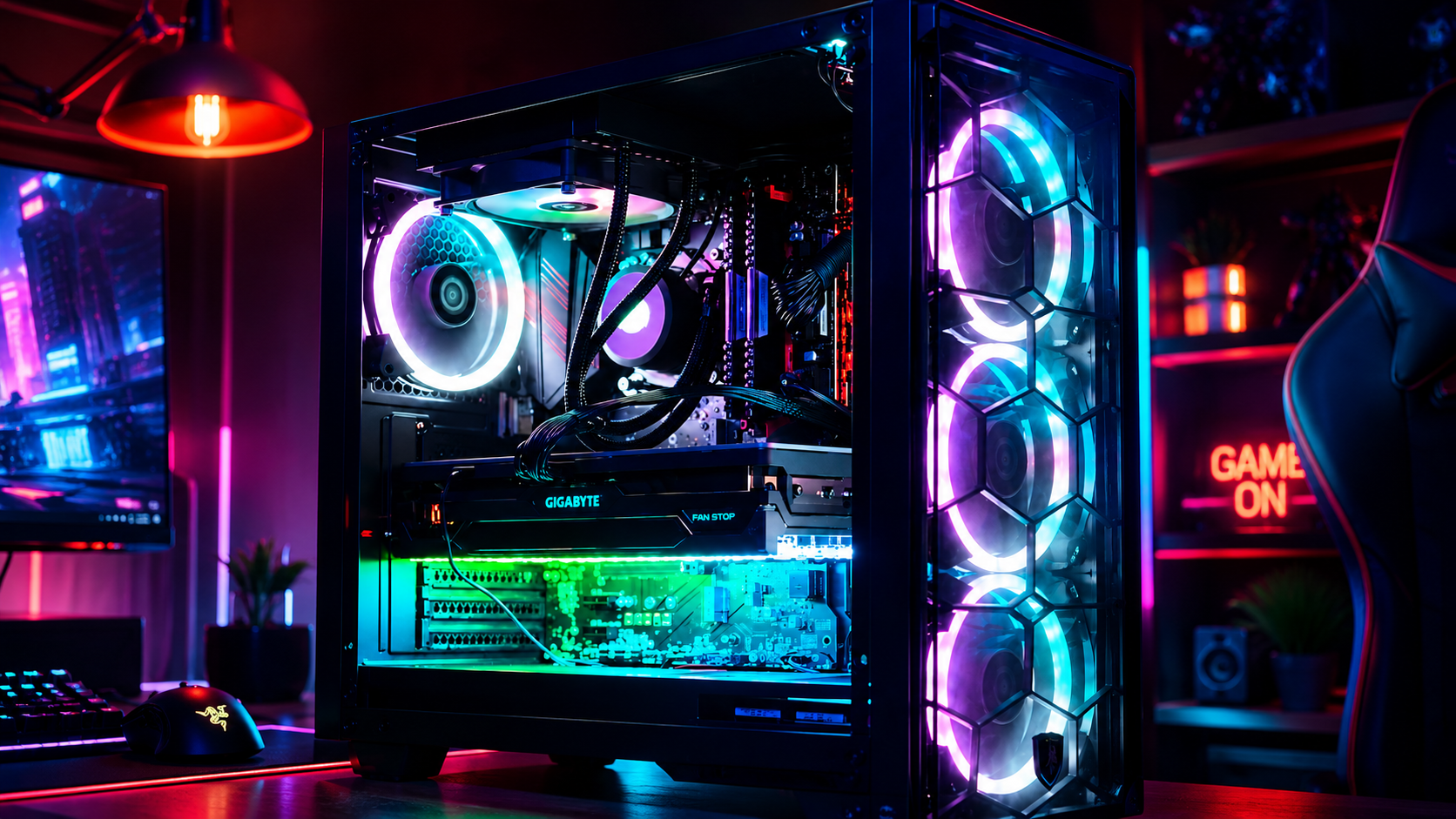
So, you’ve decided to brave the frontier of custom PC building. You’ve got the parts list, the screwdriver, and enough caffeine to power a small village. But let’s be honest: building a premier gaming rig in 2026 isn't just about snapping Legos together anymore. With hardware getting more powerful (and hungrier for power), the margin for error has shrunk. At Home Net Computer Repair , we’ve seen it all: from the "why is my CPU smoking?" to the "why am I getting 10 FPS on a $3,000 rig?" We’re your knowledgeable neighbors in the tech world, and we’re here to ensure your building experience is as seamless and stress-free as possible. Whether you're in Seattle, Bellevue, or Tacoma , we want your custom build to be an unrivaled masterpiece Before you press that power button for the first time, let’s walk through the seven most common pitfalls and the ultimate guide to picking VRAM for the titles of 2026.
June 30, 2026
Have you ever sat down to play the latest open-world masterpiece, only to be met with stuttering frames, loud fan noise, or: worse yet: a complete system crash? We’ve all been there. There’s nothing more frustrating than having your immersion broken by hardware that just can’t keep up with your ambition. In mid-2026, the world of PC gaming has reached a breathtaking new peak. With ray tracing becoming the standard and AI-upscaling reaching near-perfect clarity, the hardware required to run these games at their best is more sophisticated than ever. Whether you’re diving into the hyper-realistic streets of a futuristic RPG or competing at the highest levels of an e-sports title, your rig should be a gateway, not a barrier. At Home Net Computer Repair , we believe that every gamer deserves a seamless, stress-free experience. We don’t just fix computers; we craft bespoke digital engines designed for longevity and peak performance. If you’re looking for the premier gaming experience in 2026, you’re in the right place. Let’s explore what makes a true "ultimate rig" this year.
June 26, 2026
Do you remember that feeling of pure excitement when you first fired up your gaming rig? The lightning-fast response, the stunning visuals, and the sheer power at your fingertips? For many of us, our gaming PC isn't just a machine; it’s a gateway to other worlds, a hub for connecting with friends, and a bespoke piece of technology that reflects our personal style. However, as the calendar rolls into 2026, you might have noticed that your once-stellar machine is starting to show its age. Perhaps your frame rates aren't quite reaching the heights they used to in the latest titles, or maybe that "seamless" multitasking experience has become a bit more sluggish when you’re running Discord and a screen-recorder in the background. If you've found yourself asking, "Do I need a whole new computer?" we have some great news for you: often, a few premier upgrades can breathe new life into your existing setup, delivering unrivaled performance without the massive cost of a full replacement. At Home Net Computer Repair, we specialize in transforming "good" PCs into unrivaled powerhouses. We believe in quality craftsmanship and honest advice, and we’re here to guide you through the essential upgrades that will get you back to peak performance.
June 24, 2026
There is nothing quite as frustrating as being in the heat of a high-stakes match, only to have your screen freeze or your entire system shut down without warning. You’ve invested time, passion, and likely a significant amount of money into your gaming rig, so when it begins to sound like a jet engine taking off: or worse, starts "thermal throttling": it’s more than just a nuisance. It’s a threat to your hardware’s longevity. At Home Net Computer Repair , we understand that your gaming PC isn't just a machine; it’s your gateway to other worlds, your creative studio, and your competitive edge. Whether you’re running a bespoke build in Seattle or a high-performance setup in Bellevue, heat is the silent rival you need to defeat. In this comprehensive guide, we’ll explore why your system might be running hot and how our premier repair services can restore your PC to peak performance.
Two people smiling at a laptop on a couch in a bright living room
By HomeNet Computer Repair June 22, 2026
Do you remember when technology was supposed to make our lives easier? Somewhere between the endless "system update" notifications and the tangled web of passwords, that promise seems to have slipped away.
Technician repairing a laptop on a workbench with tools and disassembled parts
By HomeNet Computer Repair June 19, 2026
It happens in a heartbeat. Maybe it was a stray pen left on the keyboard before closing the lid, or perhaps a clumsy moment during your morning coffee. One second your laptop is your window to the world, and the next, it’s a chaotic mess of spider-web cracks and flickering lines.
Technician repairing a laptop motherboard on a workbench with tools and gloves
By HomeNet Computer Repair June 17, 2026
We’ve all been there. You press the power button, go to make a cup of coffee, and by the time you’re back, your computer is still struggling to load the desktop. Or perhaps a sudden "Blue Screen of Death" has interrupted your work for the third time this week.
Laptop on a wooden desk with a plant, mug, and a black SSD drive in the foreground.
By HomeNet Computer Repair June 15, 2026
Is your once-zippy Windows 11 PC suddenly acting like it’s wading through molasses? We’ve all been there: the spinning blue circle of doom, the laggy windows, and the sheer frustration
Living room with a blue sofa, wooden shelf, and black Wi‑Fi router by a window
By HomeNet Computer Repair June 12, 2026
Does it feel like your Wi-Fi is playing a game of hide-and-seek? You’re in the middle of a crucial video call or an intense gaming session, and suddenly—the spinning wheel of doom appears.