Video Editing Powerhouses: Building a Custom PC That Can Handle 8K and Beyond
July 3, 2026

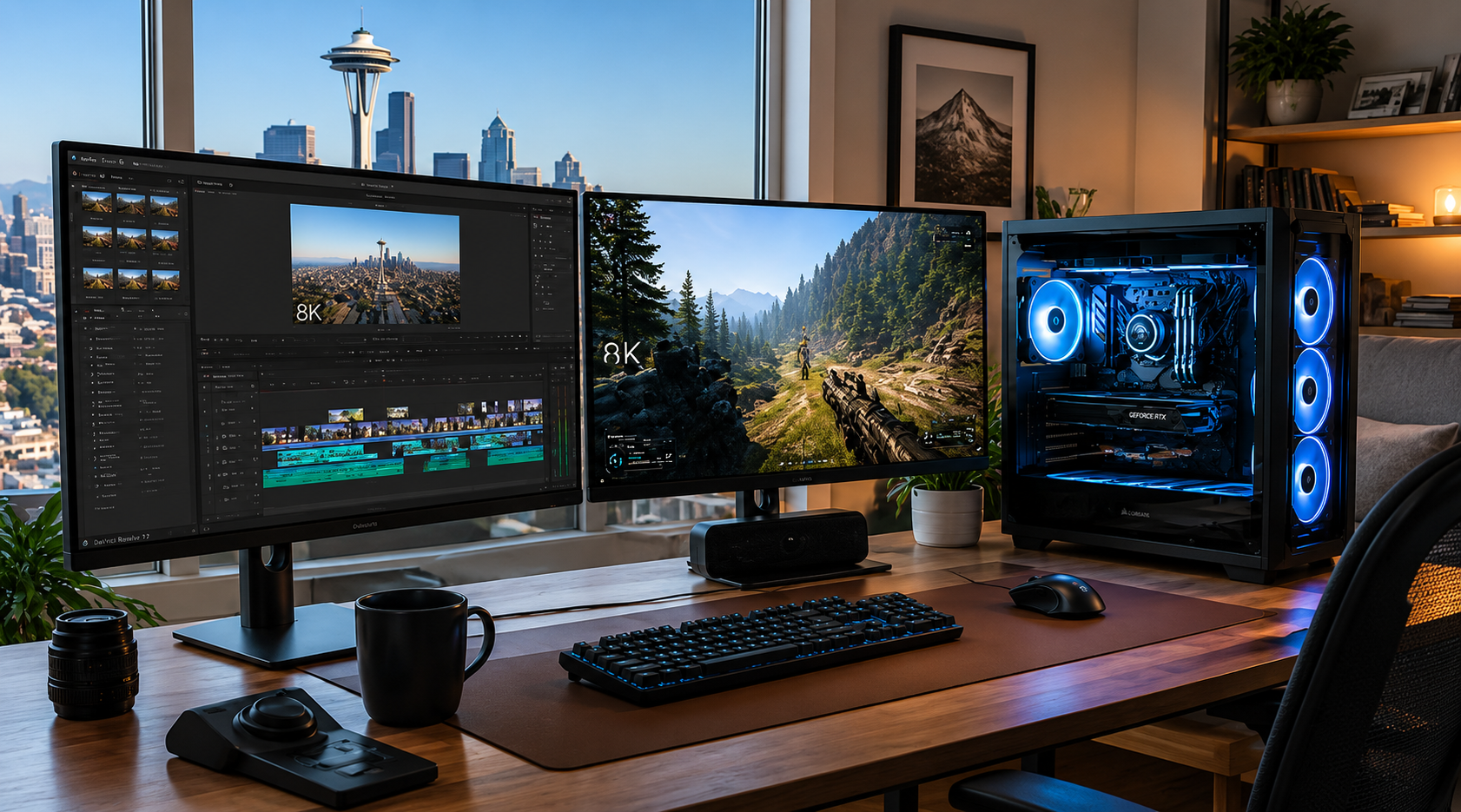
Have you ever found yourself staring at a frozen progress bar, watching the minutes tick by while your computer struggles to render a simple transition? If you’re a content creator or a small business owner in the Seattle area working with high-resolution footage, you know the frustration. The stuttering timelines, the dreaded "application not responding" messages, and the heat radiating from a machine pushed beyond its limits: it’s enough to kill any creative spark. 


At Home Net Computer Repair, we believe your technology should be the wind in your sails, not the anchor holding you back. Whether you're a professional filmmaker in Bellevue or a hobbyist YouTuber in Redmond, stepping up to 8K resolution requires more than just an off-the-shelf computer. It requires a bespoke video editing rig: a powerhouse specifically engineered to handle the massive data rates of the future.


Let’s explore how we can help you build the premier editing station that doesn’t just meet the industry standards of 2026 but shatters them.

Craft Your Experience: The Engine of Your Creative Ambition
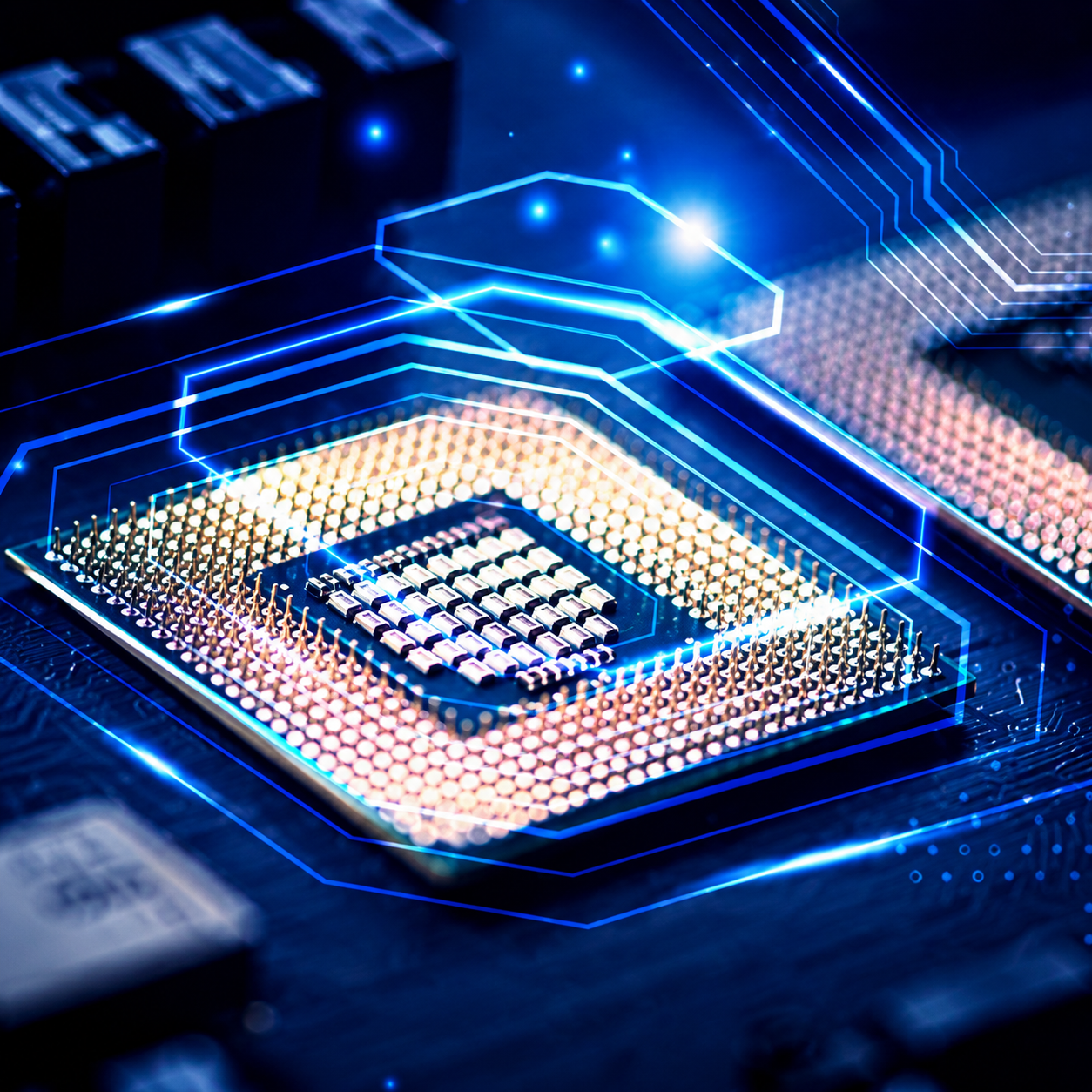
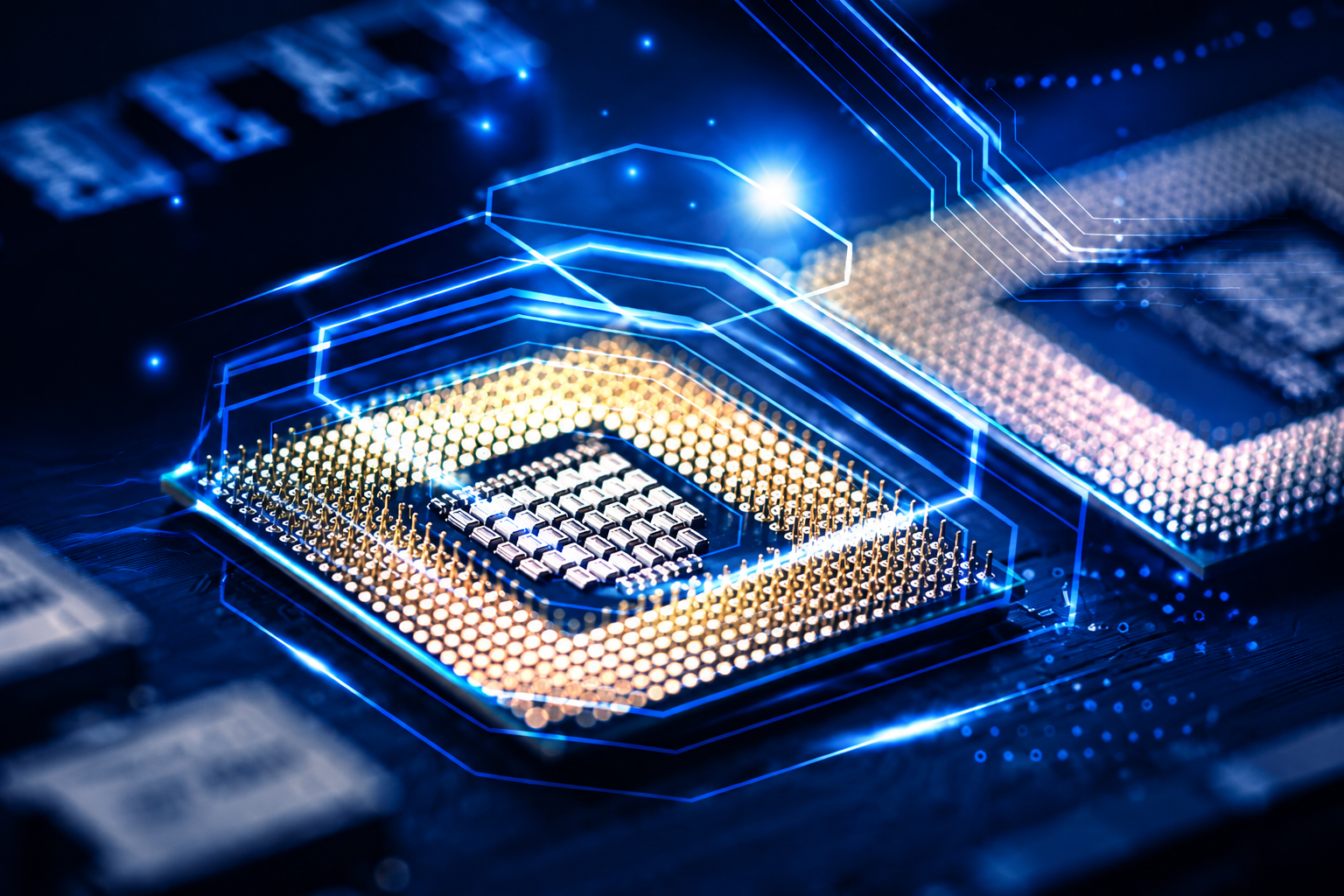
When it comes to 8K video editing, the CPU (Central Processing Unit) is the heart of your operation. Think of it as the brain that has to calculate every pixel, every effect, and every color grade in realtime. If your CPU is underpowered, your entire workflow grinds to a halt.

To achieve a seamless editing experience, we recommend nothing less than a 16-core powerhouse. Modern software like DaVinci Resolve and Adobe Premiere Pro are designed to utilize every single core you can throw at them. For our Seattle clients, we often suggest the latest i9 or Ryzen 9 processors. These aren't just chips; they are unrivaled engines of productivity that allow you to scrub through 8K RAW footage without a hint of lag. 

Laptop with a shattered screen showing cracks radiating from a central impact point

When it comes to 8K video editing, the CPU (Central Processing Unit) is the heart of your operation. Think of it as the brain that has to calculate every pixel, every effect, and every color grade in realtime. If your CPU is underpowered, your entire workflow grinds to a halt.

To achieve a seamless editing experience, we recommend nothing less than a 16-core powerhouse. Modern software like DaVinci Resolve and Adobe Premiere Pro are designed to utilize every single core you can throw at them. For our Seattle clients, we often suggest the latest i9 or Ryzen 9 processors. These aren't just chips; they are unrivaled engines of productivity that allow you to scrub through 8K RAW footage without a hint of lag. 

Utilizing our expertise, we ensure your CPU is paired with high-end cooling solutions. After all, a processor is only as good as its ability to stay cool under pressure. We use top-quality parts to ensure your "brain" never overheats during those long overnight renders.

Laptop with a shattered screen showing cracks radiating from a central impact point

Utilizing our expertise, we ensure your CPU is paired with high-end cooling solutions. After all, a processor is only as good as its ability to stay cool under pressure. We use top-quality parts to ensure your "brain" never overheats during those long overnight renders.

Expand Your Horizons: Unrivaled Memory for Seamless Multitasking 

If the CPU is the brain, then RAM (Random Access Memory) is the short-term memory. 8K video files are enormous. When you’re editing, your computer needs to keep huge chunks of that data ready for instant access. 


Are you tired of your computer slowing down the second you open a web browser alongside your editing software? That’s a memory bottleneck. For 4K editing, 32GB might suffice, but for the stellar performance required by 8K and beyond, 64GB is the absolute minimum: and 128GB is the gold standard. 


We provide comprehensive memory solutions that allow you to keep multiple high-resolution timelines open, run complex After Effects compositions, and still have enough "headroom" to check your emails without a single hiccup. It’s about creating a hassle-free environment where your tools never get in the way of your talent.
Gloved hands install a gold RAM module into a computer motherboard.

Visual Mastery: Rendering at the Speed of Thought

The Graphics Card (GPU) is where the magic happens. While the CPU handles the logic, the GPU handles the pixels. In 2026, the GPU has become even more critical for tasks like AI-assisted masking, noise reduction, and heavy color grading. 

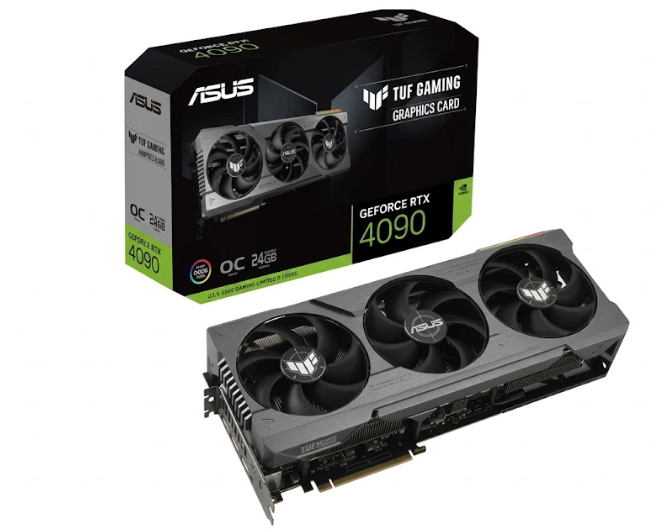
For a truly premier build, we look toward cards like the RTX 4090 or the newer 50-series equivalents with at least 24GB of VRAM. Why so much? Because 8K frames are sixteen times larger than 1080p frames. Without adequate Video RAM, your graphics card will literally run out of space to store the image it's trying to process, leading to crashes and stuttering.

Gloved hands install a gold RAM module into a computer motherboard.

Visual Mastery: Rendering at the Speed of Thought

The Graphics Card (GPU) is where the magic happens. While the CPU handles the logic, the GPU handles the pixels. In 2026, the GPU has become even more critical for tasks like AI-assisted masking, noise reduction, and heavy color grading. 


For a truly premier build, we look toward cards like the RTX 4090 or the newer 50-series equivalents with at least 24GB of VRAM. Why so much? Because 8K frames are sixteen times larger than 1080p frames. Without adequate Video RAM, your graphics card will literally run out of space to store the image it's trying to process, leading to crashes and stuttering.

But here is the best part: a machine built for 8K video editing is, by definition, an ultimate gaming rig. When you’re done with your client work in Kirkland or Everett, you have a machine that can run the most demanding AAA games at maximum settings without breaking a sweat. It’s the perfect blend of professional utility and personal joy. 

Storage Without Compromise: Speed Meets Capacity

Nothing kills a workflow faster than a slow hard drive. If you're still using traditional spinning disks for your active projects, you're missing out on the proven benefits of NVMe technology. 


For our custom builds, we implement a multi-tier storage strategy:

  1. The System Drive: A lightning-fast Gen5 NVMe SSD for your OS and apps.
  2. The Project Drive: A dedicated high-speed SSD solely for your active 8K footage to ensure zerolag playback.
  3. The Vault: Massive high-capacity drives for long-term storage and archives.


Don't risk losing your hard work to a drive failure. We also offer data recovery services and robust backup solutions to give you that stress-free peace of mind.

Explore Our Services: The Home Net Difference

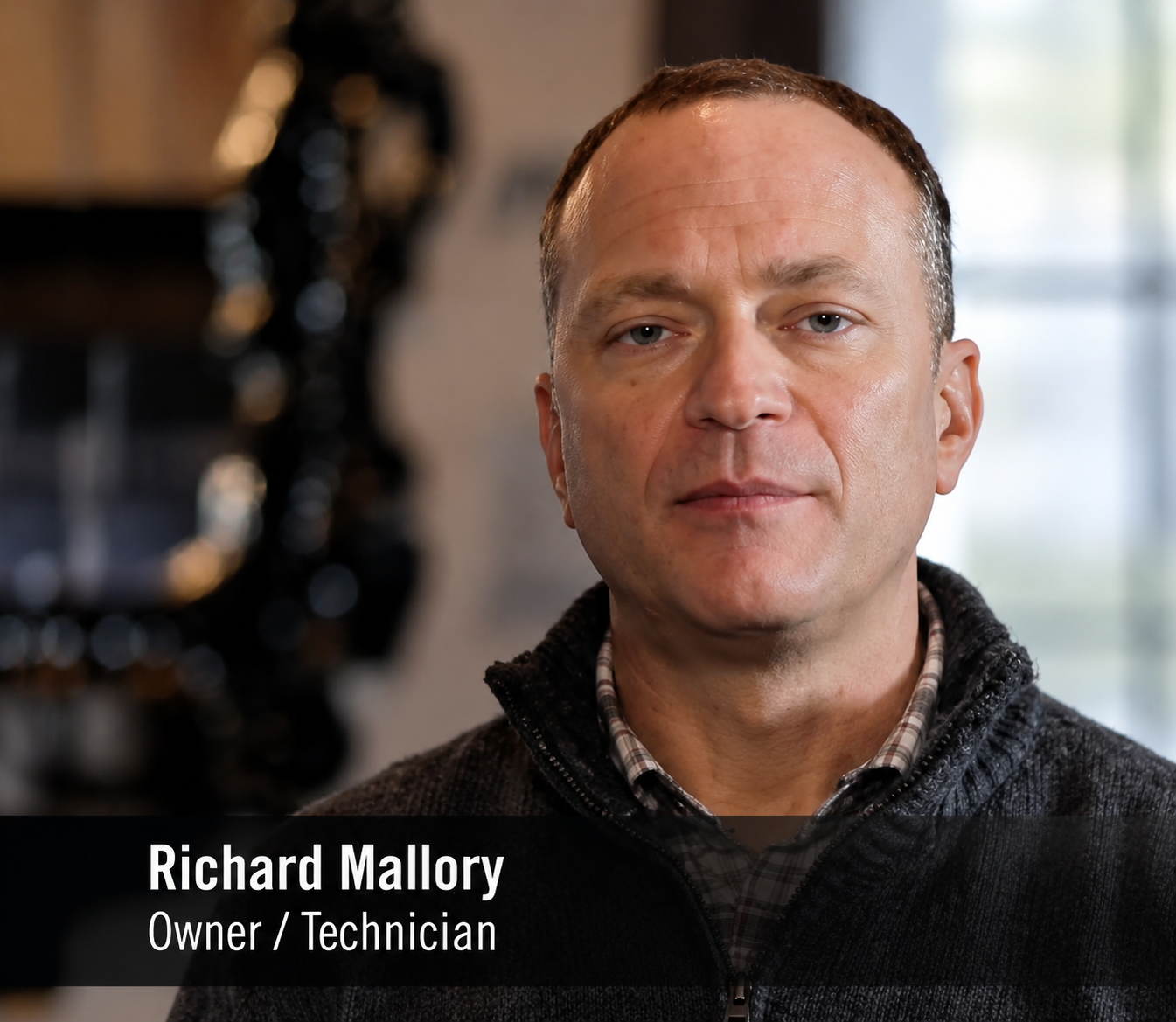
Why choose Home Net Computer Repair for your next powerhouse build? Because we aren't a faceless corporation. We are your neighbors. Richard Mallory, our owner and lead technician, brings a level of quality craftsmanship and personal attention that big-box stores simply cannot match.
We know that your time is valuable. That’s why we offer a convenient pick-up and return service across the Puget Sound area, from Kent to Lynnwood. We come to you, discuss your specific needs, build your machine with honest upfront pricing, and deliver it back to your door, ready to plug in and play.

Whether you are building a workstation for your small business or the ultimate gaming-and-editing hybrid for your home, we provide bespoke solutions tailored to your budget and your dreams. We use only top-tier components, ensuring your investment is long-lasting and future-proof. 

Reach Out Today for Your Custom Quote 

Are you ready to stop waiting for your computer to catch up and start creating at the speed of your imagination? Don’t settle for a "good enough" PC when you can have an unrivaled powerhouse built just for you.


From the first consultation to the final delivery, we are dedicated to making your tech transition as seamless as possible. Whether you need a brand-new build or want to see if your current rig is eligible for a proven upgrade, we’re here to help.


Get in touch with us today and let's build something incredible together. Your 8K future is waiting!

August 27, 2026
Few moments in the digital age induce quite the same level of sudden panic as pressing your power button only to be greeted by a black screen, an endless boot loop, or an ominous error message. When your storage drive gives up the ghost, your first thought is rarely about hardware architecture, it is about your irreplaceable family photos, critical tax documents, bespoke video editing projects, and years of cherished memories. If you are currently facing this heart-dropping scenario, take a deep breath. You might be asking yourself: Can you recover files from a dead SSD? The short answer is a resounding yes in many cases, but the path to recovery depends heavily on whether your drive is experiencing a logical glitch or a catastrophic hardware failure. At Home Net Computer Repair, we believe that technology should empower your life rather than stress you out. As your knowledgeable neighborhood tech partner, we are here to provide clear, honest guidance, transparent pricing, and stellar, stress-free solutions. Let's walk through how to diagnose the situation, what you can safely do at home, and when it's time to let our dedicated family team step in with our premier pick-up and return service.
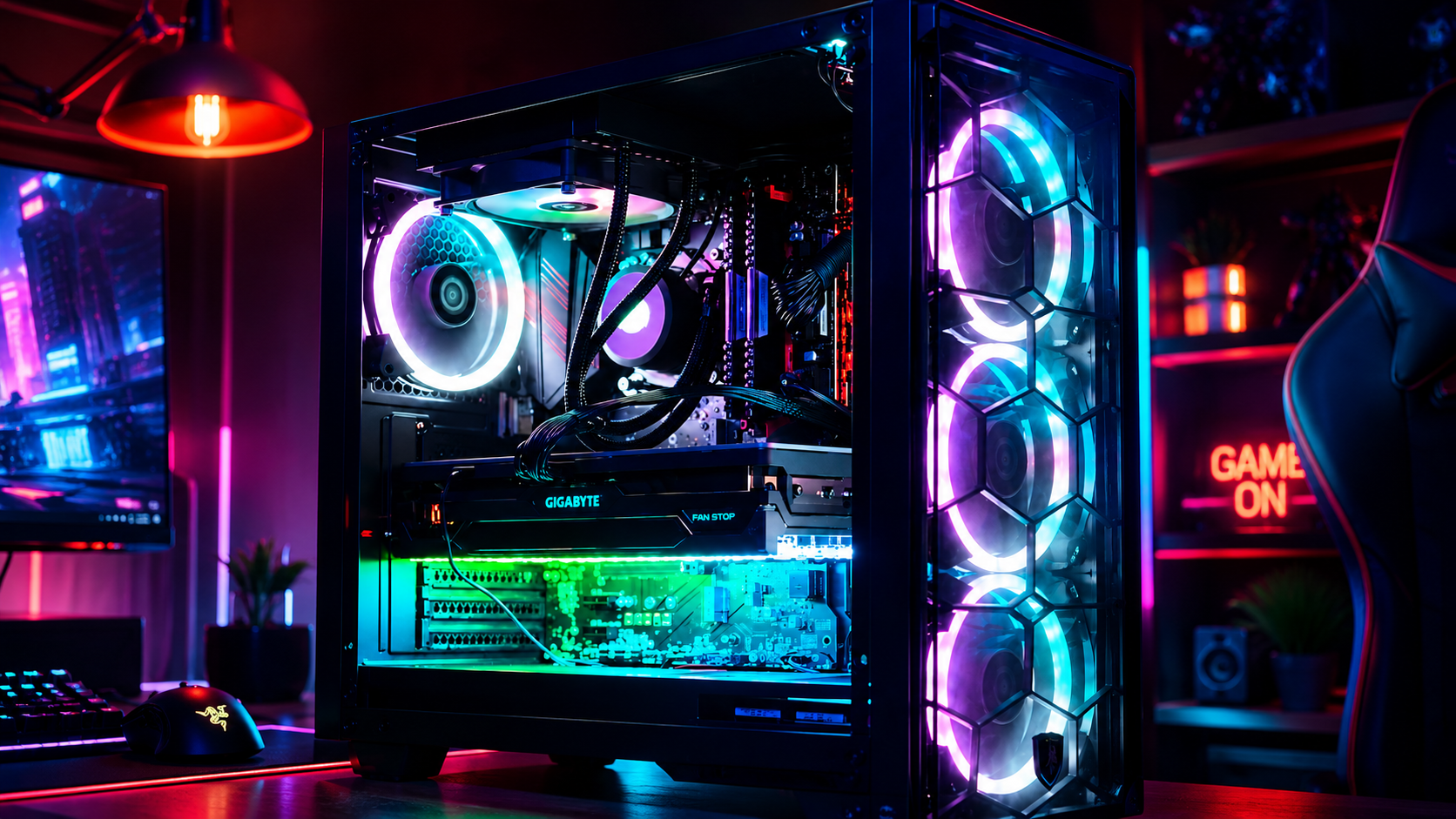
Neon-lit gaming PC setup with glowing RGB fans and a red “GAME ON” sign
August 26, 2026
Have you ever noticed your favorite machine sounding a bit like a jet engine during a routine web browsing session, or perhaps lagging just when you need it most? We’ve all been there, staring at a frozen screen, wondering why our trusty digital companion is suddenly moving at a snail's pace. Dust accumulation, thermal throttling, and cluttered operating systems are often the silent culprits behind these frustrating hiccups. At Home Net Computer Repair, we believe that maintaining your technology shouldn't feel like an overwhelming chore. As your knowledgeable neighborhood tech partner, we’re dedicated to bringing you stress-free, seamless computing experiences. Whether you are running a bespoke gaming rig, managing a busy small business, or simply keeping in touch with loved ones, establishing a proven maintenance schedule is the secret to unlocking peak performance and ensuring long-lasting durability. Let’s dive into our comprehensive guide on how often you should clean your computer, both inside and out, and how a little routine care keeps your hardware running at its absolute best.
August 25, 2026
Have you ever stared at your monitor while your computer freezes mid-task, wondering if the only cure is to wipe the slate completely clean? It’s a familiar frustration for many home users, gamers, and local business owners across our Pacific Northwest communities. When your machine starts acting up: throwing mysterious error codes, lagging during crucial video rendering, or taking an eternity to boot: the age-old recommendation often echoes through online forums: "Just reinstall Windows!" But is a full operating system wipe truly necessary every time your PC hits a snag? At Home Net Computer Repair, we believe in transparent, honest diagnostics rather than reaching for drastic measures right away. As your knowledgeable neighbor down the road, our goal is to deliver a stress-free, seamless experience that saves you time and protects your cherished files. Let’s explore when hitting refresh on your operating system is an absolute game-changer, and when you can safely skip the hassle entirely.
August 24, 2026
Have you ever settled in for a relaxing evening of high-end gaming or opened your video editing suite to finish a premier project, only for your computer to suddenly sound like a roaring jet engine before crashing to a black screen? That sinking feeling of frustration is all too familiar. When your machine unexpectedly shuts down or stutters during peak performance, you are likely dealing with a classic and stressful culprit: CPU overheating. At Home Net Computer Repair, we believe that technology should empower your daily life, not add anxiety to it. As your friendly, family-owned neighborhood tech experts, we are committed to making your digital experience completely seamless and stress-free. Whether you are running a bespoke gaming rig, a high-performance content creation workstation, or a reliable family desktop, keeping your processor at peak performance is essential for long-lasting durability. Let's dive into why your CPU might be running dangerously hot, how you can diagnose the issue, and what proven, transparent steps you can take to bring temperatures back down to earth.
August 21, 2026
It happens when you least expect it. You click a suspicious link in an email, download a file from an unverified source, or browse to a site that looks just a little too good to be true. Suddenly, your screen freezes, warning pop-ups flood your display, and a cold wave of dread washes over you: Did a virus just completely destroy my computer? If you are currently holding your breath wondering whether your machine is toast, take a deep breath. At Home Net Computer Repair , our family-owned team has seen it all. As your knowledgeable neighborhood tech experts, we are here to clear away the fear, separate internet myths from engineering facts, and provide you with a stress-free, crystal-clear understanding of what malware can: and cannot: do to your precious hardware.
August 20, 2026
There are few sounds more unsettling in the digital world than an unexpected, rhythmic tapping or clicking emanating from your computer case. You pause mid-sentence in an email, holding your breath. What was that? Is your machine about to give up the ghost right before you finish an important project? Do you need to panic? Here at Home Net Computer Repair, we know how stressful computer trouble can be. When your trusted desktop or laptop starts speaking in mysterious clicks and taps, it’s easy to feel overwhelmed. But take a deep breath! As your knowledgeable neighbors in the Pacific Northwest, we are here to help you unpack what that sound means, how to diagnose the culprit without breaking a sweat, and why addressing it early can save you from a major headache. Let's walk through what those mysterious noises signify and how to secure a seamless, stress-free solution.
August 19, 2026
There is nothing quite like the rush of diving into your favorite title after a long week, only to have your screen freeze or your system drop straight to the desktop right as you reach the climax of an intense match. If you have ever asked yourself, "Why is my PC crashing during games?" you already know how frustrating sudden black screens, unexpected reboots, and game freezes can be. When your system handles web browsing and office apps just fine but struggles the moment you fire up a graphically demanding game, it feels like an elusive mystery. At Home Net Computer Repair, we believe your gaming time should be a seamless, stress-free escape: not a technical puzzle. As your trusted local technology partner serving families, gamers, and professionals across the region, we see this issue frequently. Whether you are gaming in Seattle, Bellevue, Redmond, or right down the street, we are here to help you get back to peak performance with our hassle-free pick-up and return service and expert diagnostics. Let's explore the top causes of game crashes and discover how you can restore stability to your rig.
August 18, 2026
Are you staring at your screen while an application freezes, wondering why your machine is stuttering just when you need it most? Perhaps you are planning a brand-new custom rig for modern AAA gaming or heavy 4K video editing, and you find yourself paralyzed by hardware specifications. With technology evolving at a breakneck pace, figuring out the exact amount of Random Access Memory (RAM) required for your specific workflow can feel like navigating a maze. Here at Home Net Computer Repair, we believe that upgrading your technology should be an exciting, stress-free milestone rather than a frustrating guessing game. As a family-owned team serving our local communities: from Seattle to Bellevue , Kirkland , and Redmond : we are dedicated to providing honest, transparent guidance. Let us walk you through our comprehensive, no-nonsense guide for 2026 so you can achieve peak performance without spending a dime on hardware you do not need.
August 17, 2026
Are you standing at the digital crossroads, staring at shiny prebuilt rigs on one tab and a cart full of dazzling components on the other, wondering which path leads to your ultimate gaming sanctuary? You are certainly not alone. Whether you are stepping up from a tired old laptop or preparing for the release of the year’s most demanding AAA title, the eternal debate between building your own rig or buying a prebuilt system is enough to cause any gamer a bit of hesitation. At Home Net Computer Repair , we believe that technology should be an exciting extension of your passions: never a source of stress. As your knowledgeable neighborhood tech experts, we’ve guided countless local gamers through this exact dilemma. Let’s dive into our comprehensive comparison of building versus buying, so you can make a confident, stress-free choice tailored to your exact needs, budget, and lifestyle.
August 14, 2026
There are few moments in your daily routine quite as heart-stopping as pressing the power button on your computer, only to be met with complete silence, an endless black screen, or a frustrating loop of error messages. Whether you rely on your machine for crunching spreadsheets, crafting digital masterpieces, or unwinding with your favorite game after a long week, a computer that refuses to boot can throw your entire day off balance. You might find yourself asking: Is this the end of my machine, or is it a simple fix? Take a deep breath. At Home Net Computer Repair , we know how stressful technology glitches can feel. As your trusted, family-owned neighbor in the Pacific Northwest, we are committed to making tech less stressful and more accessible for everyone. Before you panic or assume you need an entirely new rig, let’s walk through five comprehensive troubleshooting steps to help you diagnose and conquer the startup blues.