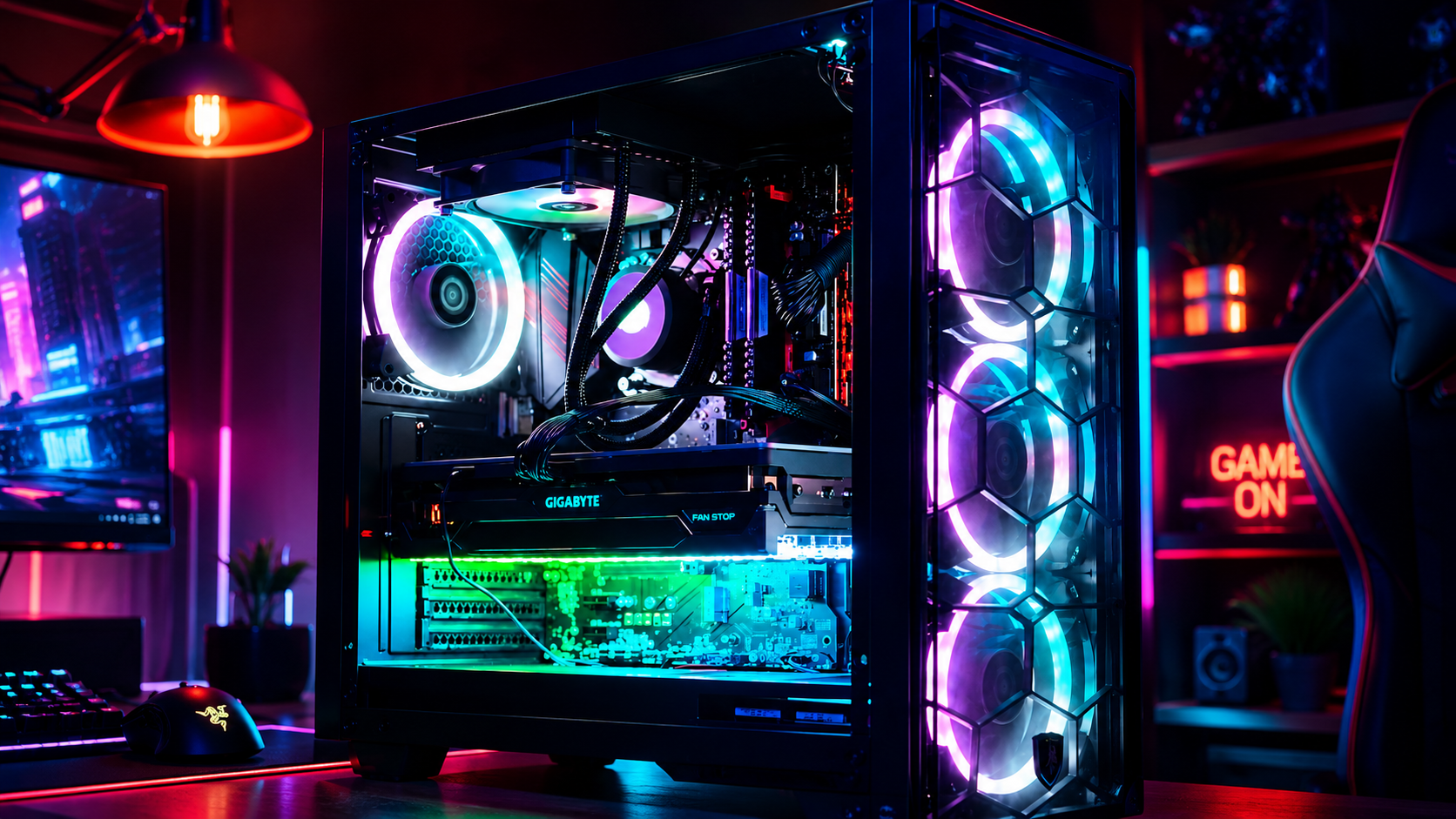
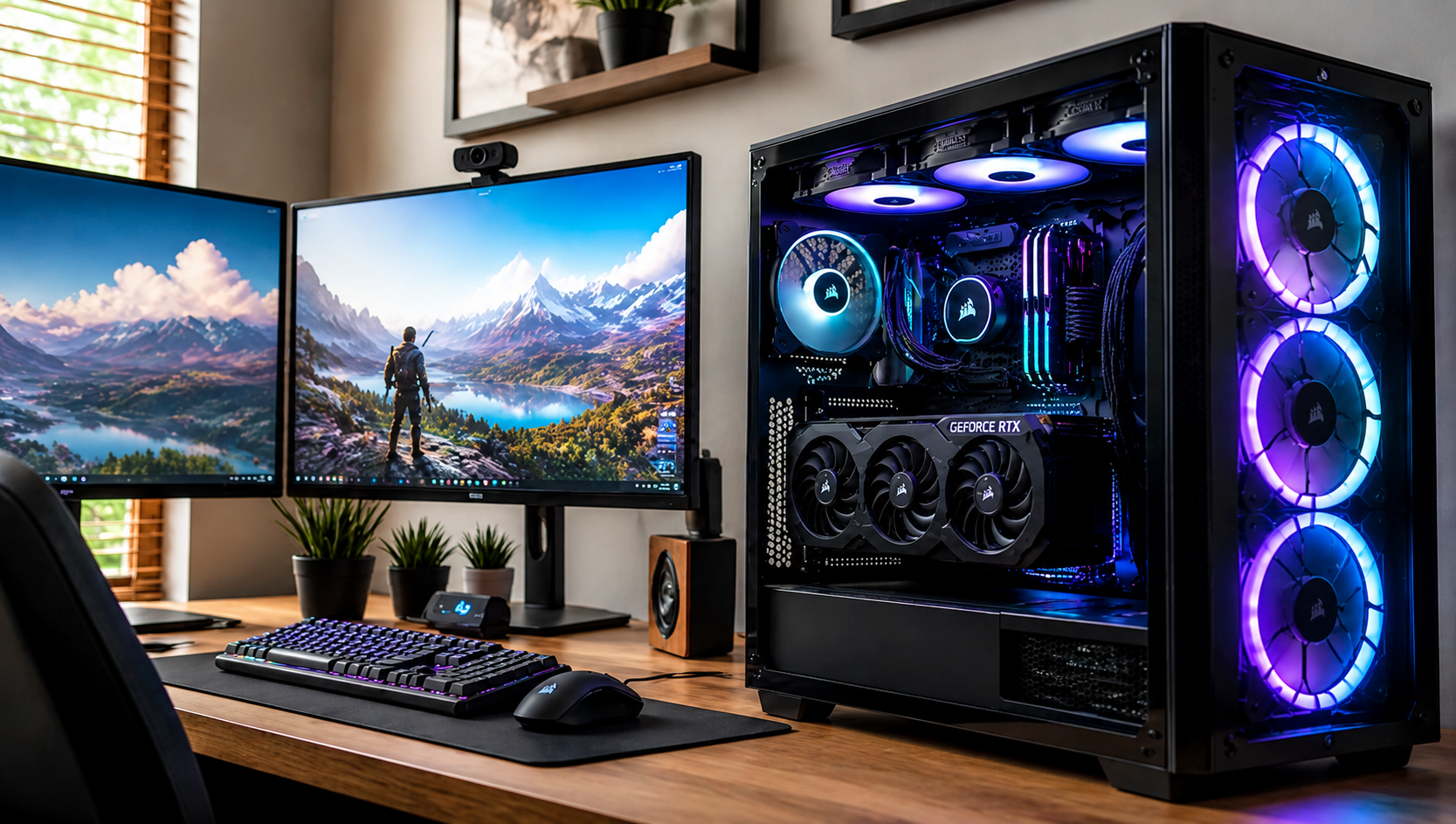
The Ultimate Gaming Rig: Top Specs for 2026 and How to Build Your Dream PC
June 30, 2026

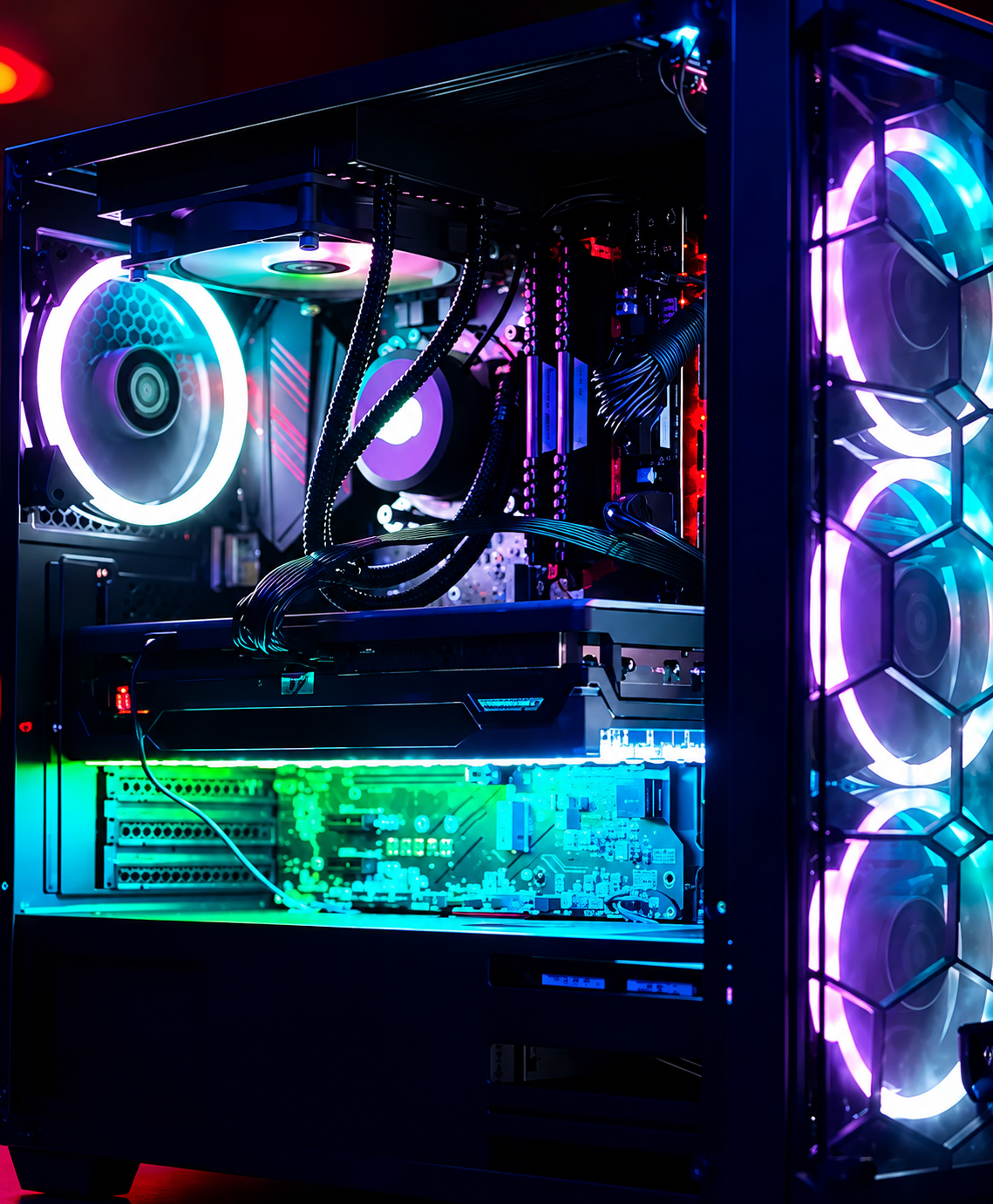
Have you ever sat down to play the latest open-world masterpiece, only to be met with stuttering frames, loud fan noise, or: worse yet: a complete system crash? We’ve all been there. There’s nothing more frustrating than having your immersion broken by hardware that just can’t keep up with your ambition.


In mid-2026, the world of PC gaming has reached a breathtaking new peak. With ray tracing becoming the standard and AI-upscaling reaching near-perfect clarity, the hardware required to run these games at their best is more sophisticated than ever. Whether you’re diving into the hyper-realistic streets of a futuristic RPG or competing at the highest levels of an e-sports title, your rig should be a gateway, not a barrier.


At Home Net Computer Repair, we believe that every gamer deserves a seamless, stress-free experience. We don’t just fix computers; we craft bespoke digital engines designed for longevity and peak performance. If you’re looking for the premier gaming experience in 2026, you’re in the right place. Let’s explore what makes a true "ultimate rig" this year.
Gloved hands install a gold RAM module into a computer motherboard.

The GPU: The Pulsing Heart of Your Performance

If the motherboard is the skeleton of your PC, the Graphics Processing Unit (GPU) is undoubtedly its heart. In 2026, the conversation starts and ends with the NVIDIA GeForce RTX 5090. This powerhouse has redefined what we expect from a graphics card, offering unrivaled 4K performance that makes even the most demanding titles look like a cinematic film.


While the previous generation’s RTX 4090 was a stellar piece of technology, the 5090 takes a massive leap forward in ray-traced workloads and power efficiency. For those who prefer the AMD ecosystem, the Radeon RX 9070 XT offers incredible rasterization speeds, providing a fantastic alternative for pure high-refresh-rate gaming at 1440p or 4K.

Choosing the right card isn't just about picking the most expensive one on the shelf. It’s about balance. Do you need the heavy-hitting AI capabilities of NVIDIA for streaming and content creation? Or do you want the raw, high-value performance that AMD brings to the table? We help you navigate these choices to ensure your build is tailored specifically to the games you love most. 

The CPU: Unleashing Unrivaled Speed

While the GPU handles the visuals, the Central Processing Unit (CPU) is the brain that manages every physics calculation and background task. For the ultimate gaming build in 2026, the AMD Ryzen 7 9800X3D stands as the king of the hill.


Why the 9800X3D? It utilizes AMD’s refined 3D V-Cache technology, which provides a massive boost in gaming frame rates by keeping data closer to the processor. It’s a specialized piece of hardware that turns a "good" gaming PC into a "legendary" one.


On the Intel side, the Core Ultra 9 285K (from the Arrow Lake family) provides a comprehensive solution for those who use their PC for more than just gaming. If you’re a professional video editor or 3D artist by day and a gamer by night, the extra cores and architectural improvements of the Ultra 9 series provide a hassle-free transition between work and play.

The Platform: Stability and Speed with DDR5 and PCIe 5.0

Building the ultimate rig isn't just about the flashy parts; it’s about the foundation. In 2026, a truly high-end system must utilize a motherboard based on the X870E (for AMD) or Z890 (for Intel) chipsets. These boards provide the "plumbing" for your high-speed components, featuring:

  • PCIe 5.0 Support: Ensuring your ultra-fast NVMe SSDs can read and write data at lightning speeds, reducing load times to near-zero. 
  • DDR5 Memory: We recommend at least 32GB of DDR5-6400 RAM for a seamless multitasking experience. This ensures that having Discord, a web browser, and a triple-A game open at once never slows you down.
  • Wi-Fi 7 and USB4: For the fastest possible connectivity, whether you're gaming wirelessly or transferring massive video files.
Laptop with a shattered screen showing cracks radiating from a central impact point

Why Professional Craftsmanship Beats the DIY Struggle

ou might be asking yourself, "Can’t I just order these parts and put them together myself?" While the "DIY" spirit is admirable, building a $3,000 to $5,000 machine in 2026 comes with significant risks. Modern components are more delicate and power-hungry than ever. One static shock or one poorly applied thermal paste application can lead to a very expensive headache.


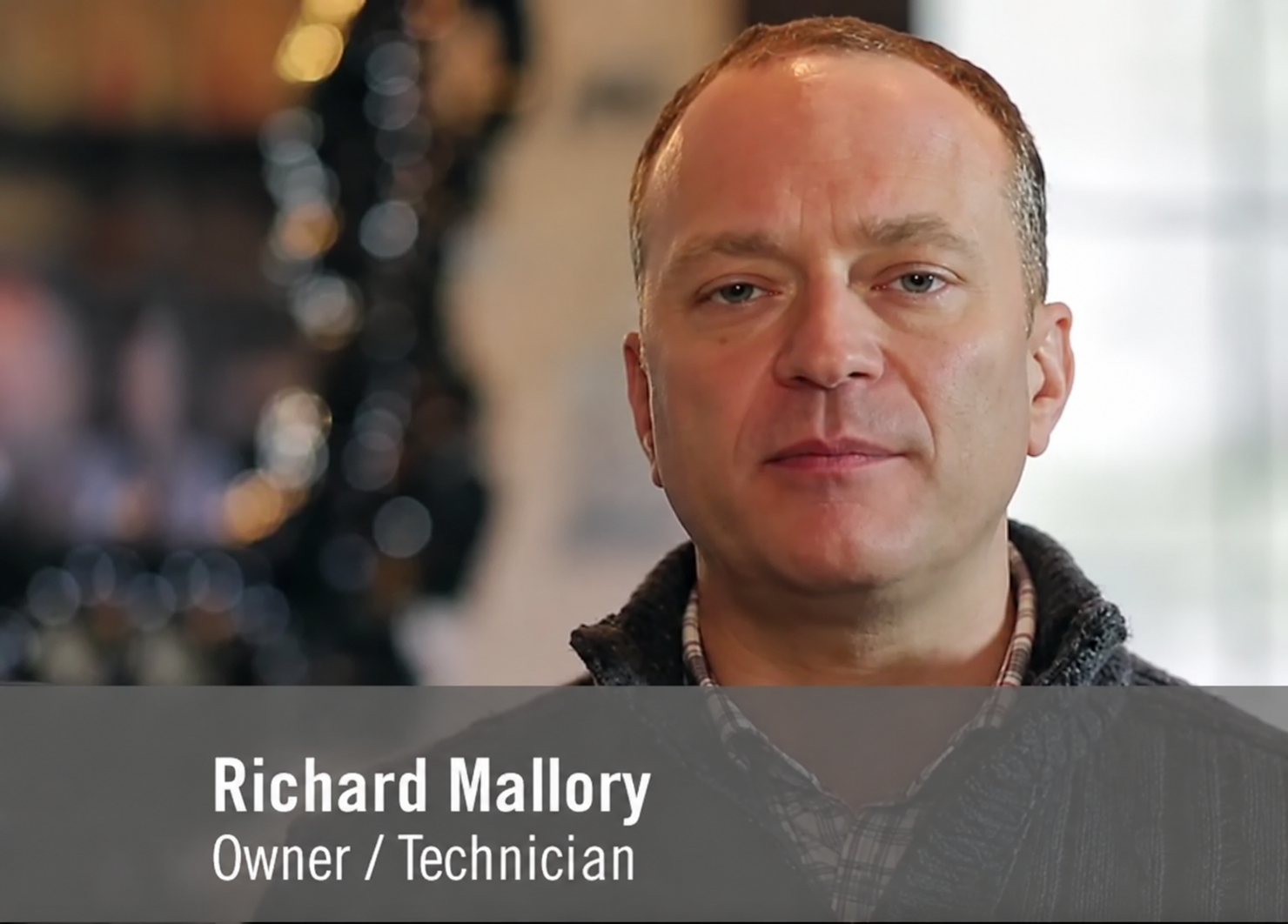
This is where our custom gaming PC build service truly shines. When you work with us, you aren't just getting a box of parts; you’re getting quality craftsmanship and peace of mind. Our team, led by owner Richard Mallory, handles the entire process with meticulous care.

The Home Net Advantage:

Purple outlined number 1 with a white center on a light background

Immaculate Cable Management:

 A clean build isn't just for looks; it ensures maximum airflow and keeps your components running cool for years to come. 

Purple outlined number 1 with a white center on a light background

Immaculate Cable Management:

 A clean build isn't just for looks; it ensures maximum airflow and keeps your components running cool for years to come. 

Blue outlined number 2 on a white background

Stress Testing:

We don't just "turn it on and hope." Every build undergoes rigorous 24-hour stress testing to ensure every component is functioning at peak performance before it ever reaches your desk.

Purple number 3 logo on a white background

Bespoke Solutions:

 We listen to your needs. If you're a flight sim enthusiast, we’ll prioritize RAM and CPU cache. If you're a competitive e-sports player, we’ll focus on frame-time consistency and low-latency cooling. 

Purple-outlined number 4 on a white background

Hassle-Free Setup: 

We don't just ship you a box. We offer a premier pick-up and return service, meaning we can bring your dream rig right to your door and help you get everything plugged in and ready to go. 

Purple-outlined number 4 on a white background

Hassle-Free Setup: 

We don't just ship you a box. We offer a premier pick-up and return service, meaning we can bring your dream rig right to your door and help you get everything plugged in and ready to go. 

Portrait of Richard Mallory, owner/technician, with a blurred indoor background
White cylindrical air purifier on a white table beside a potted plant in a modern room

Craft Your Experience with Home Net Computer Repair

We understand that tech can be stressful. Our goal is to make it the exact opposite. Whether you are in Seattle, Bellevue, or Redmond, we come to you. We are a family-owned business that treats every build like it was our own.

Are you worried about your current PC being too slow? We don't always recommend a full new build. Often, a strategic processor upgrade or a move to a faster SSD can breathe new life into your existing setup. We offer honest, transparent advice and clear upfront pricing with no hidden fees.

Utilize Our Expertise for Your Next Build

Building your dream PC should be an exciting journey, not a chore. Why spend your weekend watching YouTube tutorials and worrying about bent CPU pins when you can have a team of proven experts handle it for you? 


From the initial consultation where we pick the perfect 2026 specs for your budget, to the moment you press the power button for the first time on a machine that runs flawlessly, we are with you every step of the way. We use only top-quality parts and provide dedicated support long after the build is finished.

Ready to elevate your gaming experience?

Whether you’re looking for a completely new custom rig or need to get your current machine back to its peak performance, we’re here to help. Our personalized approach ensures that you get exactly what you need: nothing more, nothing less.


Reach out to us today and let's start planning your 2026 dream build. Let’s make your tech work for you, beautifully and reliably.

September 18, 2026
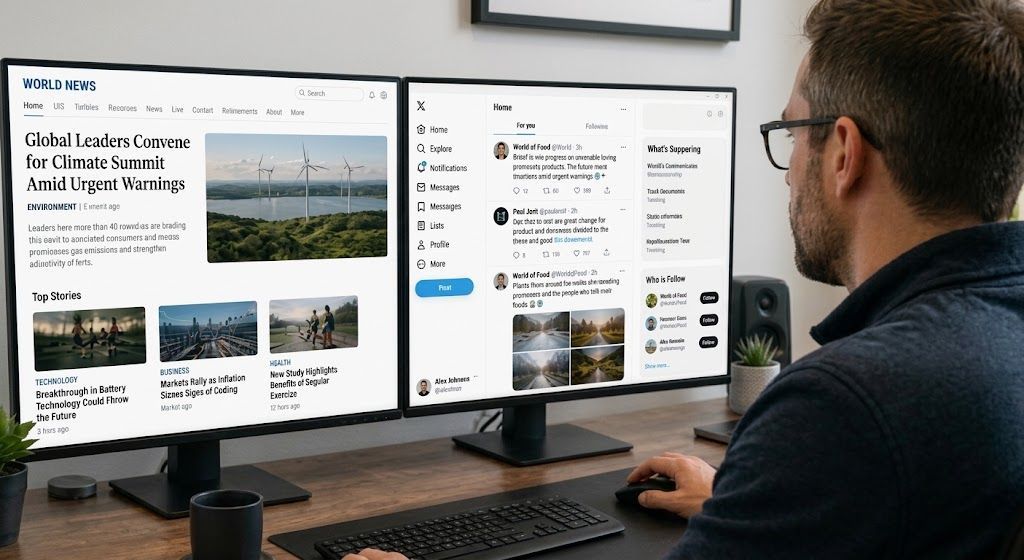
Navigating today’s fast-paced digital world can sometimes feel like walking through a maze blindfolded. Every time you open your tablet, smartphone, or desktop computer, you are greeted by a flurry of breaking news alerts, viral social media posts, and shocking headlines. While staying informed is wonderful, the sheer volume of information can quickly become overwhelming: and frankly, a bit stressful. How often have you stared at a sensational post and wondered, Is this actually true, or is someone just trying to trick me? At Home Net Computer Repair , we believe that technology should empower your life rather than cause anxiety. Whether we are building a bespoke custom gaming rig, optimizing a slow laptop, or providing patient, in-person tech tutoring for seniors, our mission is always the same: making tech less stressful and more accessible for everyone. To help you navigate your daily news feed with total confidence, we’ve put together this comprehensive, stress-free guide. Read on to discover five proven, straightforward ways to separate genuine reporting from digital fiction.
September 17, 2026
In our interconnected digital age, scrolling through social media is part of our daily rhythm. Whether you are catching up with family, reading community updates, or browsing the latest news, information flies across your screen at lightning speed. But with that endless stream of content comes a frustrating challenge: how do you know what is actually true? At Home Net Computer Repair , we believe that mastering your technology goes beyond having a lightning-fast custom PC or a reliable laptop. It also means navigating the digital world with confidence, clarity, and peace of mind. Misinformation can be stressful, overwhelming, and sometimes downright misleading. That is why we have put together this comprehensive, step-by-step guide to help you effortlessly fact-check social media posts, news articles, and viral claims before you hit that share button.
September 16, 2026
Have you ever noticed your favorite machine sounding a bit like a jet engine during a routine web browsing session, or perhaps lagging just when you need it most? We’ve all been there, staring at a frozen screen, wondering why our trusty digital companion is suddenly moving at a snail's pace. Dust accumulation, thermal throttling, and cluttered operating systems are often the silent culprits behind these frustrating hiccups. At Home Net Computer Repair, we believe that maintaining your technology shouldn't feel like an overwhelming chore. As your knowledgeable neighborhood tech partner, we’re dedicated to bringing you stress-free, seamless computing experiences. Whether you are running a bespoke gaming rig, managing a busy small business, or simply keeping in touch with loved ones, establishing a proven maintenance schedule is the secret to unlocking peak performance and ensuring long-lasting durability. Let’s dive into our comprehensive guide on how often you should clean your computer, both inside and out, and how a little routine care keeps your hardware running at its absolute best.
September 15, 2026
Have you ever stared at your monitor while your computer freezes mid-task, wondering if the only cure is to wipe the slate completely clean? It’s a familiar frustration for many home users, gamers, and local business owners across our Pacific Northwest communities. When your machine starts acting up: throwing mysterious error codes, lagging during crucial video rendering, or taking an eternity to boot: the age-old recommendation often echoes through online forums: "Just reinstall Windows!" But is a full operating system wipe truly necessary every time your PC hits a snag? At Home Net Computer Repair, we believe in transparent, honest diagnostics rather than reaching for drastic measures right away. As your knowledgeable neighbor down the road, our goal is to deliver a stress-free, seamless experience that saves you time and protects your cherished files. Let’s explore when hitting refresh on your operating system is an absolute game-changer, and when you can safely skip the hassle entirely.
September 14, 2026
Navigating the modern digital landscape can sometimes feel like walking through a bustling marketplace filled with shouting vendors, each trying to grab your attention. Whether you are scrolling through social media over your morning coffee or catching up on the latest headlines, you might find yourself asking: Can I actually trust what I am reading right now? Here at Home Net Computer Repair , we believe that feeling confident and secure online is just as important as having a lightning-fast computer. As a family-owned business deeply rooted in our community, we are dedicated to making technology less stressful and infinitely more accessible for everyone: especially our cherished seniors who value clarity, patience, and peace of mind. If you have ever felt overwhelmed by sensational headlines, confusing social media forwards, or digital rumors, you are certainly not alone. Let’s explore how you can cultivate absolute digital literacy with our comprehensive, stress-free guide to fact-checking online news and social media posts.
September 11, 2026
Have you ever settled in for a relaxing evening of high-end gaming or opened your video editing suite to finish a premier project, only for your computer to suddenly sound like a roaring jet engine before crashing to a black screen? That sinking feeling of frustration is all too familiar. When your machine unexpectedly shuts down or stutters during peak performance, you are likely dealing with a classic and stressful culprit: CPU overheating. At Home Net Computer Repair, we believe that technology should empower your daily life, not add anxiety to it. As your friendly, family-owned neighborhood tech experts, we are committed to making your digital experience completely seamless and stress-free. Whether you are running a bespoke gaming rig, a high-performance content creation workstation, or a reliable family desktop, keeping your processor at peak performance is essential for long-lasting durability. Let's dive into why your CPU might be running dangerously hot, how you can diagnose the issue, and what proven, transparent steps you can take to bring temperatures back down to earth.
September 10, 2026
It happens when you least expect it. You click a suspicious link in an email, download a file from an unverified source, or browse to a site that looks just a little too good to be true. Suddenly, your screen freezes, warning pop-ups flood your display, and a cold wave of dread washes over you: Did a virus just completely destroy my computer? If you are currently holding your breath wondering whether your machine is toast, take a deep breath. At Home Net Computer Repair , our family-owned team has seen it all. As your knowledgeable neighborhood tech experts, we are here to clear away the fear, separate internet myths from engineering facts, and provide you with a stress-free, crystal-clear understanding of what malware can: and cannot: do to your precious hardware.
September 9, 2026
Is your trusty computer feeling sluggish, bogged down by mysterious errors, or freezing up when you need it most? We’ve all been there. There comes a time in every machine's lifecycle when a fresh start is the premier solution to restore that lightning-fast, day-one performance you fell in love with. But the thought of a factory reset often triggers an instant wave of anxiety: What will happen to my family photos, my vital tax documents, and my favorite playlists? Take a deep breath. You don’t have to sacrifice your treasured memories or important work to give your PC a new lease on life. At Home Net Computer Repair, we believe that optimizing your technology should be a stress-free, seamless experience rather than a digital catastrophe. Whether you are prepping your machine for peak gaming performance or simply clearing out years of accumulated digital clutter, we are here to walk you through how to execute a pristine factory reset while keeping your personal universe completely intact.
September 8, 2026
Have you ever found yourself staring at your computer screen, wondering just what is ticking away under the hood? Perhaps a new game requires a beefier processor, a video editing suite is crawling at a snail's pace, or you are simply curious whether your trusty machine is ready for tomorrow's software updates. Whatever the reason, checking your computer's specifications doesn't have to require an engineering degree or hours of digging through cryptic menus. At Home Net Computer Repair , we believe that technology should empower you, not stress you out. Whether you are looking for custom PC building in Seattle or professional data recovery services in Bellevue , demystifying your hardware is the first step toward peak performance. In this comprehensive, hassle-free guide, we will show you how to check your PC's specs in under 60 seconds using built-in Windows shortcuts. Let's dive in!
September 7, 2026
Have you ever stared at your computer screen, wondering why your favorite game stutters or why your audio suddenly cuts out right in the middle of an important video call? When your system starts acting sluggish or peripherals refuse to cooperate, the culprit is often hiding in plain sight: outdated or corrupted device drivers. For many home users, gamers, and small business professionals, the very word "drivers" evokes images of endless pop-ups, confusing third-party software scams, and the lingering fear of breaking a perfectly good machine. But keeping your system running at peak performance doesn’t have to be a stressful ordeal. At Home Net Computer Repair, we believe in making technology accessible, transparent, and completely hassle-free. Whether you are powering a bespoke gaming rig with a high-end ASUS TUF Gaming GeForce RTX 4090 or maintaining a dependable home laptop, understanding how to update your drivers the right way is the secret to enduring hardware longevity. Let’s demystify the process together.