How to Spot Fake News Online: A Senior's Guide to Digital Literacy

August 13, 2026

Navigating the modern digital landscape can sometimes feel like walking through a bustling, confusing marketplace. Every time you open your tablet or computer, you are greeted by an overwhelming stream of headlines, breaking news alerts, and viral stories shared by friends and family. While the internet is an unrivaled tool for staying connected with loved ones, learning new hobbies, and exploring the world, it also comes with its fair share of digital noise and misinformation.


At Home Net Computer Repair, we believe that technology should empower you, not stress you out. As a family-owned business deeply rooted in our community, we talk every day with wonderful seniors who want to enjoy the web with complete peace of mind. That is why we have put together this comprehensive, stress-free guide to help you cultivate digital literacy, separate fact from fiction, and browse the web with absolute confidence.

Cultivate the Power of the Pause

When you encounter a surprising, shocking, or emotional story online, your very first line of defense is wonderfully simple: stop for a moment. 


Misinformation creators and clickbait artists know precisely how to push our emotional buttons. They craft stories designed to make you feel instantly outraged, terrified, or overly excited. They want you to react impulsively: to click, like, or share without taking a breath.


Before you engage with any provocative post, ask yourself: 

  • Does this headline make me feel unusually angry or panicked?
  • Is it demanding that I act immediately by shouting phrases like "Share this right now before it's deleted!"?

By simply taking a ten-second pause, you allow your rational mind to take the wheel. This single habit is your premier shield against manipulation. 

Investigate the Source and Web Address

Once you have taken a calming breath, your next step is to examine where the information is coming from. Not all websites hold themselves to the same standards of honesty and journalistic integrity.

When looking at an article or social media post, take a close look at the underlying source:

  •  Check the Web Address (URL): Look carefully at the link. Fake or parody news sites often mimic trusted news organizations by using slightly altered web addresses or strange endings like .com.co instead of standard, reputable domains.
  •  Look for an "About Us" Page: Legitimate news organizations and community publications take pride in transparency. If a website lacks a clear contact page, editorial standards, or author biographies, treat its content with extreme caution.

  • Verify Social Media Badges: On platforms like Facebook or X (formerly Twitter), look for official verification checkmarks on major accounts. Be wary of obscure pages with very few followers that suddenly start pumping out extreme or polarizing content. 

Building these quick verification habits transforms your daily web browsing into a seamless, hasslefree experience.

Look Beyond Sensational Headlines

We have all fallen victim to a clever headline at some point. Publishers often use bold, exaggerated, or misleading titles simply to grab your attention and drive advertising revenue.

Never judge an article solely by its cover. Before you accept a claim as truth or forward it to a friend, make sure you open the article and read through the entire piece. Ask yourself a straightforward question: Does the body of the article actually support the dramatic claim made in the headline? Often, you will find that the sensational title was just a clever hook with little substance behind it.

Review Writing Quality, Dates, and Evidence

Reliable information is marked by quality craftsmanship, transparency, and accountability. When evaluating a suspicious post, keep an eye out for these telltale signs of poor credibility: 

  • Unprofessional Formatting: Watch out for headlines written entirely in ALL CAPS, excessive exclamation marks (!!!!!), and an overwhelming number of flashing pop-up advertisements. Professional journalistic outlets maintain clean, polished layouts.
  • Spelling and Grammar Mistakes: Credible organizations employ professional editors and factcheckers. If an article is riddled with typos and basic grammatical errors, it is likely unreliable.
  • The Publication Date: Old news stories are frequently recirculated on social media as if they happened yesterday. Always check the date to ensure you are looking at current events rather than archived history.
  • Named Sources and Evidence: Trustworthy reporting relies on named experts, verifiable statistics, official documents, and direct quotes. Be deeply skeptical of articles that rely entirely on vague phrases like "experts say" without providing specific names or verifiable links.

See What Other Trusted Sources Are Reporting

One of the most powerful and proven ways to verify any news story is through cross-referencing. If a major, groundbreaking event has truly occurred, you won't find it buried on just one obscure, unknown website.

Take the headline or key keywords from the story and type them into a trusted search engine. Check whether established, reputable news outlets are reporting the exact same information. If only one isolated website is shouting about a massive scoop while mainstream and community news sources remain silent, you have likely uncovered a fabricated story. 

Furthermore, when in doubt, you can turn to dedicated fact-checking organizations such as Snopes or FactCheck.org to see if the viral claim has already been thoroughly investigated and debunked. 

Utilize Our Expertise and Personalized Tech Tutoring

Learning to navigate the digital world safely and securely is an ongoing journey, and you certainly don't have to walk it alone. At Home Net Computer Repair, we are deeply committed to making technology less stressful and more accessible for every member of our community.

In addition to our top-tier computer repair, custom builds, and hardware upgrades, we specialize in patient, in-person tech tutoring specifically designed for seniors. Whether you want to master safe web browsing, learn how to spot online scams, or configure your devices for optimal security, our friendly family team is here to provide personalized guidance right in the comfort of your home.

Embrace a Stress-Free Digital Life
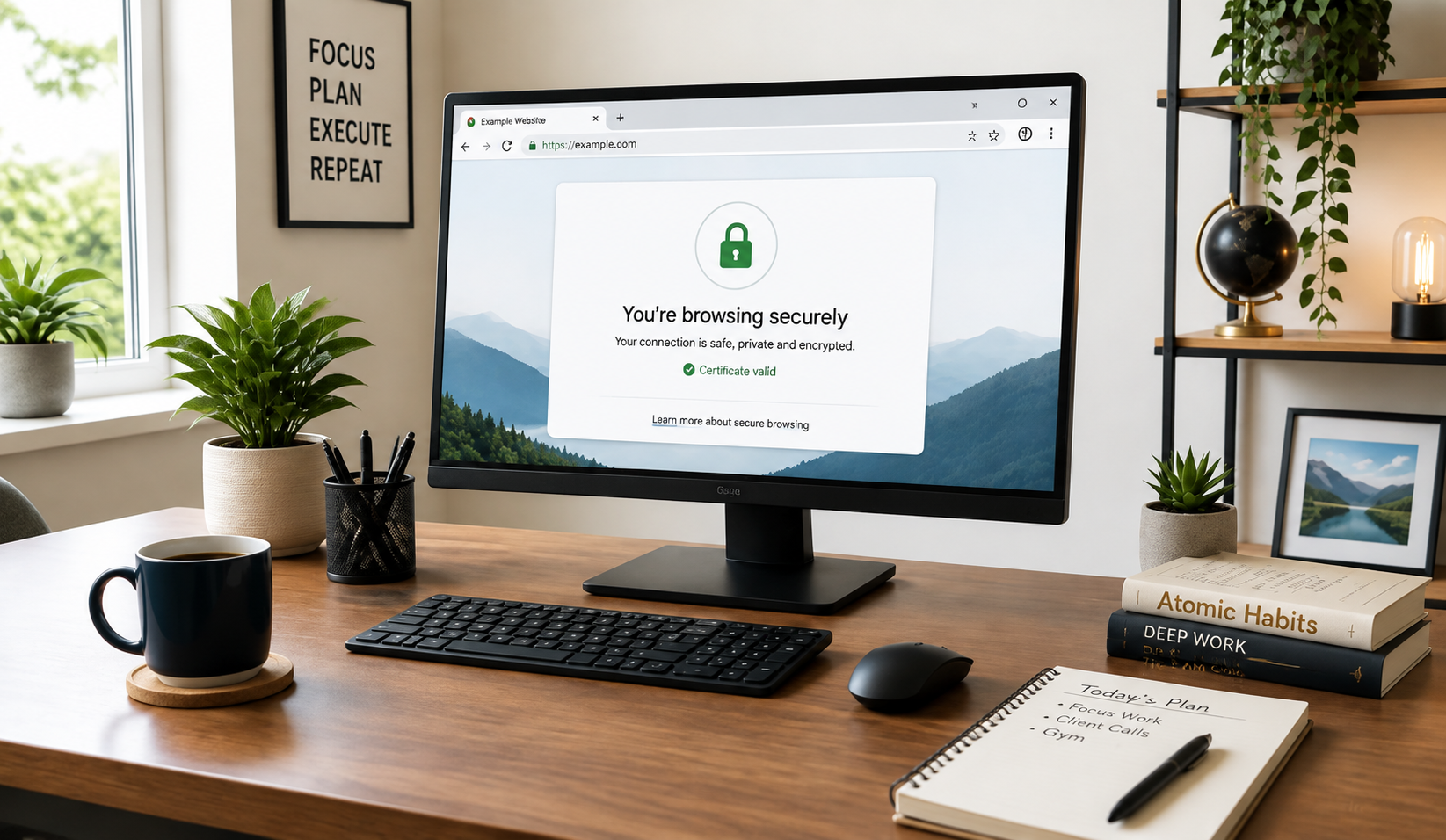
Spotting fake news doesn't require an advanced degree in computer science; it simply requires a bit of curiosity, a healthy pause, and the right toolkit. By taking your time, checking your sources, and relying on trusted verification habits, you can reclaim the joy and wonder of exploring the internet without second-guessing every click.

If you ever need assistance optimizing your computer, cleaning up stubborn malware, or want personalized, one-on-one guidance on how to make your digital life easier and safer, we are always here to help.

Get in touch with us today at Home Net Computer Repair and discover how comforting it is to have a knowledgeable neighbor in your corner!

August 21, 2026
It happens when you least expect it. You click a suspicious link in an email, download a file from an unverified source, or browse to a site that looks just a little too good to be true. Suddenly, your screen freezes, warning pop-ups flood your display, and a cold wave of dread washes over you: Did a virus just completely destroy my computer? If you are currently holding your breath wondering whether your machine is toast, take a deep breath. At Home Net Computer Repair , our family-owned team has seen it all. As your knowledgeable neighborhood tech experts, we are here to clear away the fear, separate internet myths from engineering facts, and provide you with a stress-free, crystal-clear understanding of what malware can: and cannot: do to your precious hardware.
August 20, 2026
There are few sounds more unsettling in the digital world than an unexpected, rhythmic tapping or clicking emanating from your computer case. You pause mid-sentence in an email, holding your breath. What was that? Is your machine about to give up the ghost right before you finish an important project? Do you need to panic? Here at Home Net Computer Repair, we know how stressful computer trouble can be. When your trusted desktop or laptop starts speaking in mysterious clicks and taps, it’s easy to feel overwhelmed. But take a deep breath! As your knowledgeable neighbors in the Pacific Northwest, we are here to help you unpack what that sound means, how to diagnose the culprit without breaking a sweat, and why addressing it early can save you from a major headache. Let's walk through what those mysterious noises signify and how to secure a seamless, stress-free solution.
August 19, 2026
There is nothing quite like the rush of diving into your favorite title after a long week, only to have your screen freeze or your system drop straight to the desktop right as you reach the climax of an intense match. If you have ever asked yourself, "Why is my PC crashing during games?" you already know how frustrating sudden black screens, unexpected reboots, and game freezes can be. When your system handles web browsing and office apps just fine but struggles the moment you fire up a graphically demanding game, it feels like an elusive mystery. At Home Net Computer Repair, we believe your gaming time should be a seamless, stress-free escape: not a technical puzzle. As your trusted local technology partner serving families, gamers, and professionals across the region, we see this issue frequently. Whether you are gaming in Seattle, Bellevue, Redmond, or right down the street, we are here to help you get back to peak performance with our hassle-free pick-up and return service and expert diagnostics. Let's explore the top causes of game crashes and discover how you can restore stability to your rig.
August 18, 2026
Are you staring at your screen while an application freezes, wondering why your machine is stuttering just when you need it most? Perhaps you are planning a brand-new custom rig for modern AAA gaming or heavy 4K video editing, and you find yourself paralyzed by hardware specifications. With technology evolving at a breakneck pace, figuring out the exact amount of Random Access Memory (RAM) required for your specific workflow can feel like navigating a maze. Here at Home Net Computer Repair, we believe that upgrading your technology should be an exciting, stress-free milestone rather than a frustrating guessing game. As a family-owned team serving our local communities: from Seattle to Bellevue , Kirkland , and Redmond : we are dedicated to providing honest, transparent guidance. Let us walk you through our comprehensive, no-nonsense guide for 2026 so you can achieve peak performance without spending a dime on hardware you do not need.
August 17, 2026
Are you standing at the digital crossroads, staring at shiny prebuilt rigs on one tab and a cart full of dazzling components on the other, wondering which path leads to your ultimate gaming sanctuary? You are certainly not alone. Whether you are stepping up from a tired old laptop or preparing for the release of the year’s most demanding AAA title, the eternal debate between building your own rig or buying a prebuilt system is enough to cause any gamer a bit of hesitation. At Home Net Computer Repair , we believe that technology should be an exciting extension of your passions: never a source of stress. As your knowledgeable neighborhood tech experts, we’ve guided countless local gamers through this exact dilemma. Let’s dive into our comprehensive comparison of building versus buying, so you can make a confident, stress-free choice tailored to your exact needs, budget, and lifestyle.
August 14, 2026
There are few moments in your daily routine quite as heart-stopping as pressing the power button on your computer, only to be met with complete silence, an endless black screen, or a frustrating loop of error messages. Whether you rely on your machine for crunching spreadsheets, crafting digital masterpieces, or unwinding with your favorite game after a long week, a computer that refuses to boot can throw your entire day off balance. You might find yourself asking: Is this the end of my machine, or is it a simple fix? Take a deep breath. At Home Net Computer Repair , we know how stressful technology glitches can feel. As your trusted, family-owned neighbor in the Pacific Northwest, we are committed to making tech less stressful and more accessible for everyone. Before you panic or assume you need an entirely new rig, let’s walk through five comprehensive troubleshooting steps to help you diagnose and conquer the startup blues.
August 12, 2026
Have you ever stared at your computer screen, watching the dreaded spinning wheel while wondering what would happen if your hard drive decided to call it quits today? We have all been there. Whether it is a lifetime of precious family photographs, crucial tax documents, or critical work spreadsheets scattered across your desktop, the fear of losing your digital life can be deeply stressful. At Home Net Computer Repair , we believe technology should feel like an empowering tool, not a constant source of anxiety. Serving our wonderful communities across the greater Puget Sound region: from Seattle and Bellevue to Kirkland, Bothell, and beyond: we meet wonderful neighbors every day who want a simpler, more secure way to manage their files. That is where cloud storage comes in. In this comprehensive guide, we will demystify the cloud, explore how it works, and show you how to harness this premier technology for a truly seamless, hassle-free digital experience.
August 11, 2026
Are you tired of staring at the spinning loading wheel every time you boot up your computer, launch your favorite game, or open a demanding video-editing project? It is a frustrating scenario that many homeowners, gamers, and small business owners face daily. When your system starts lagging, the culprit is often your storage drive. But here is the burning question: when your computer cries out for better performance, should you replace your existing solid-state drive (SSD) entirely, or is a simple capacity upgrade the right move? At Home Net Computer Repai r, we believe that upgrading your technology should feel like an exciting breath of fresh air, not a stressful guessing game. As your friendly neighborhood tech experts, we are here to demystify the hardware maze and provide honest, transparent guidance tailored to your specific needs and budget. Let’s explore how you can achieve peak performance and enduring quality without the hassle.
August 10, 2026
When your trusted desktop or laptop reaches the milestone of five years, a familiar feeling of anxiety often creeps in. You press the power button, watch the loading circle spin just a little bit longer than it used to, and ask yourself the ultimate question: Is it time to invest in a repair, or am I just throwing good money after bad? Here at Home Net Computer Repair , we talk with homeowners, gamers, and local business owners facing this exact crossroads every single day. As a family-owned team dedicated to transparent, topquality service across Seattle and Bellevue , we believe you deserve an honest, straightforward answer. Let’s dive into our premier, comprehensive guide on evaluating your five-year-old machine so you can make the absolute best choice for your budget and productivity.
August 7, 2026
Few moments in the digital age induce quite the same level of sudden panic as pressing your power button only to be greeted by a black screen, an endless boot loop, or an ominous error message. When your storage drive gives up the ghost, your first thought is rarely about hardware architecture, it is about your irreplaceable family photos, critical tax documents, bespoke video editing projects, and years of cherished memories. If you are currently facing this heart-dropping scenario, take a deep breath. You might be asking yourself: Can you recover files from a dead SSD? The short answer is a resounding yes in many cases, but the path to recovery depends heavily on whether your drive is experiencing a logical glitch or a catastrophic hardware failure. At Home Net Computer Repair, we believe that technology should empower your life rather than stress you out. As your knowledgeable neighborhood tech partner, we are here to provide clear, honest guidance, transparent pricing, and stellar, stress-free solutions. Let's walk through how to diagnose the situation, what you can safely do at home, and when it's time to let our dedicated family team step in with our premier pick-up and return service.